Do you store my API keys?
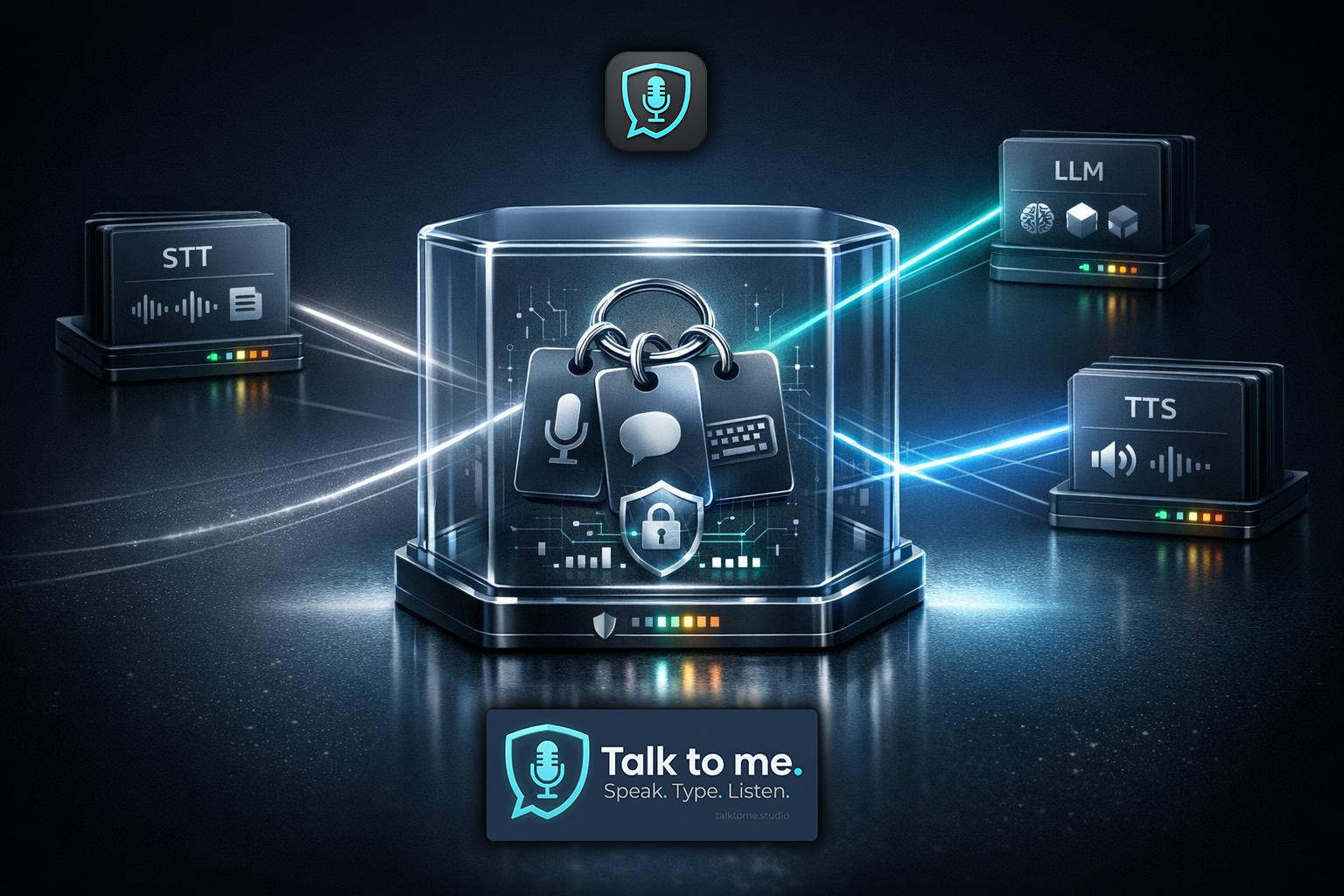
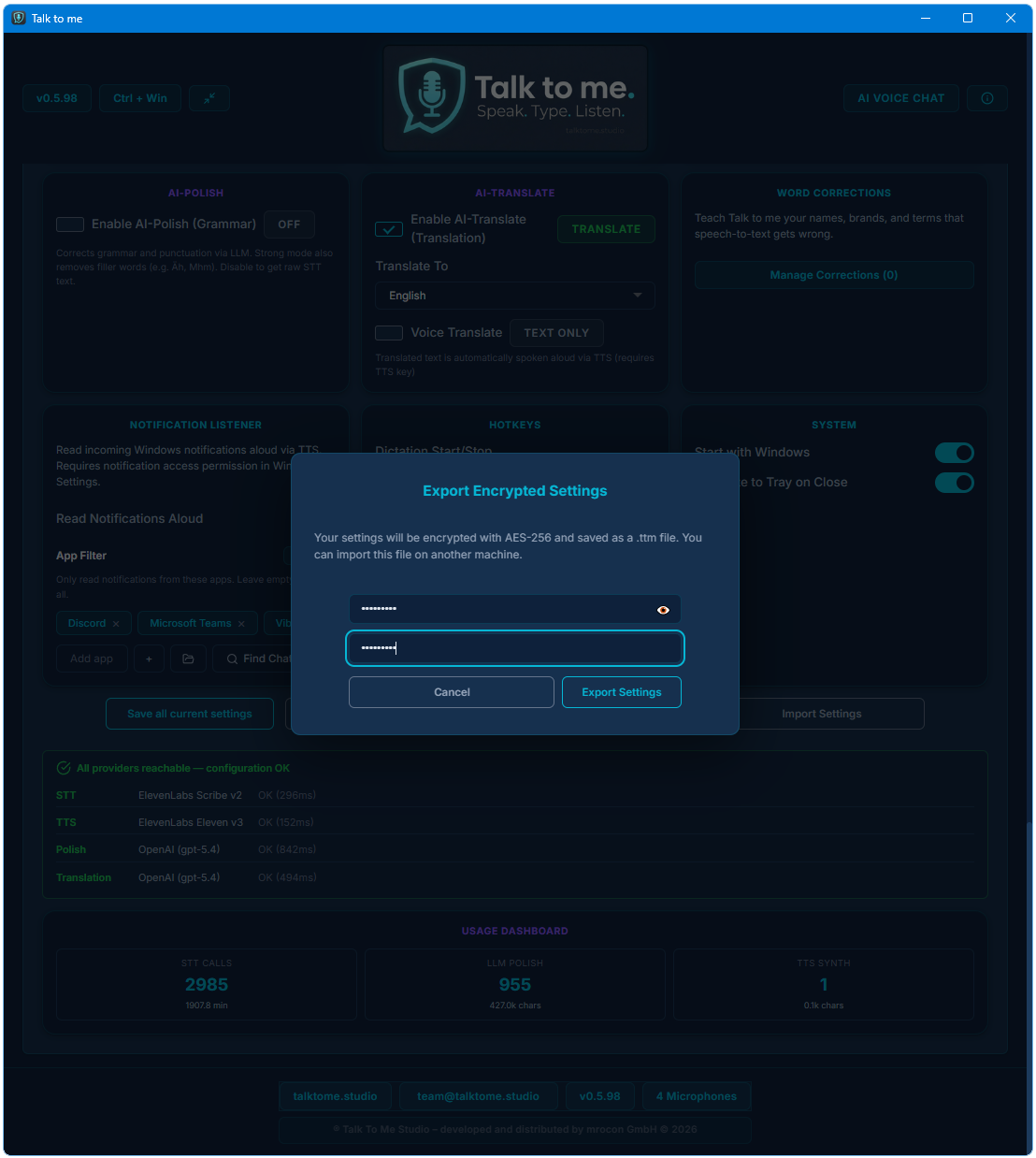
No. Keys are stored locally only and encrypted with Windows DPAPI. They never leave your machine.
Do I need an account to use the app?
No. There is no registration, no login, and no telemetry. You just need a license key and your own API keys.
Which AI providers do you support?
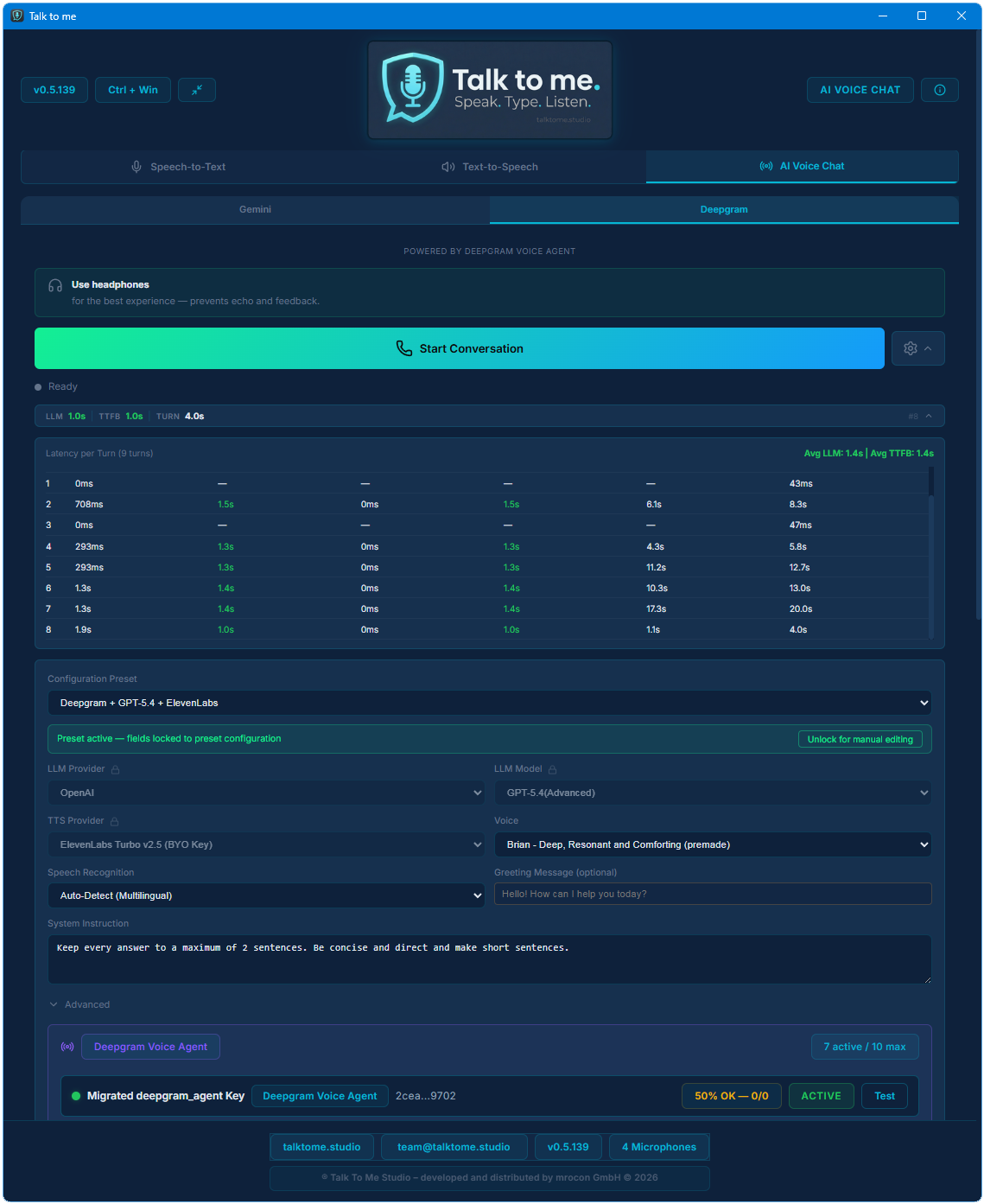
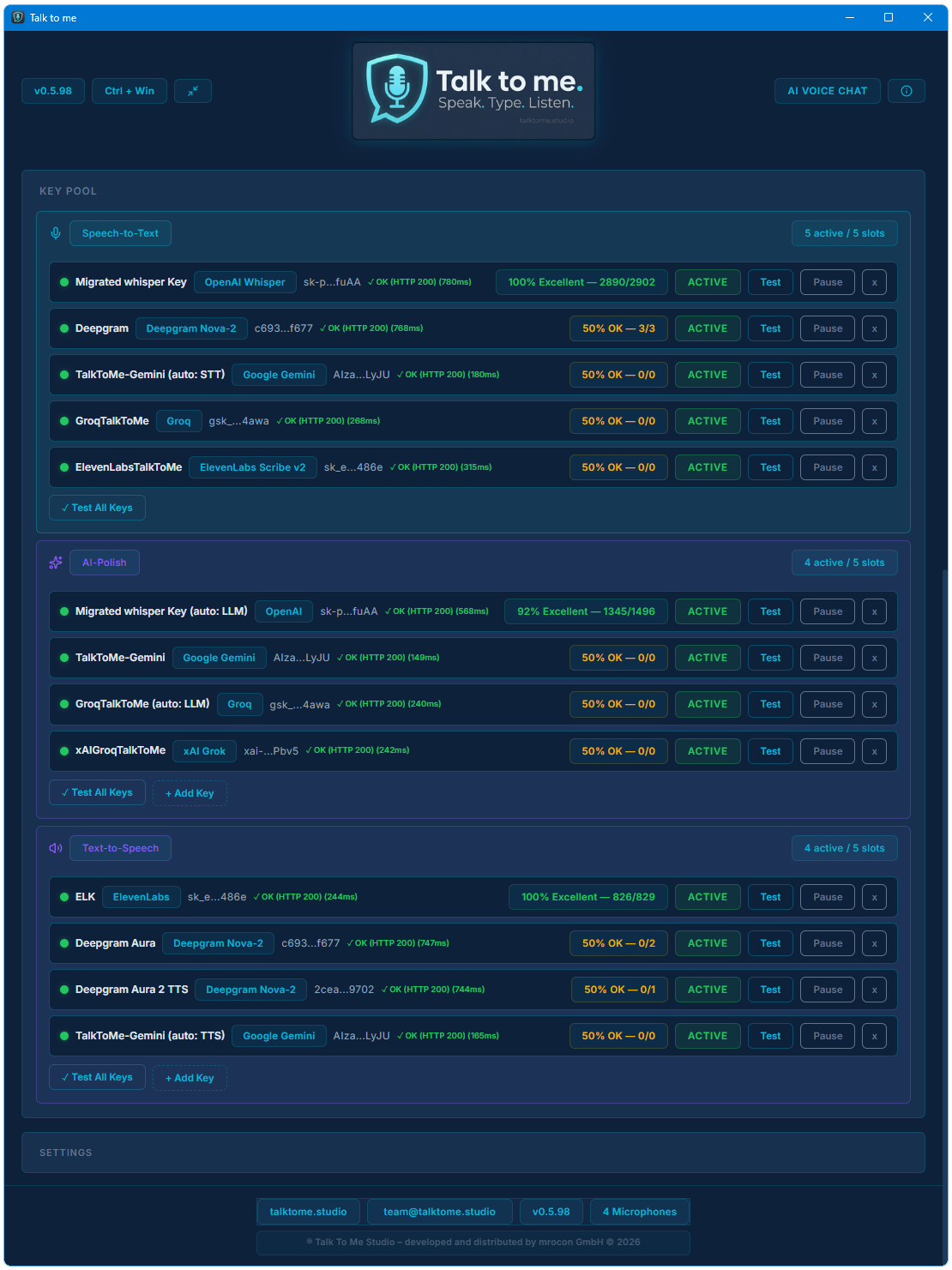
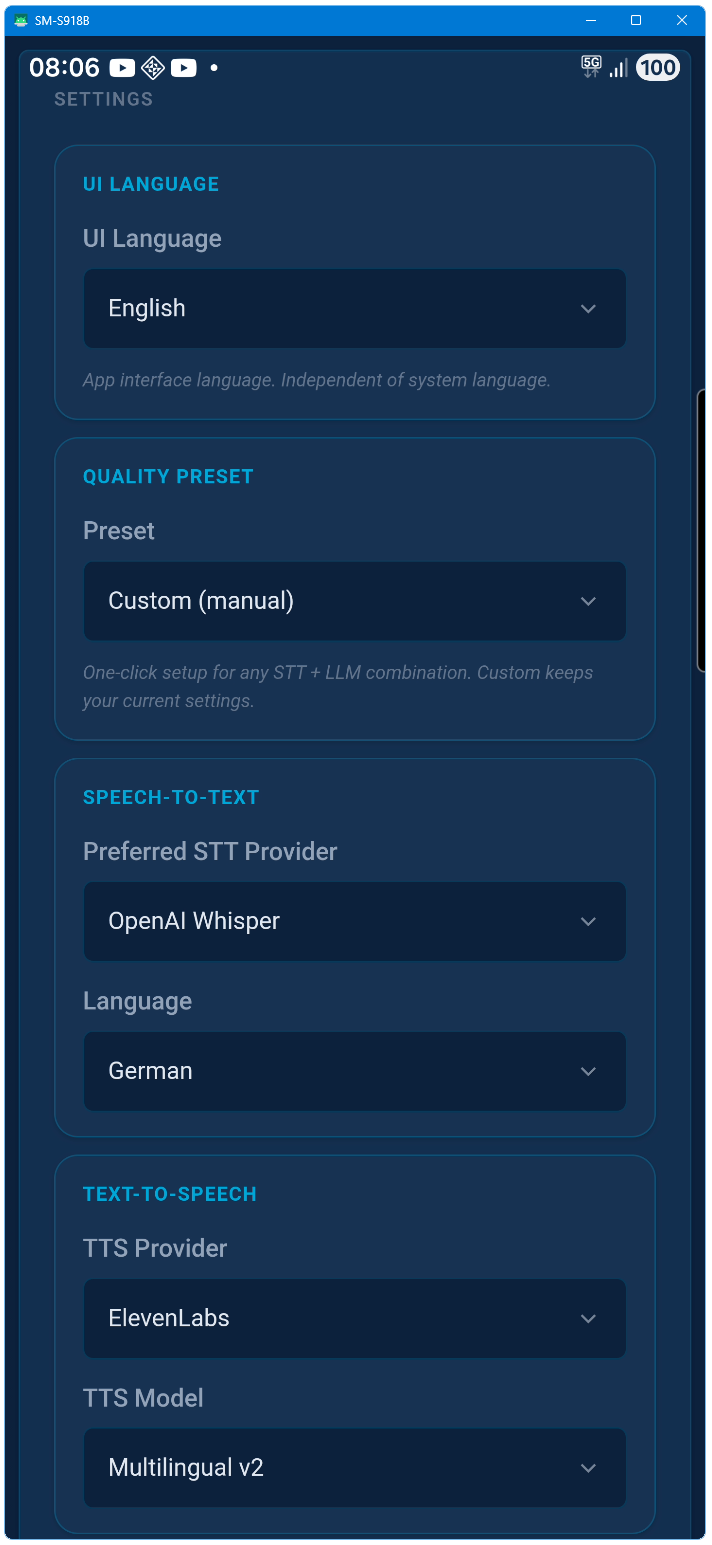
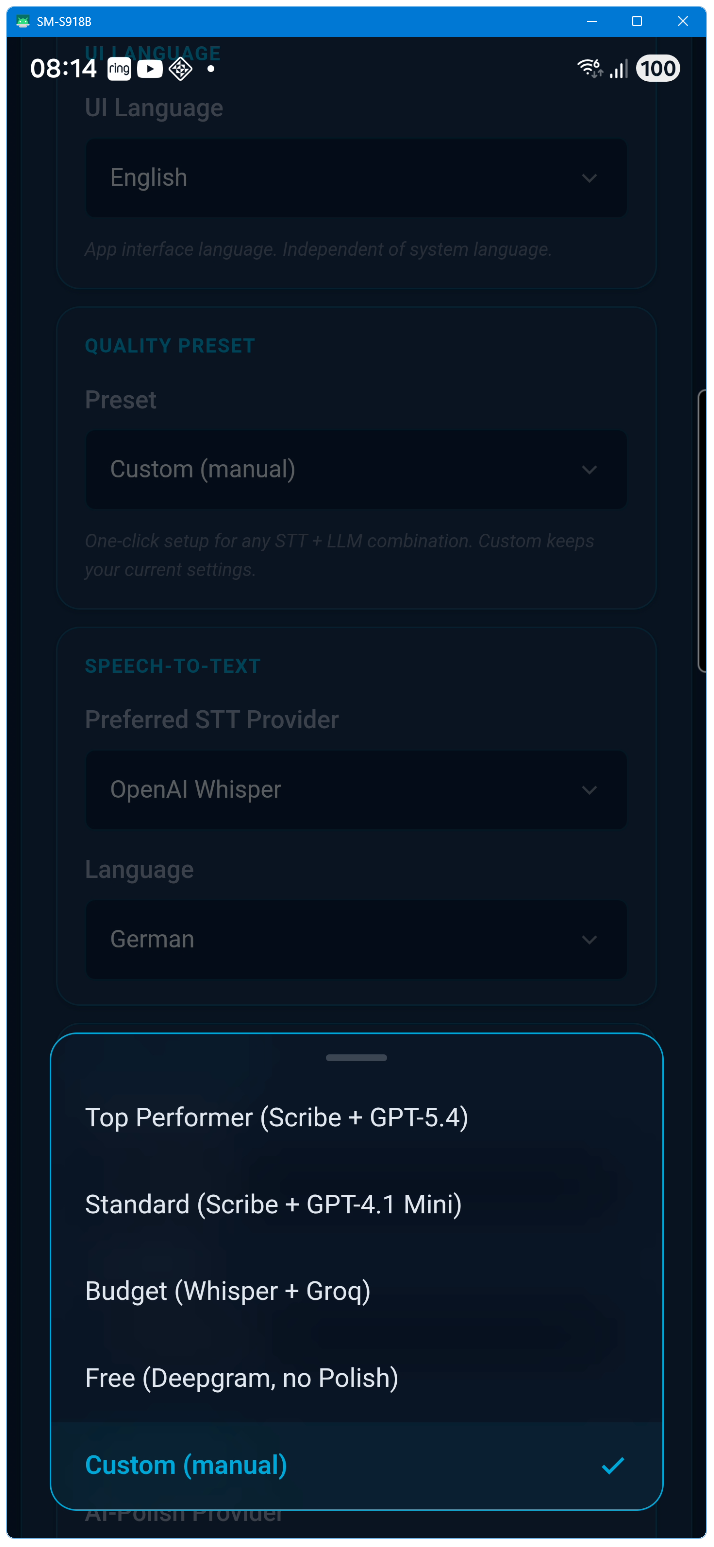
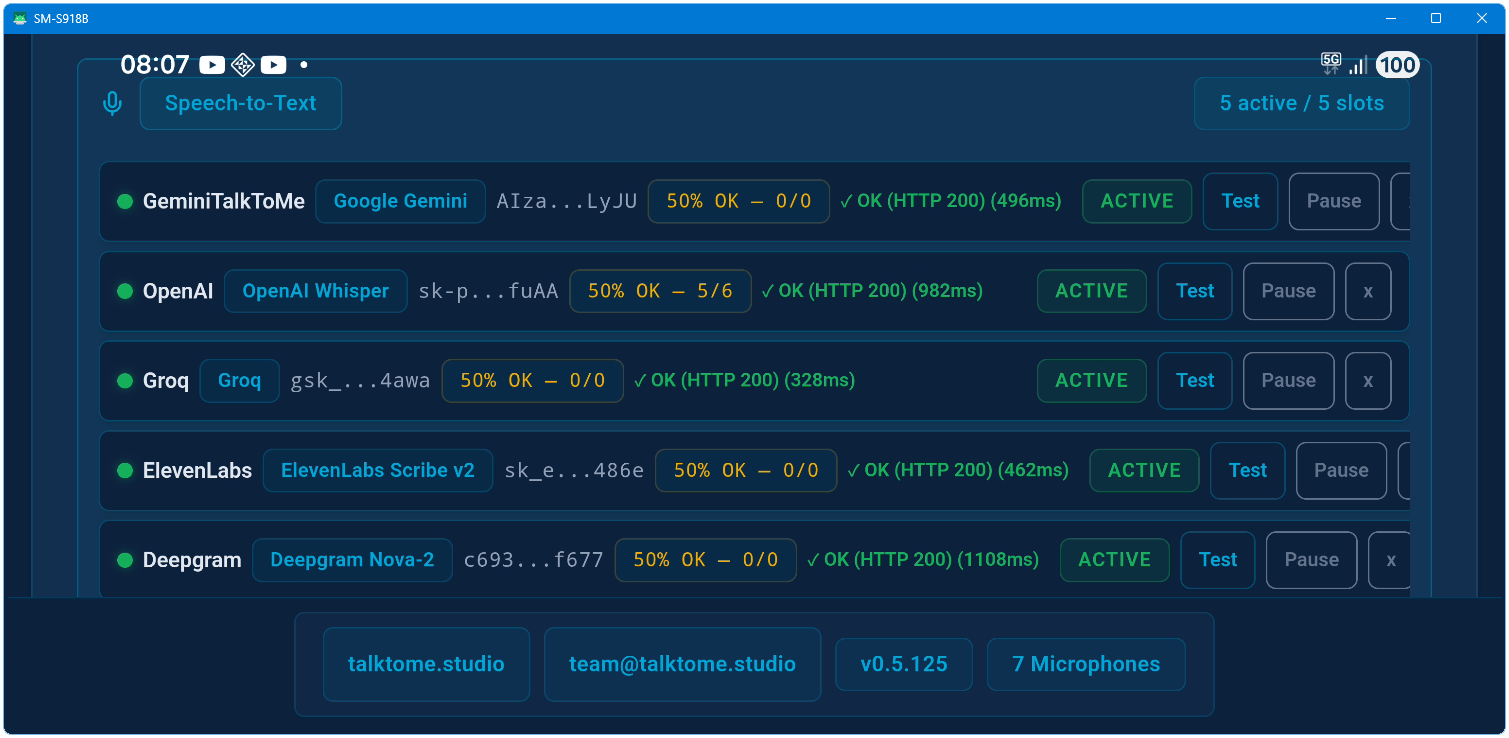
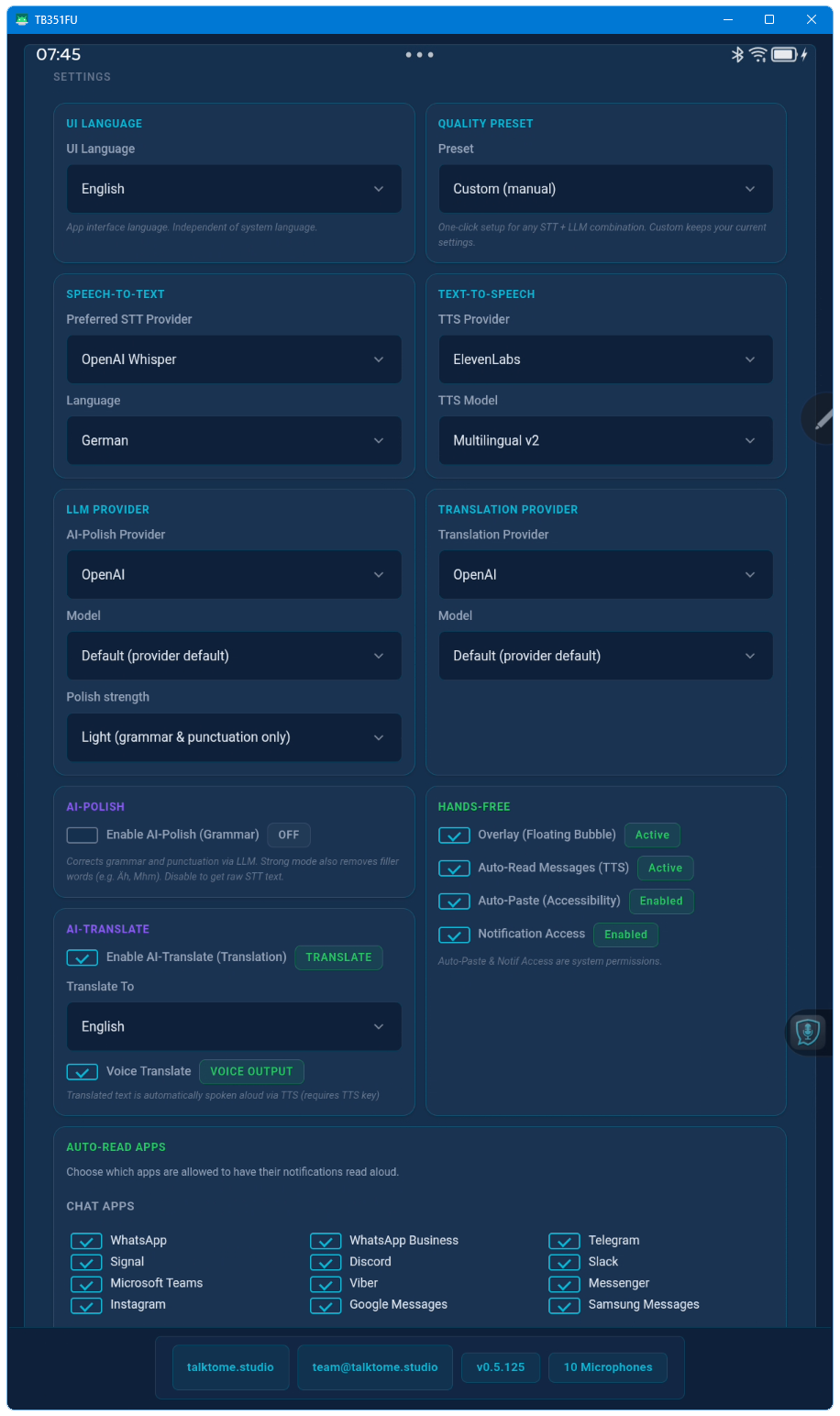
STT: OpenAI Whisper, Deepgram Nova-2, ElevenLabs Scribe v2. LLM Polish & Translation: OpenAI, Groq, Anthropic, Google Gemini, xAI Grok. TTS: ElevenLabs (4 models), OpenAI TTS, and Deepgram Aura (80+ voices, 7 languages).
Can I use multiple API keys?
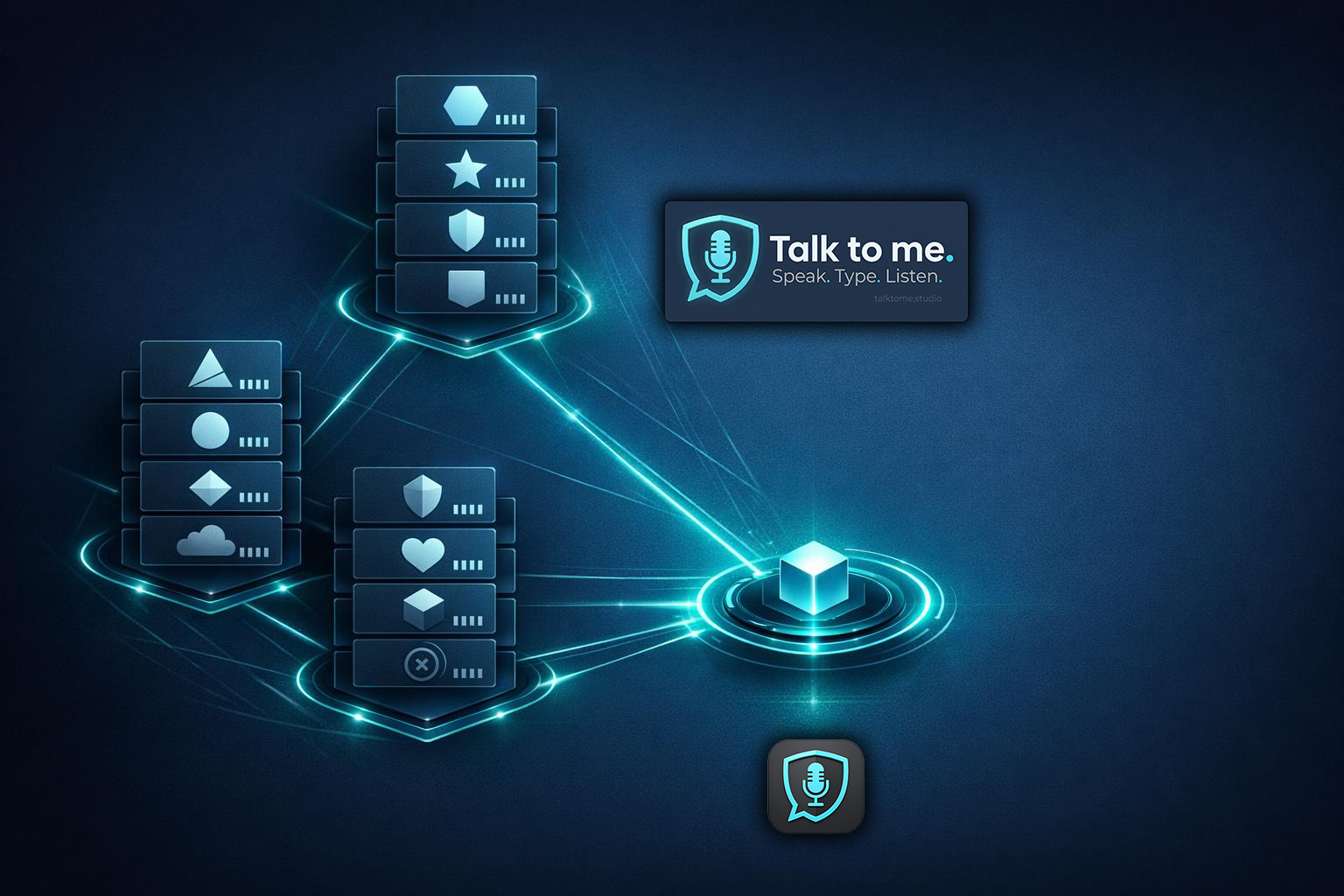
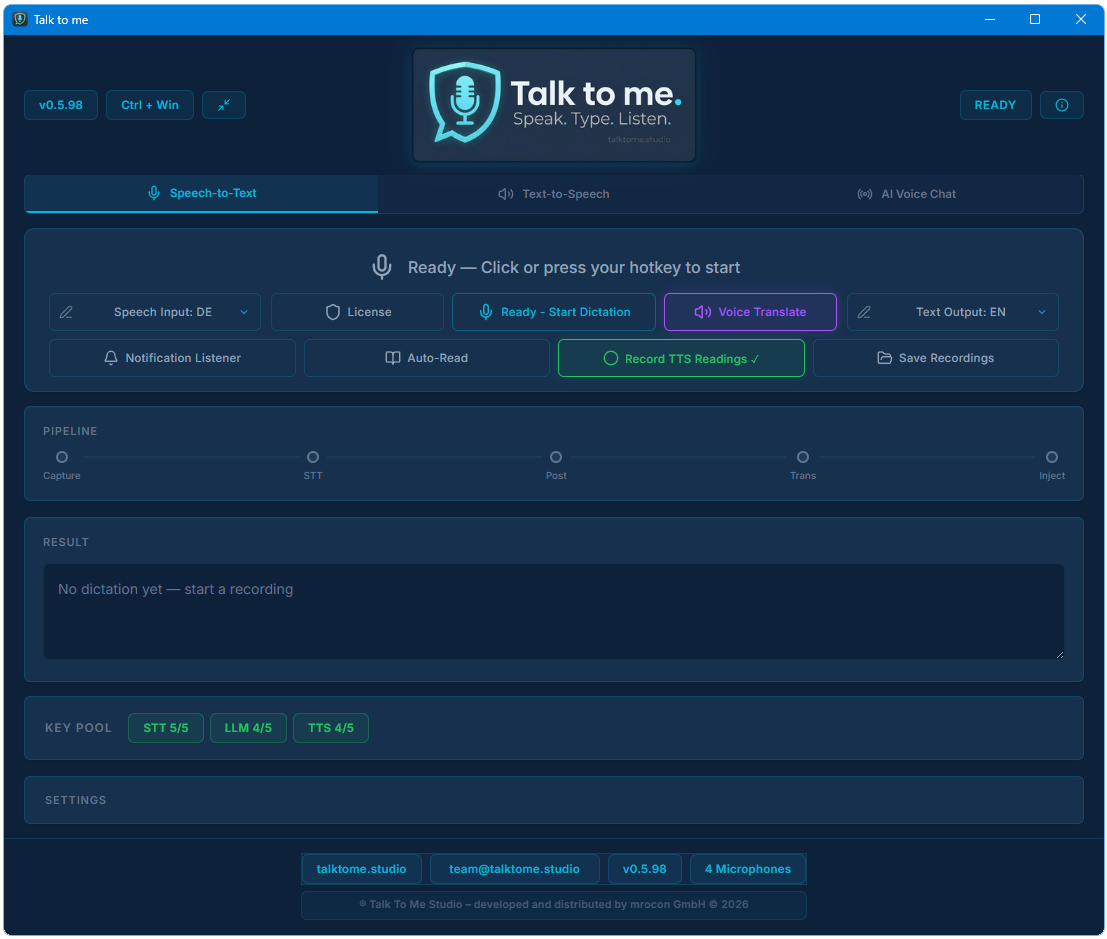
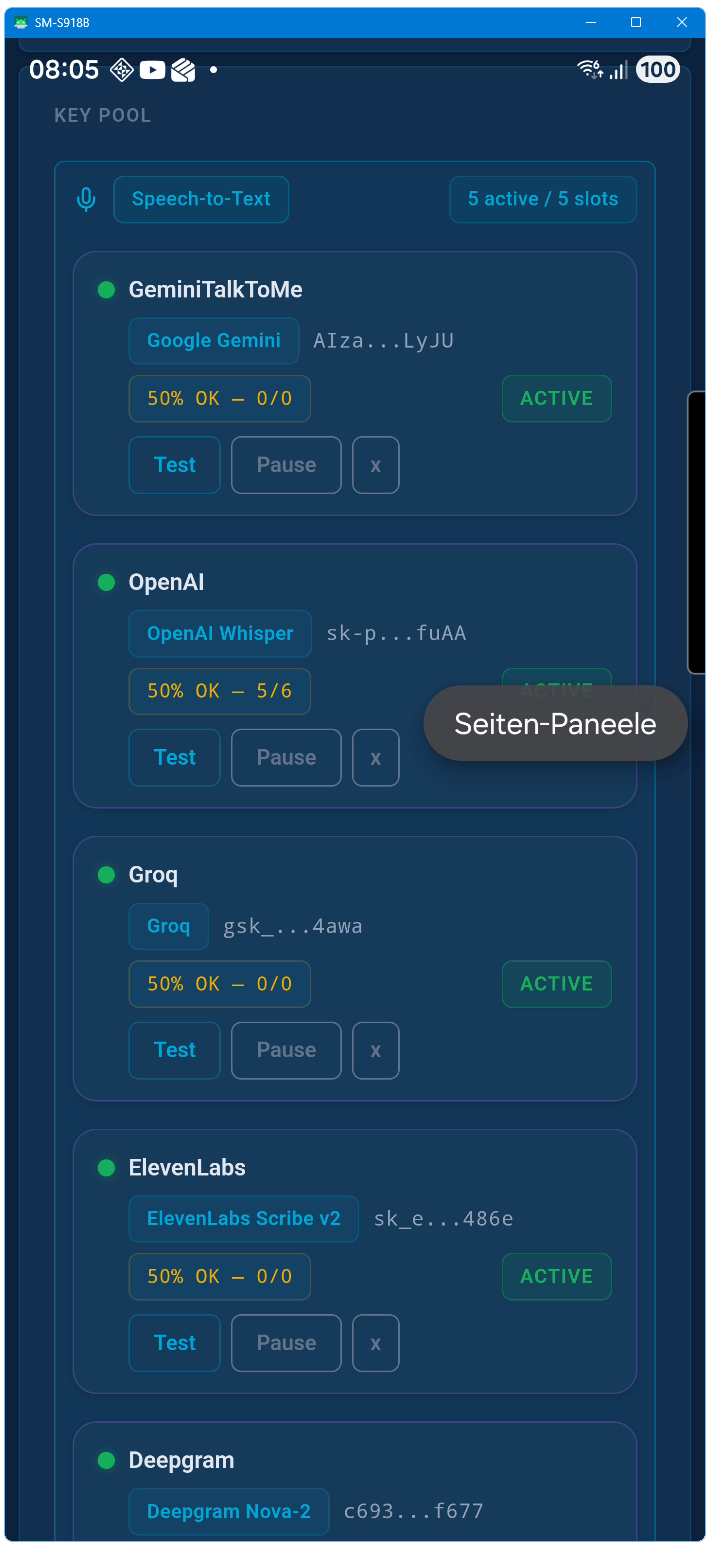
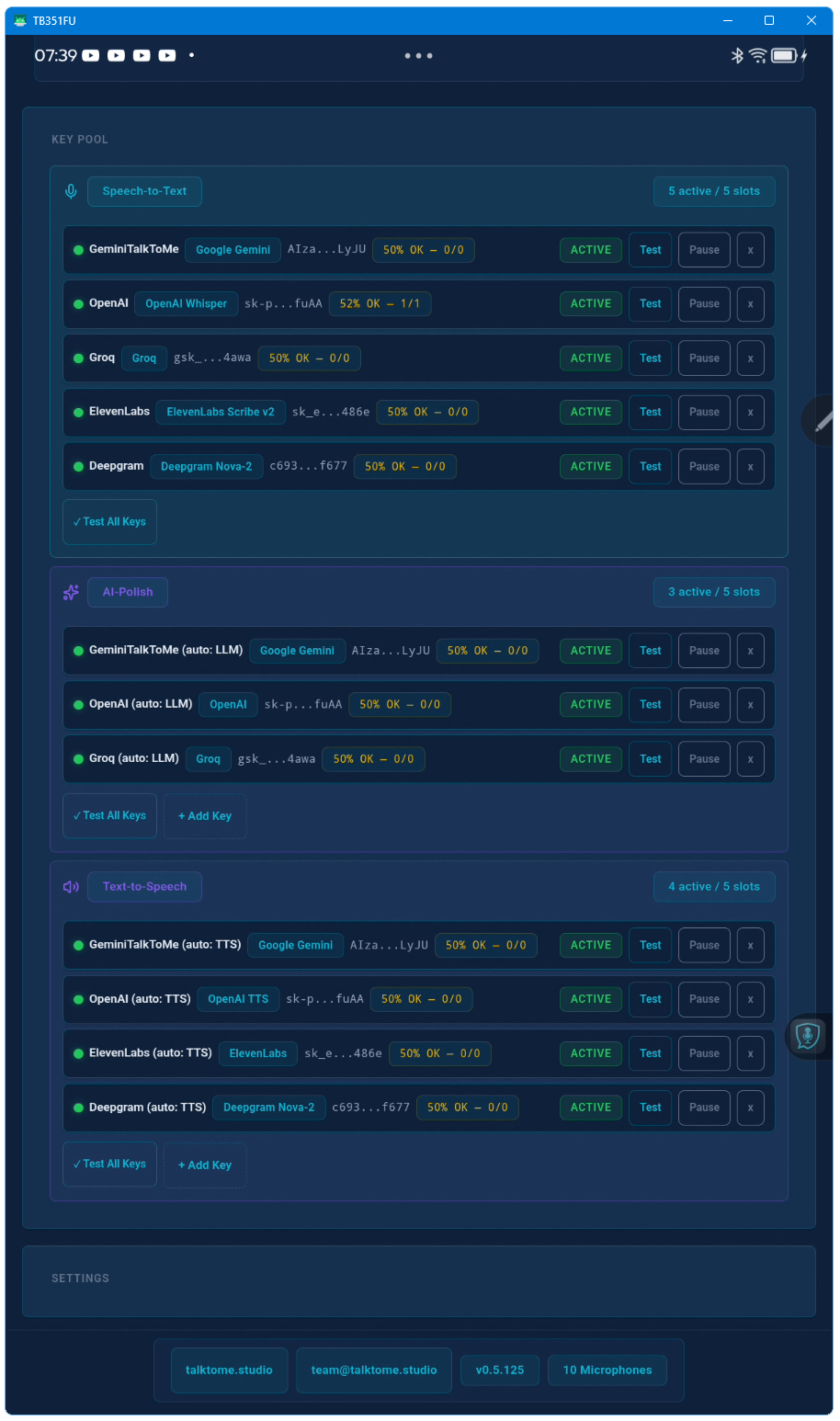
Yes. Up to 15 keys across three pools (STT, LLM, TTS). Talk to me auto-rotates between them and fails over based on trust scoring and cooldown timers.
What is Voice Translate?
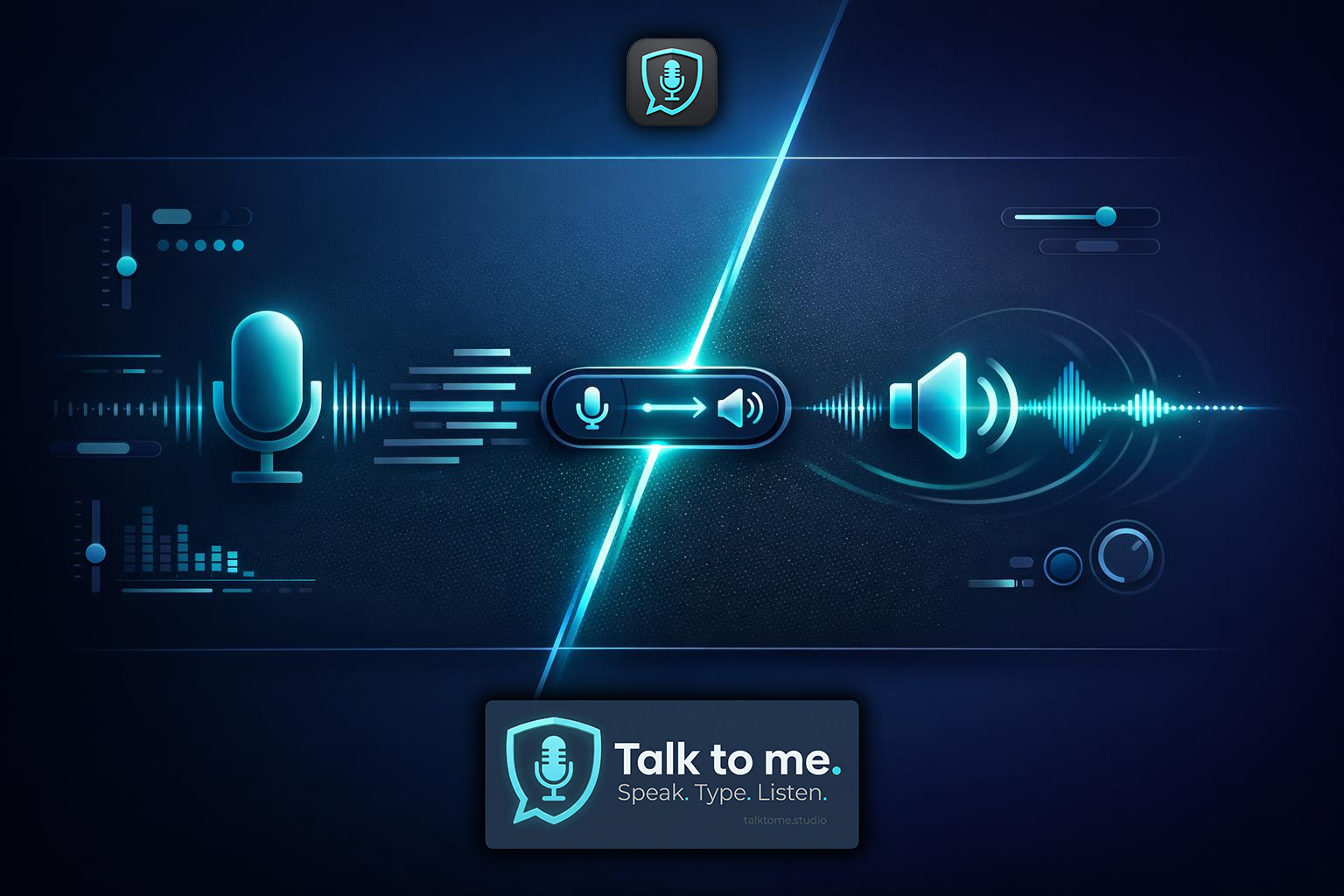
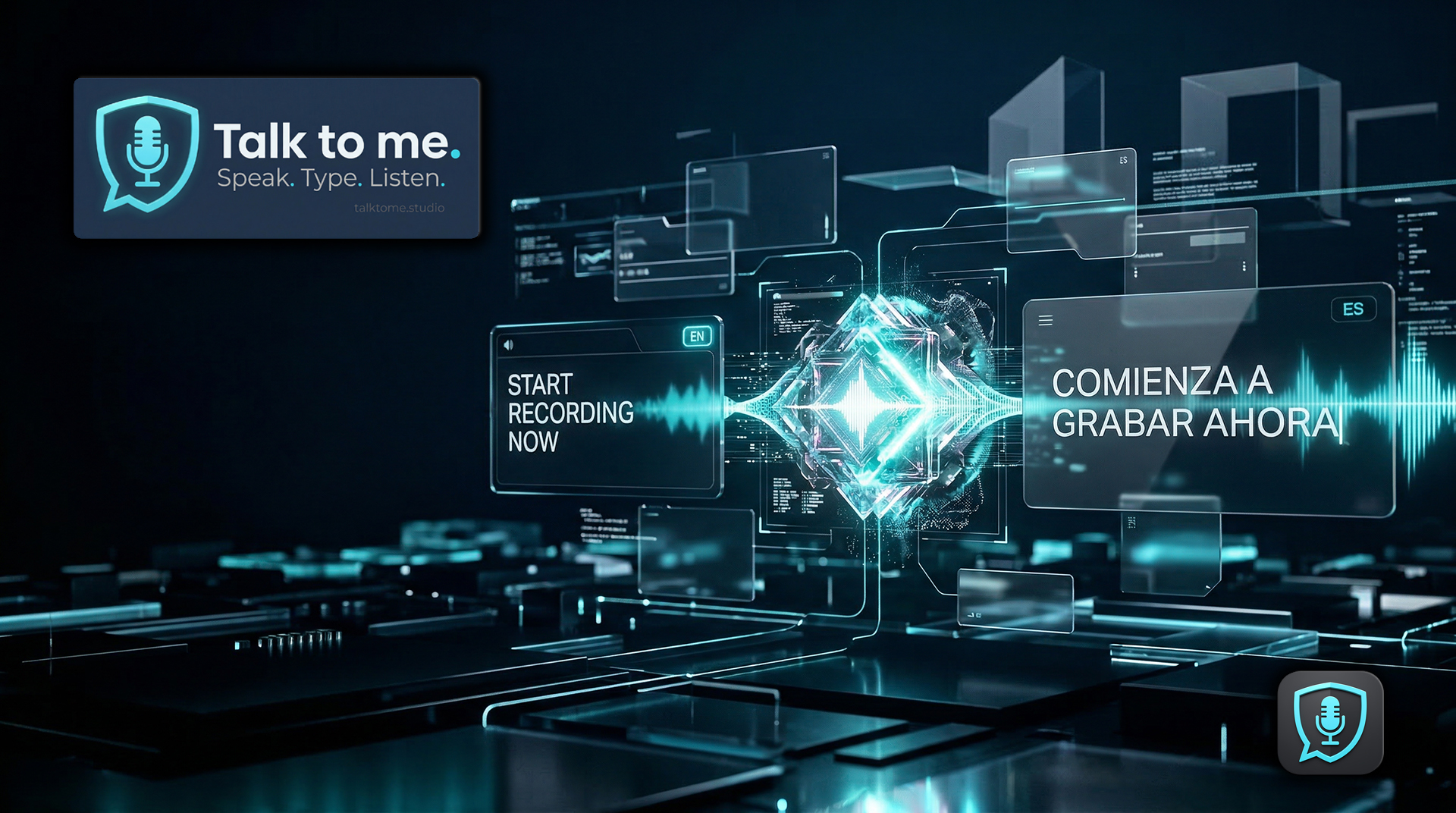
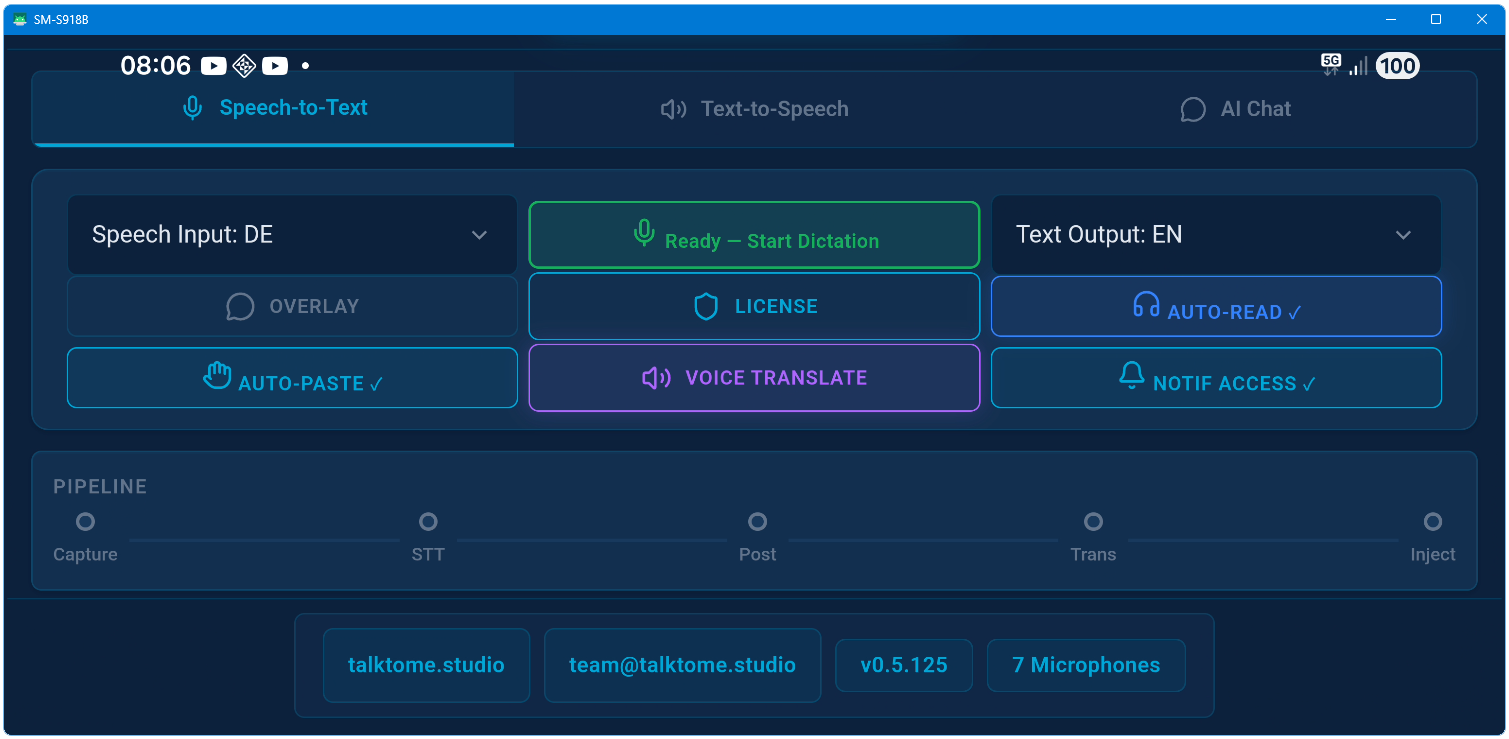
Voice Translate is real-time voice-to-voice translation. You speak in one language, and Talk to me transcribes, translates, and speaks the result back to you in another language — all within seconds. The text also gets pasted into your app simultaneously.
How does Live Translation work?
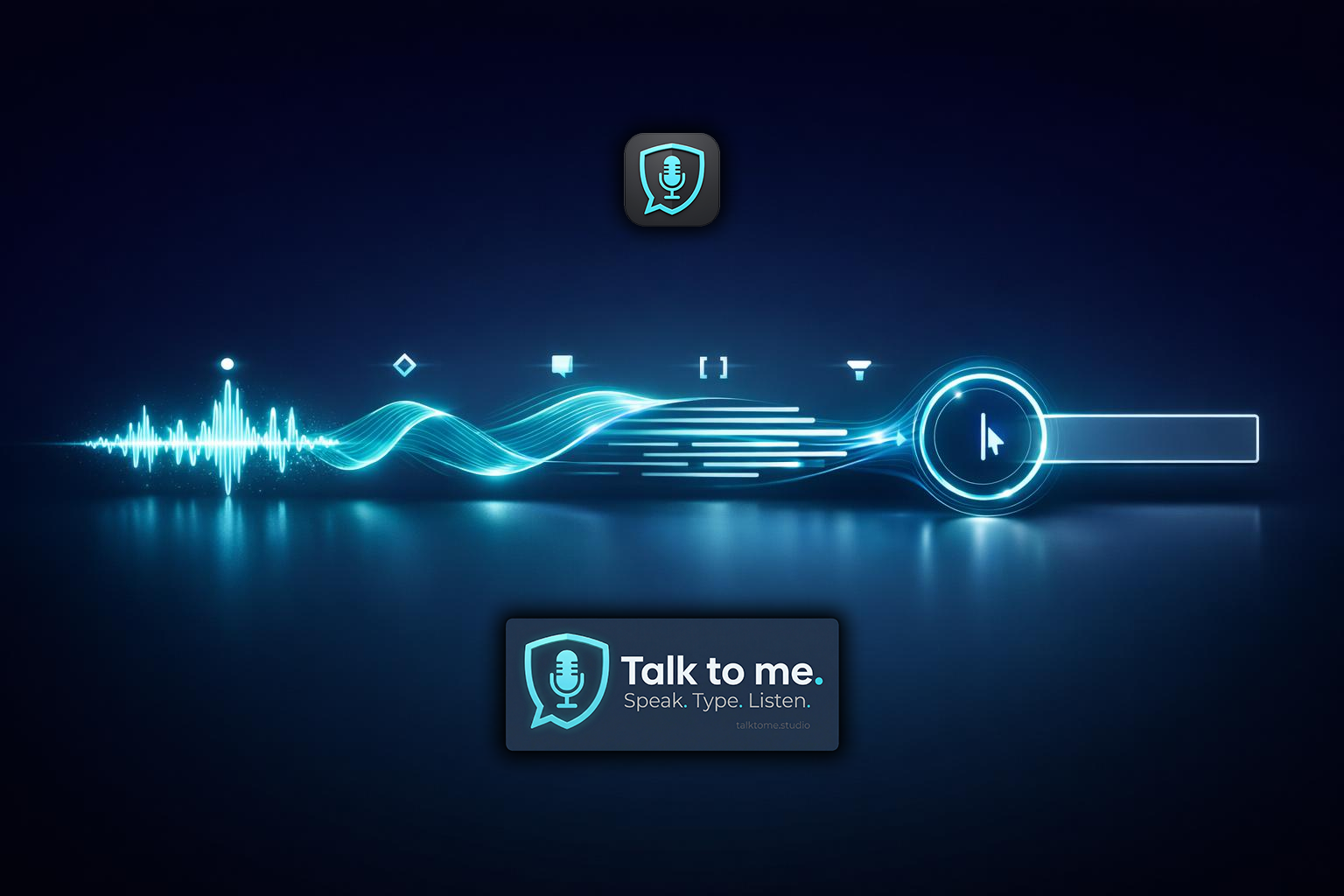
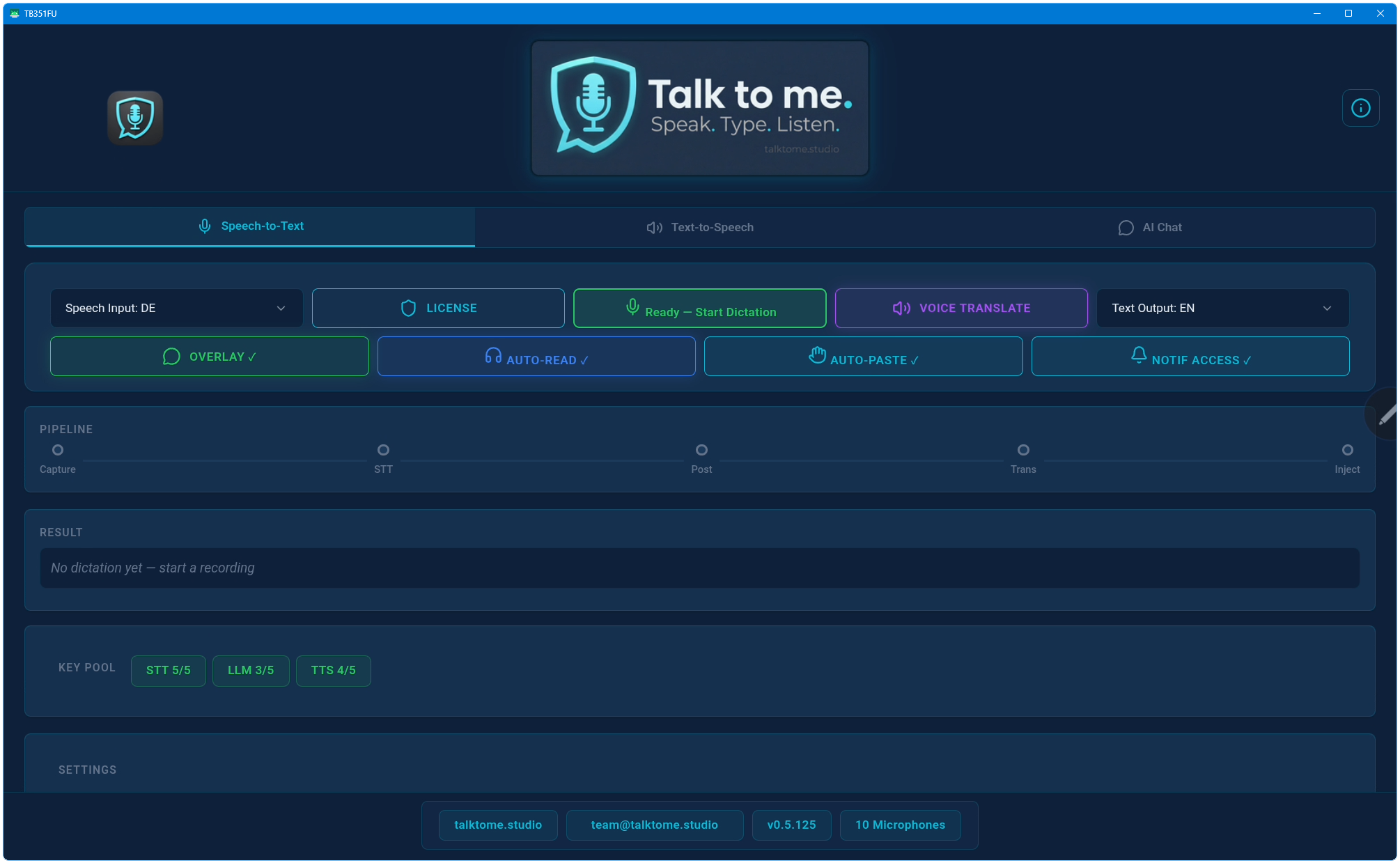
Speak in your native language. The STT engine transcribes it. The LLM translates it into your chosen target language (20 available). The translated text auto-pastes into whatever app you're using. Same pipeline, same hotkey, zero extra steps.
Is it only dictation?
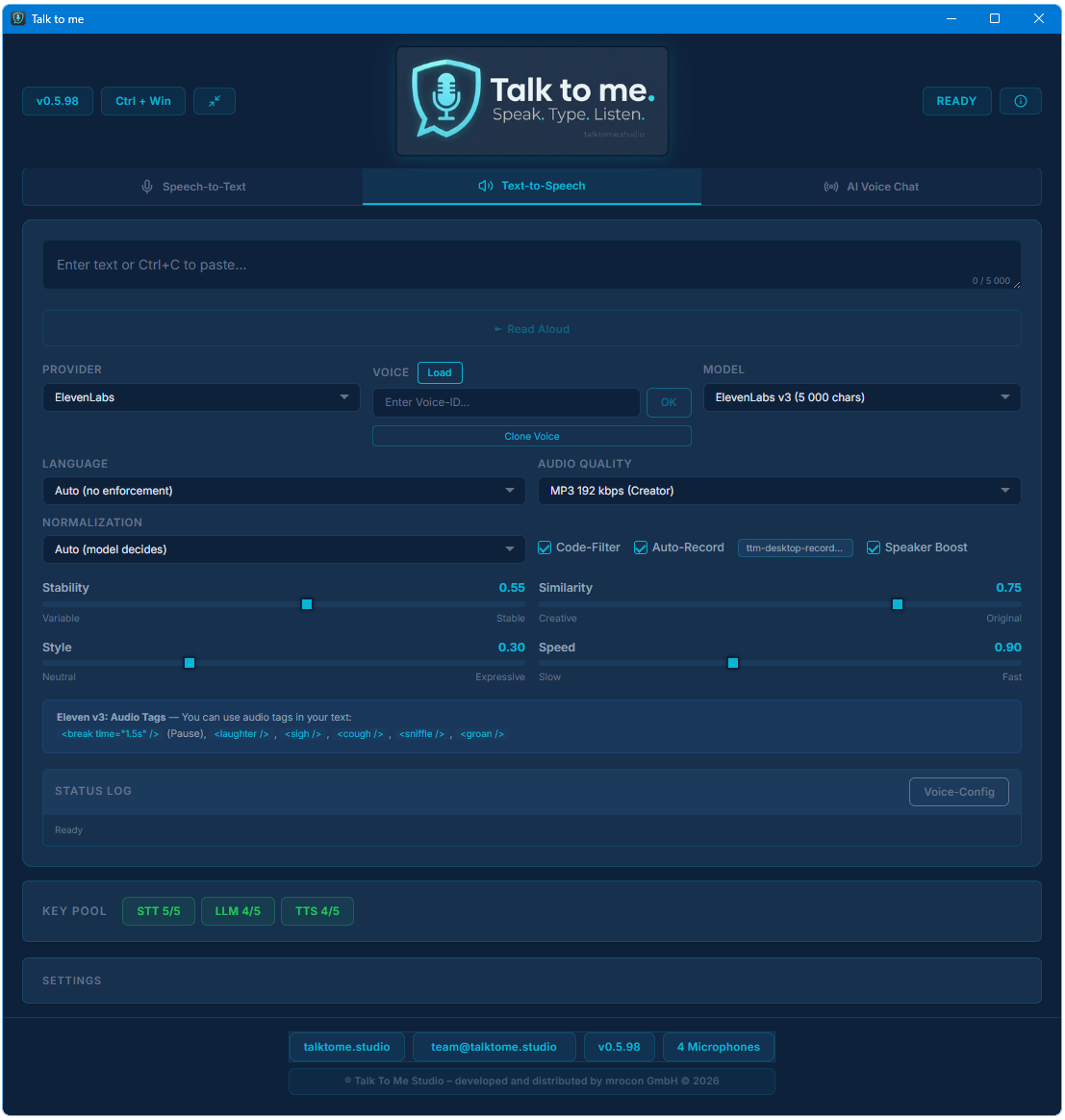
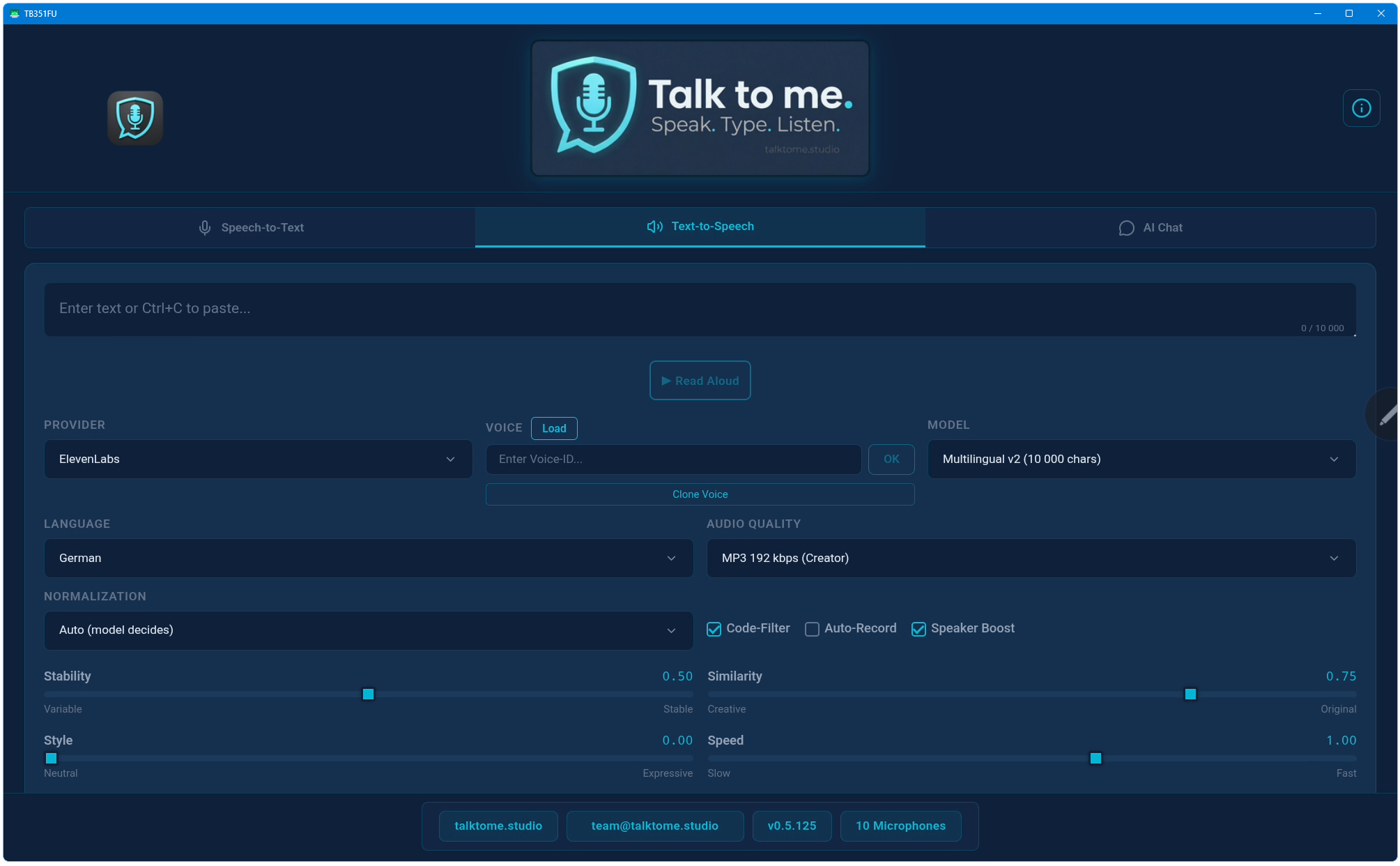
Not even close. STT with AI-Polish, Live Translation into 20 languages, Voice Translate for real-time speech-to-speech, and TTS as a full production workstation with voice cloning, advanced models, and auto-recording. That's why it's a Voice Interaction Studio.
What about auto-renewal?
There is no auto-renewal. Both Yearly and Lifetime are one-time payments. When your year expires, you decide if you want to renew. No subscription traps.
How many devices can I use?
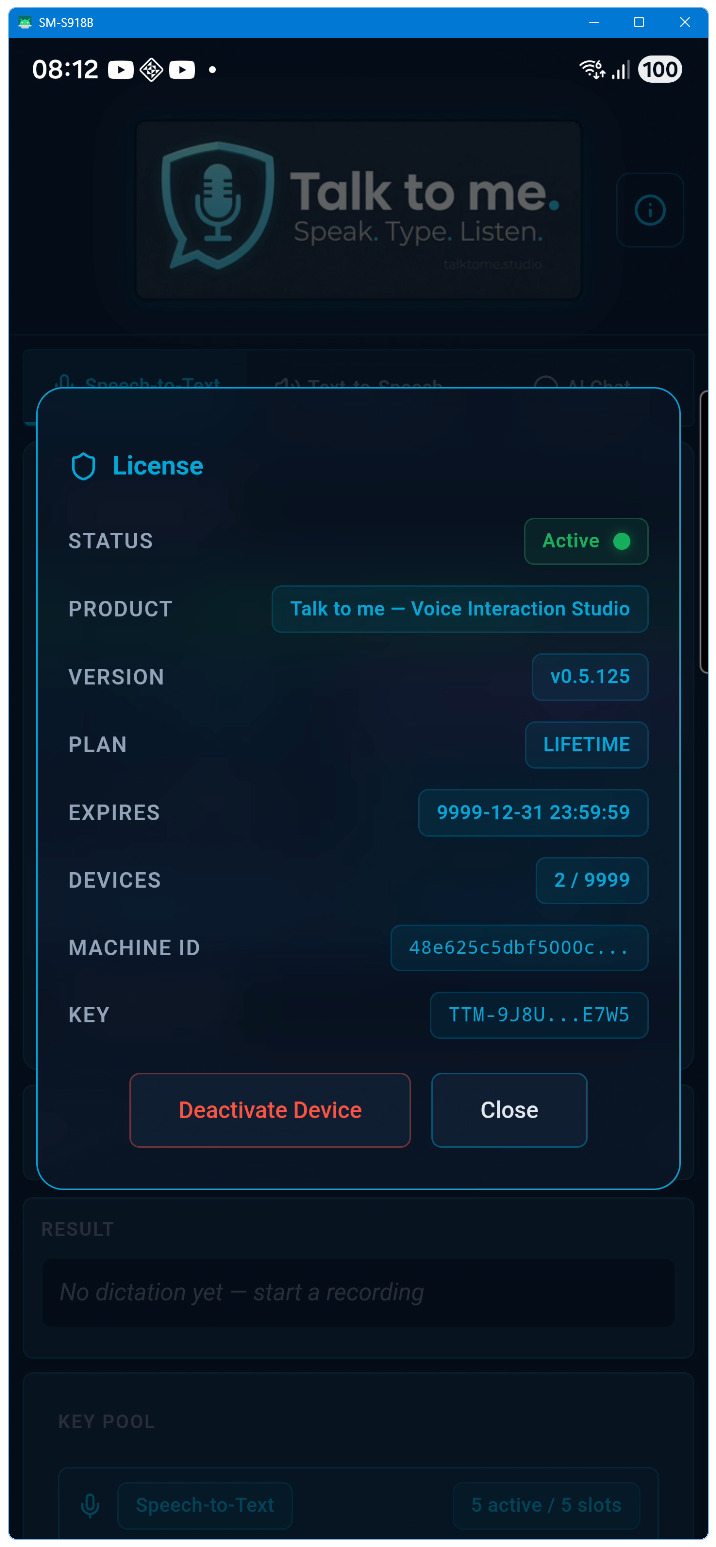
Each license activates on one device. You can deactivate your current device and transfer the license to a new one anytime via the portal.
What does "Bring Your Own Key" (BYOK) mean?
You use your own API keys from providers like OpenAI, ElevenLabs, or Deepgram. Talk to me does not resell AI services — it connects directly to the providers you already have accounts with. This gives you full control over costs, models, and rate limits.
Do the API calls cost extra?
Yes — API usage is billed directly by the providers (OpenAI, ElevenLabs, Deepgram, etc.) according to their pricing. Talk to me itself has no per-call fees. Most users spend a few dollars per month depending on usage. However, every feature on this website can be tested with free-tier API keys: Groq and xAI offer free LLM access (Polish, Translation), Deepgram offers free STT and TTS credits, and ElevenLabs offers free STT and TTS credits. No paid API key is required to experience the full feature set.
Does Talk to me work offline?
No. Speech recognition, translation, and text-to-speech all require cloud API calls. However, no data is stored on any server — audio and text are processed in real time and discarded by the providers. The app itself has no backend; your machine talks directly to the AI providers.
Which platforms are supported?
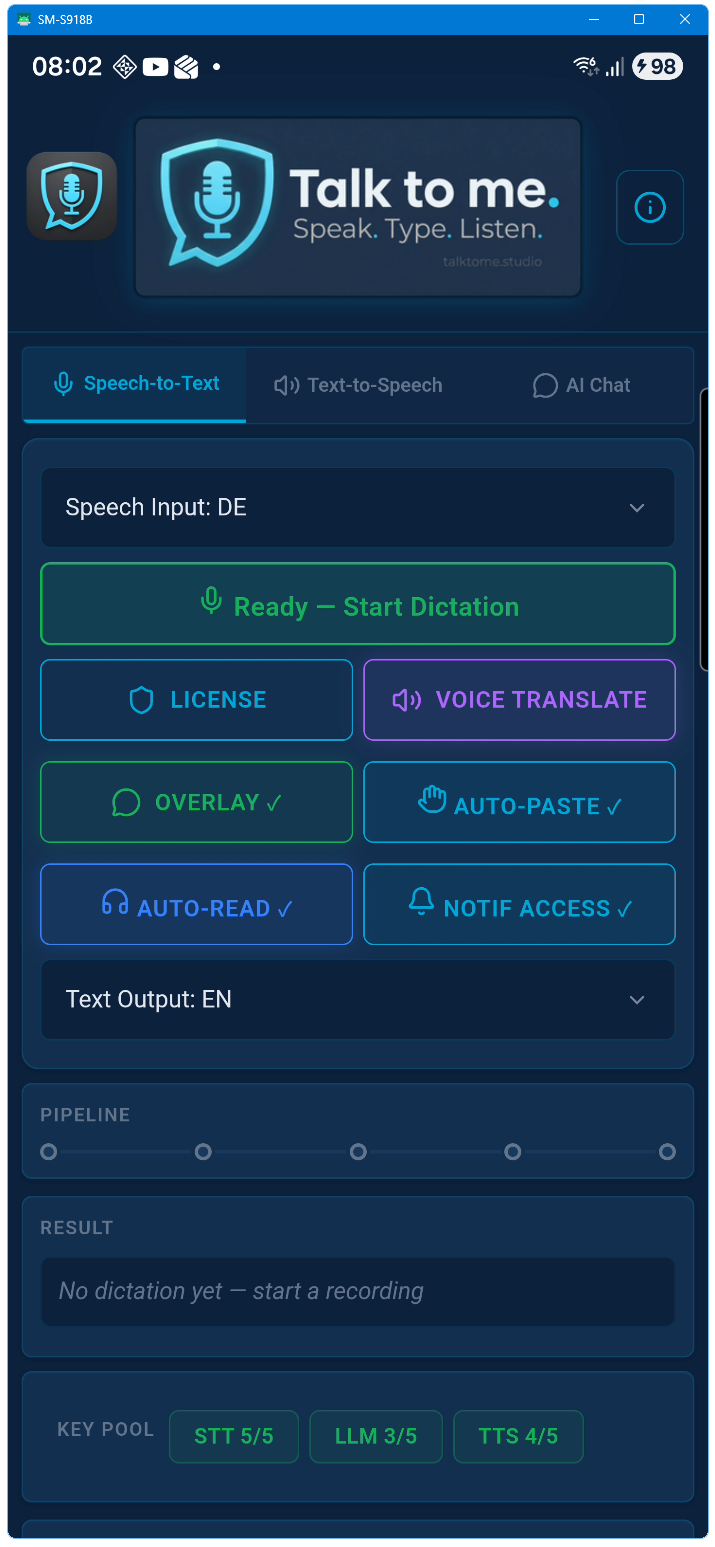
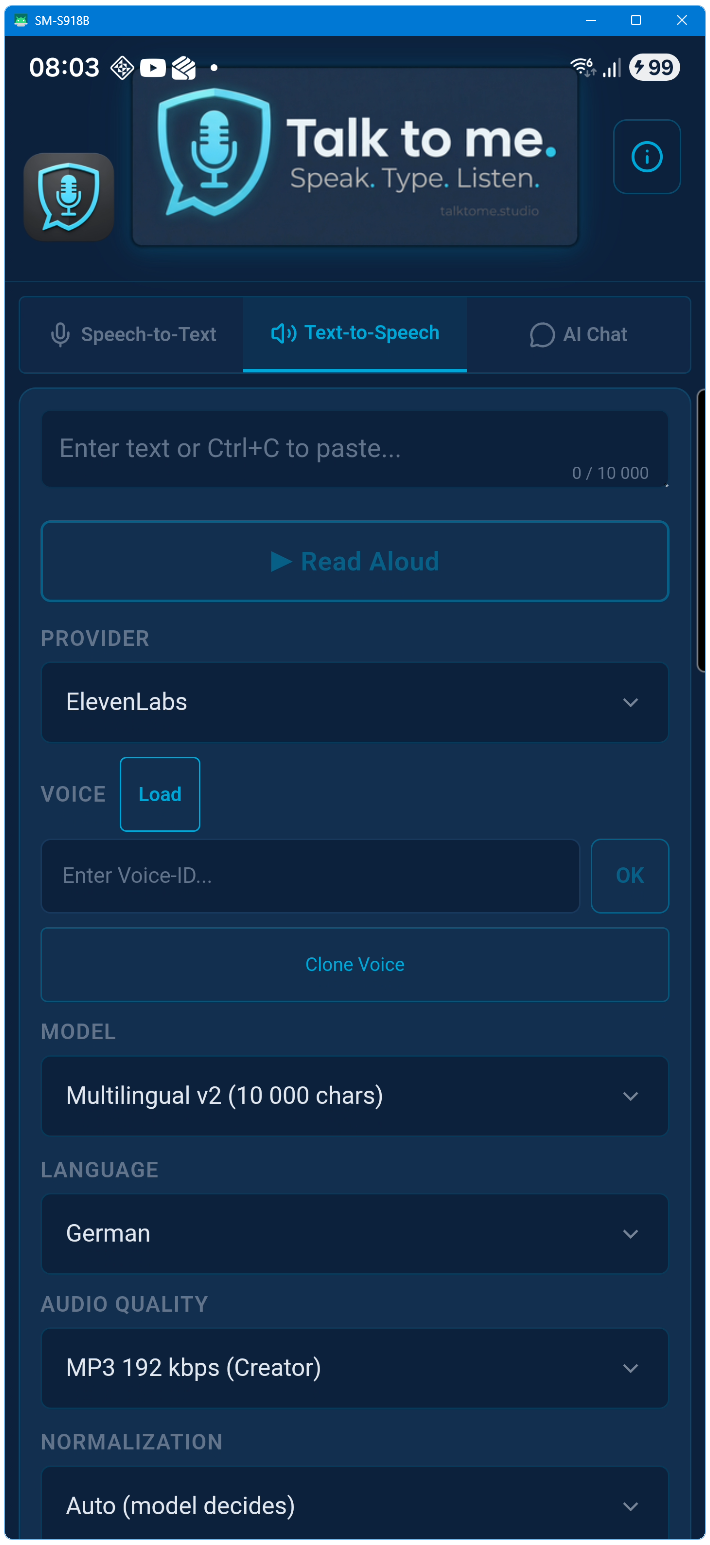
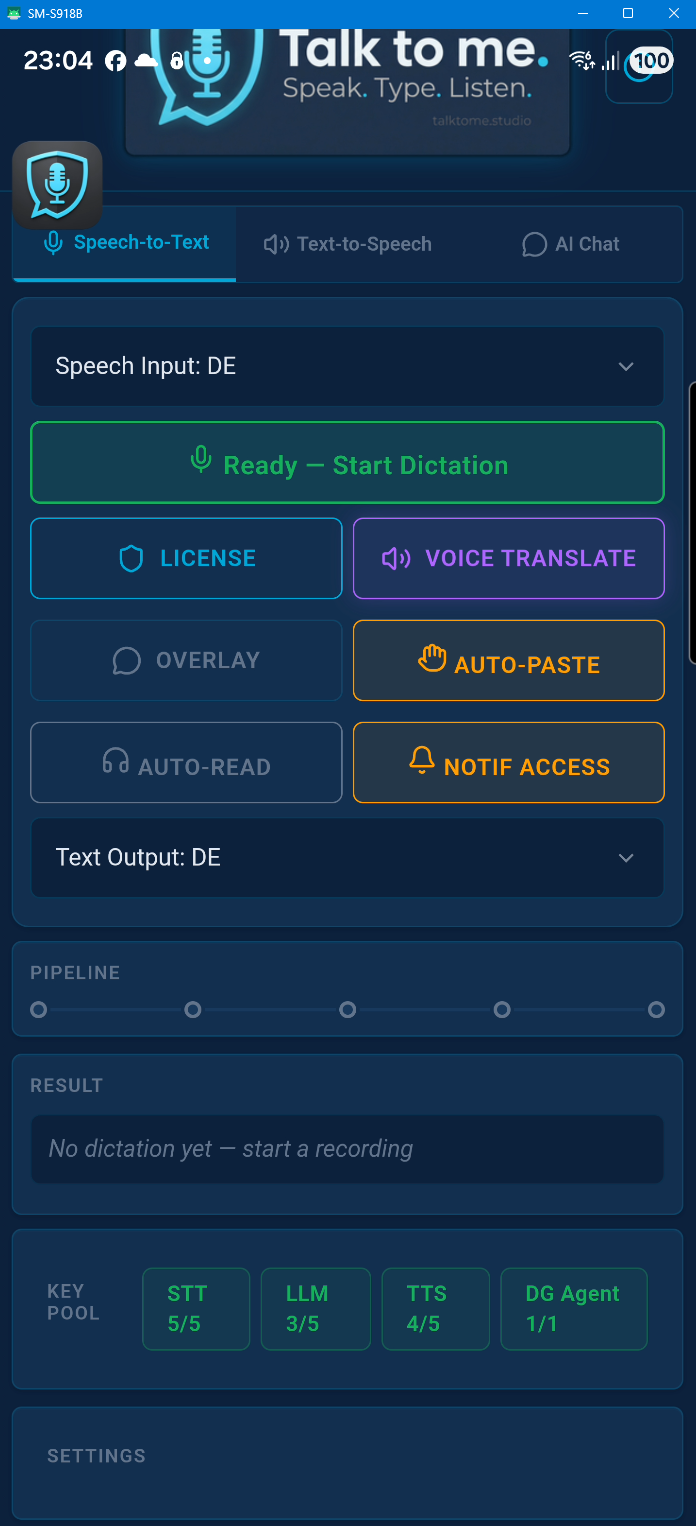
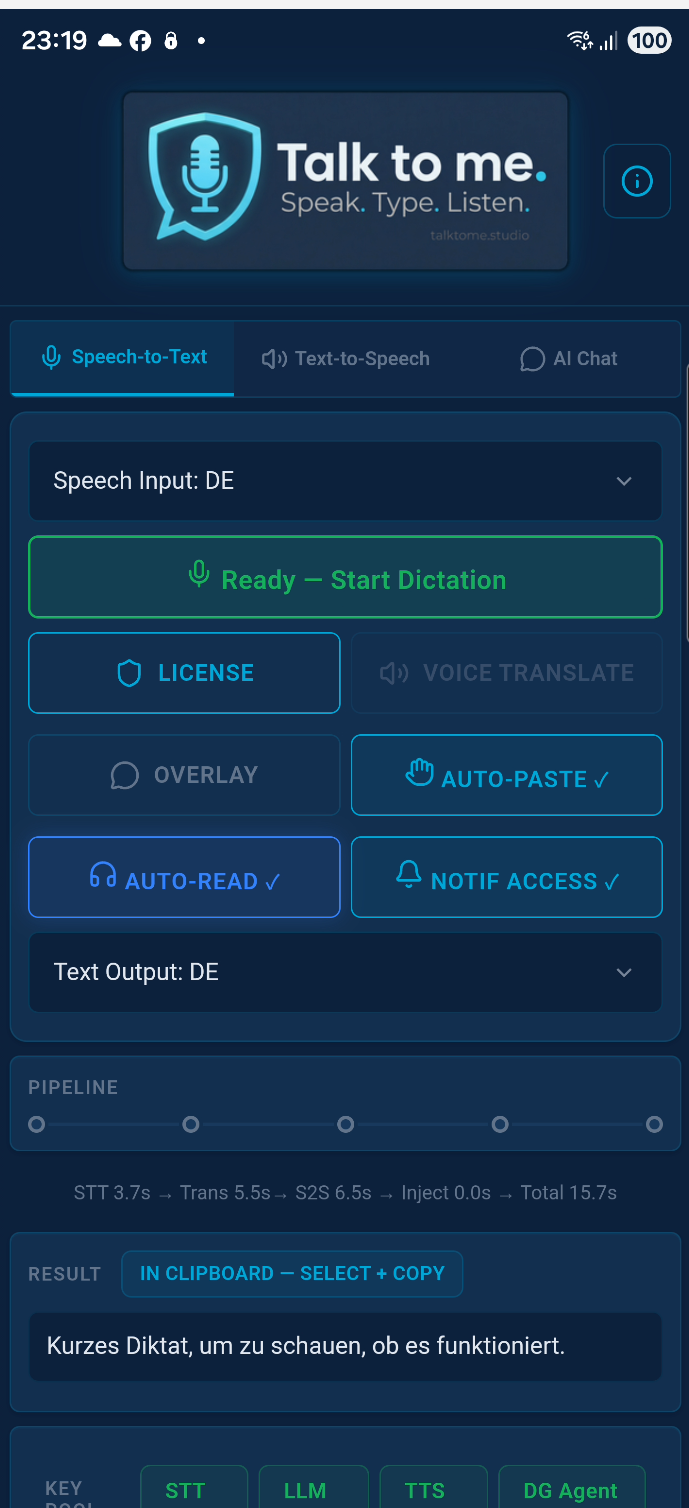
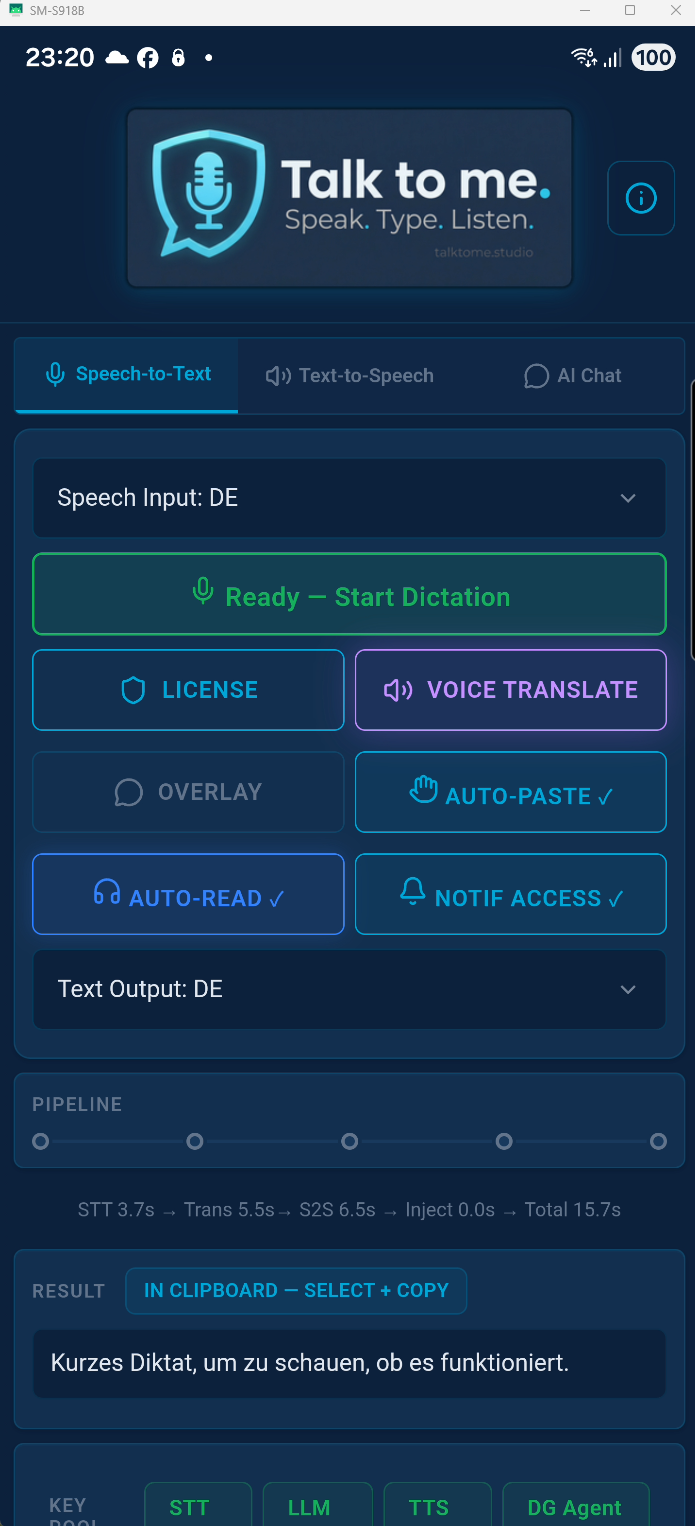
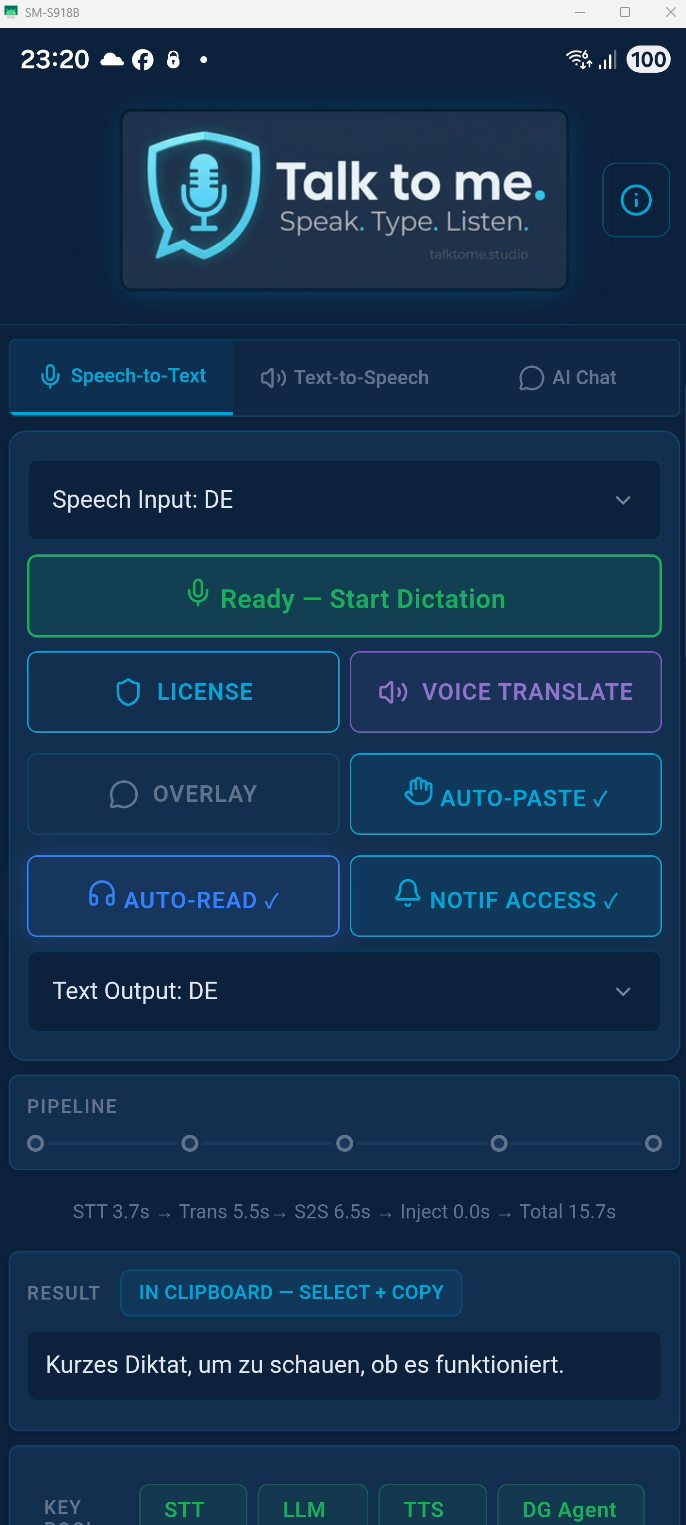
Talk to me is available for Windows (10/11) as a native desktop application and as an Android app with full hands-free voice input. Get it from the Microsoft Store, Google Play, or download directly from this website.
How do I start dictating?
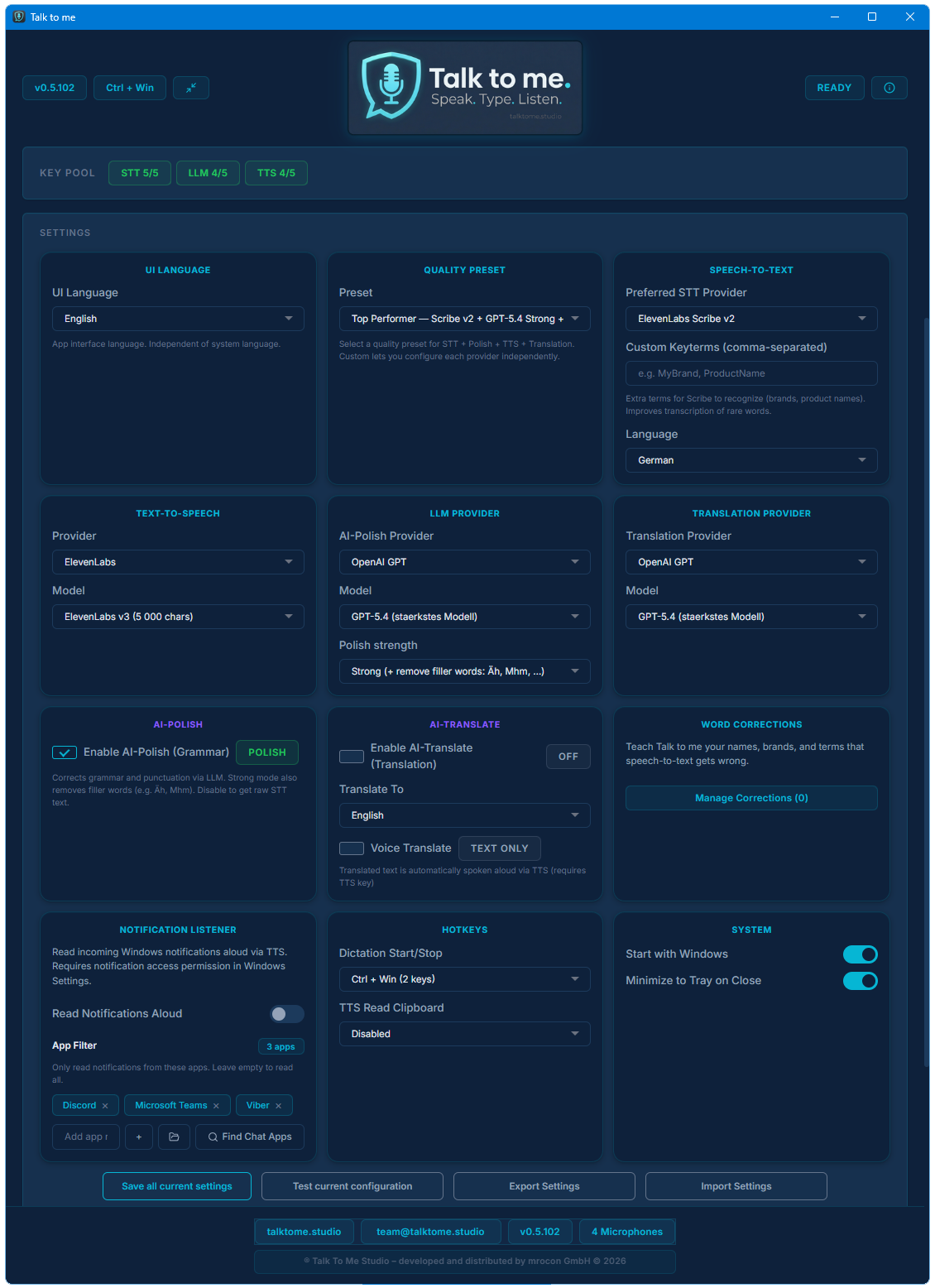
Press your chosen global hotkey (default: Ctrl + Win). The app records while you hold the key, then transcribes and pastes the text into whatever app you were using. You can choose from 11 different hotkey combinations in Settings.
What is AI-Polish and can I turn it off?
AI-Polish sends your transcribed text through an LLM to fix grammar, spelling, and punctuation — without changing your meaning or style. It's optional and can be toggled off at any time. When disabled, you get the raw transcription with basic post-processing only.
Does it remove filler words like "um" and "uh"?
Yes. Filler words are automatically stripped from the transcription before it reaches AI-Polish. This works across all supported languages — including "äh", "ähm" (German), "euh" (French), and similar patterns.
How many languages are supported?
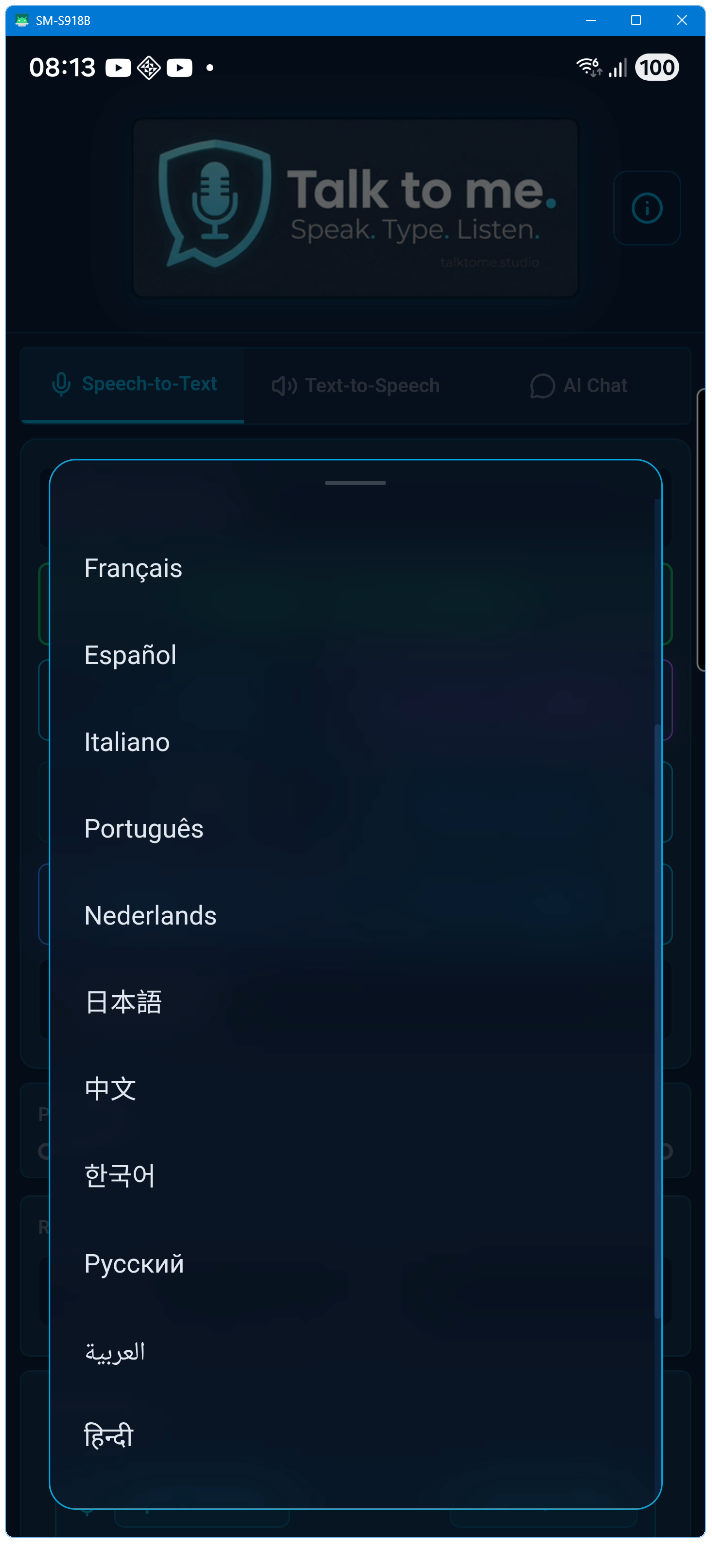
18 languages for speech input (STT) including auto-detect. 20 target languages for Live Translation. Voice Translate (speech-to-speech) supports any combination of these. TTS supports 17 languages with forced pronunciation.
Can I save the spoken audio as files?
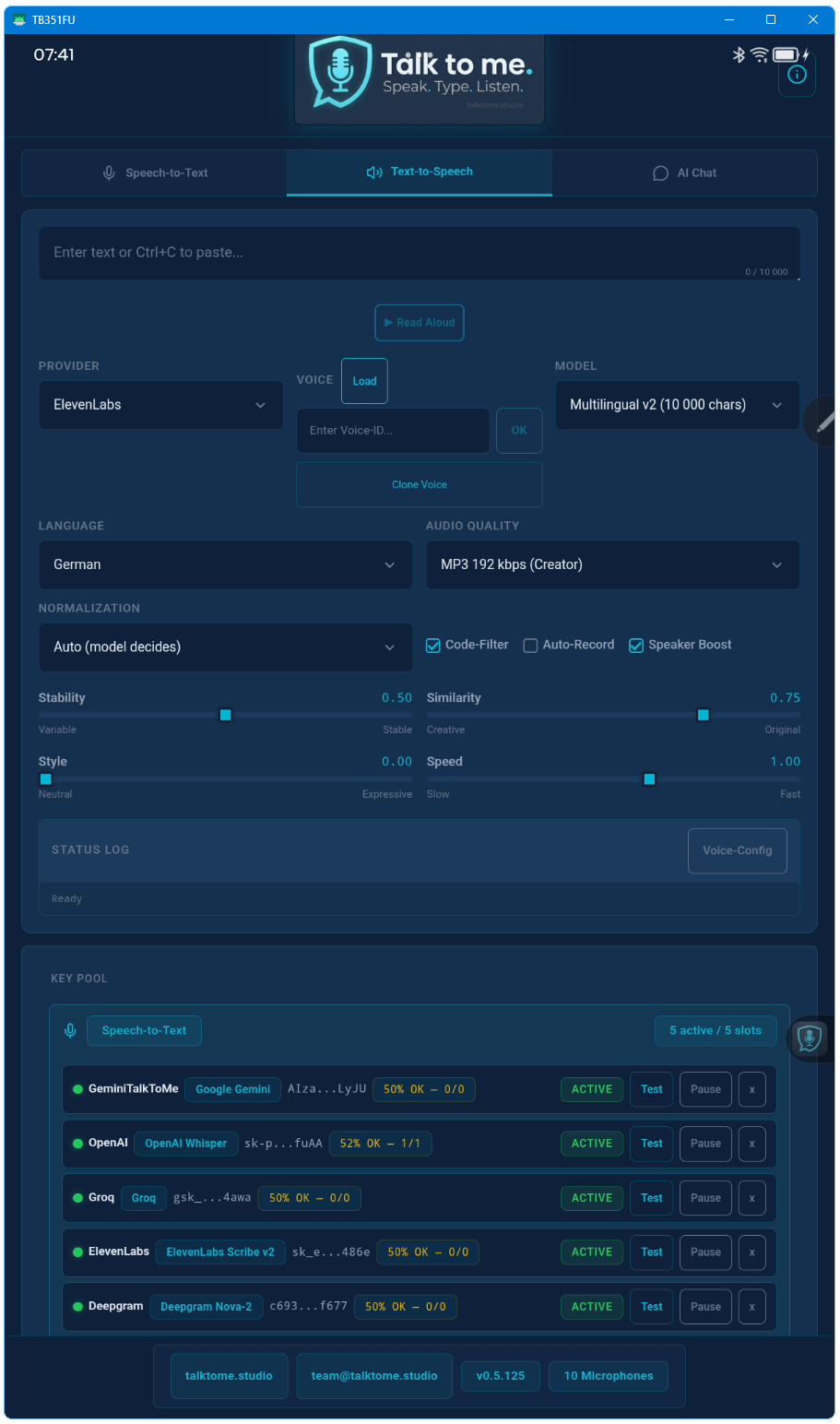
Yes. Auto-Recording saves every TTS output as sequentially numbered MP3 files to a folder of your choice. This works per chunk for long texts too — ideal for creating podcasts, audiobooks, or voice-over content.
Can I clone my own voice?
Yes. Upload an audio sample (MP3, WAV, M4A, OGG, or FLAC) directly from the app. ElevenLabs creates a custom voice clone that's instantly available for all TTS operations — including Voice Translate.
What is the Floating Pill?
A small transparent overlay window that appears during recording. It shows a real-time audio equalizer so you always know the app is listening — without stealing focus from your current application. It follows your mouse across monitors.
What is the Mini-Player?
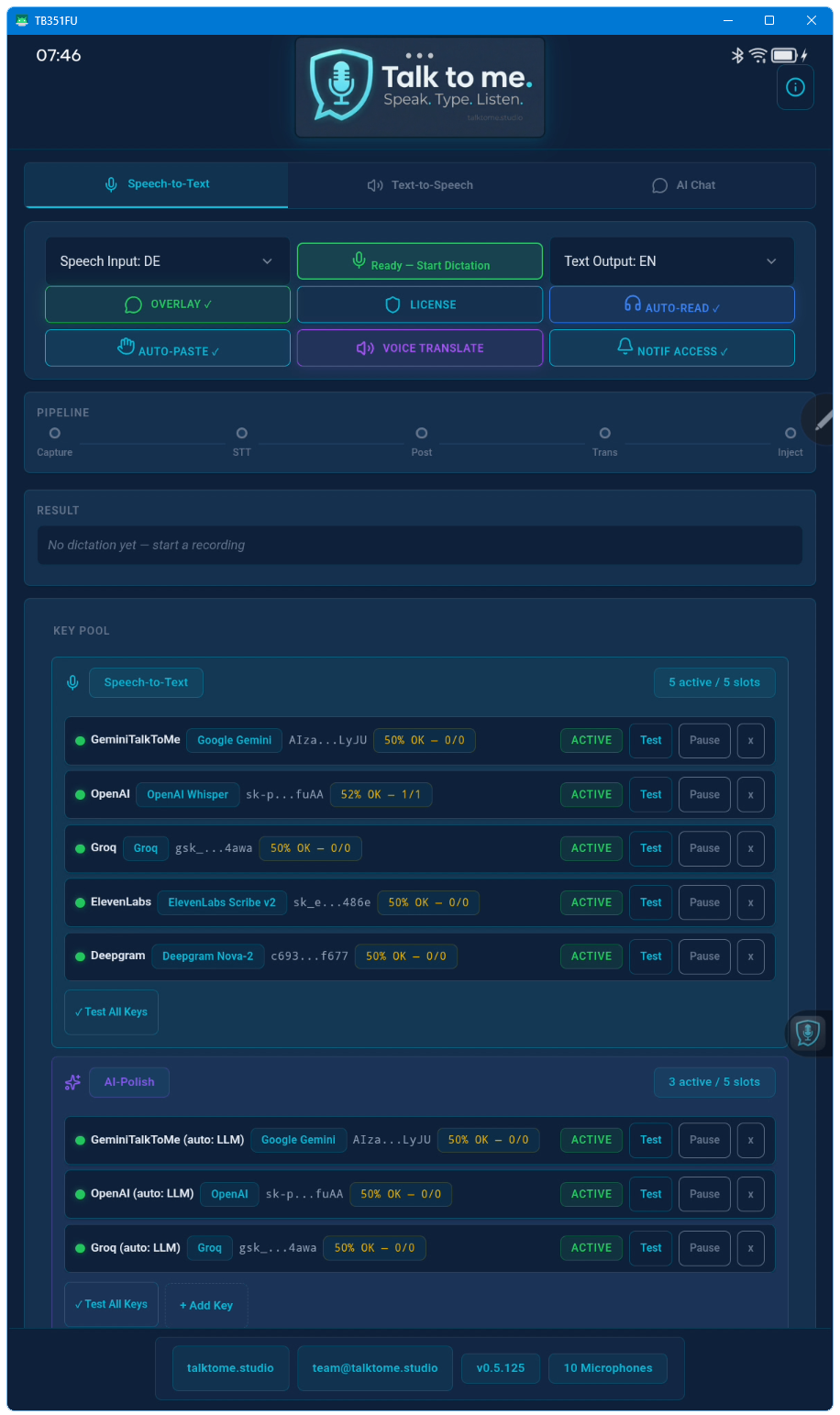
A compact always-on-top window for quick dictation without the full UI. It shows your Quick-Override language controls, pipeline status, and the last transcription result — all in a slim bar at the bottom of your screen.
Is there a free trial?
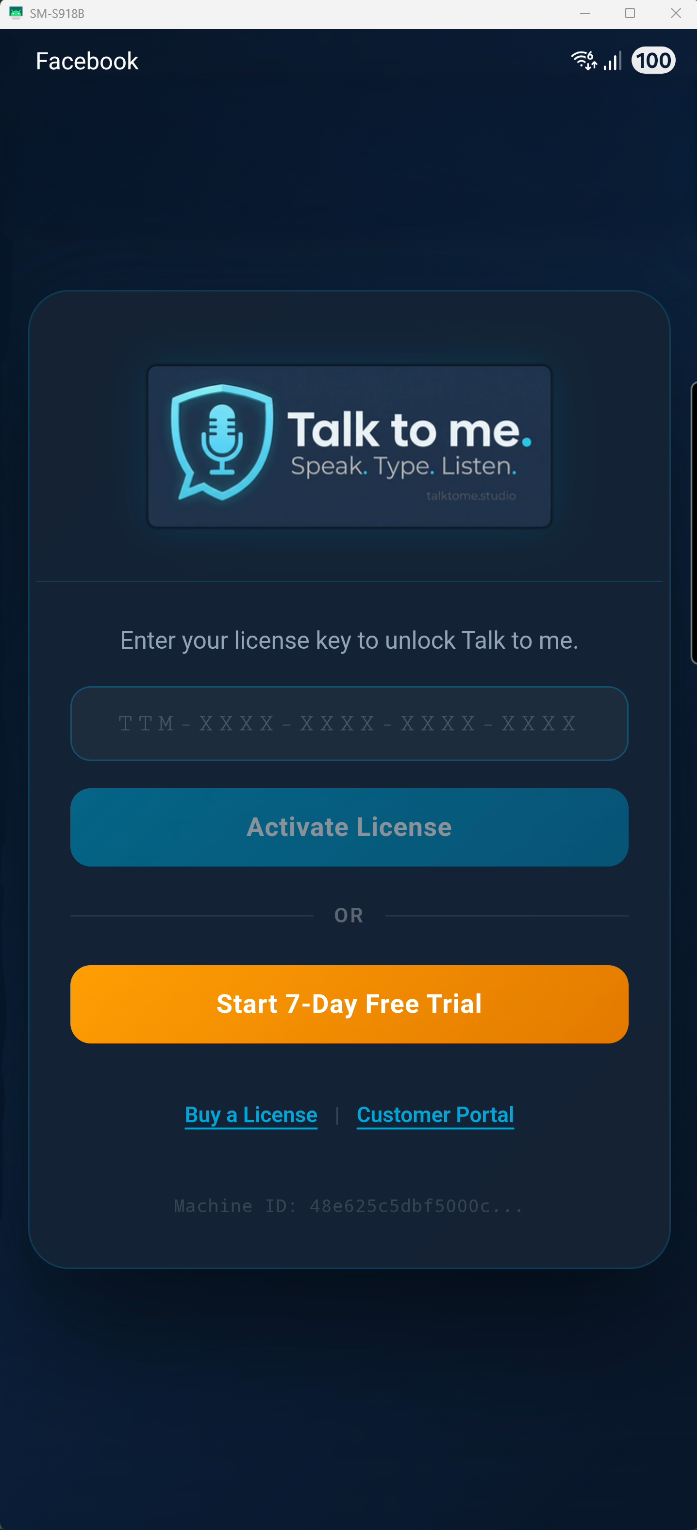
Yes. Every new installation includes a 7-day free trial with full access to all features — no credit card required, no sign-up needed. Just download, install, and start using Talk to me immediately. After 7 days, enter a license key to continue. You can also test with free-tier API keys from Groq (LLM), xAI (LLM), Deepgram (STT + TTS), and ElevenLabs (STT + TTS) — no paid API subscription needed.
What is the difference between the Full Edition and the Store Edition?
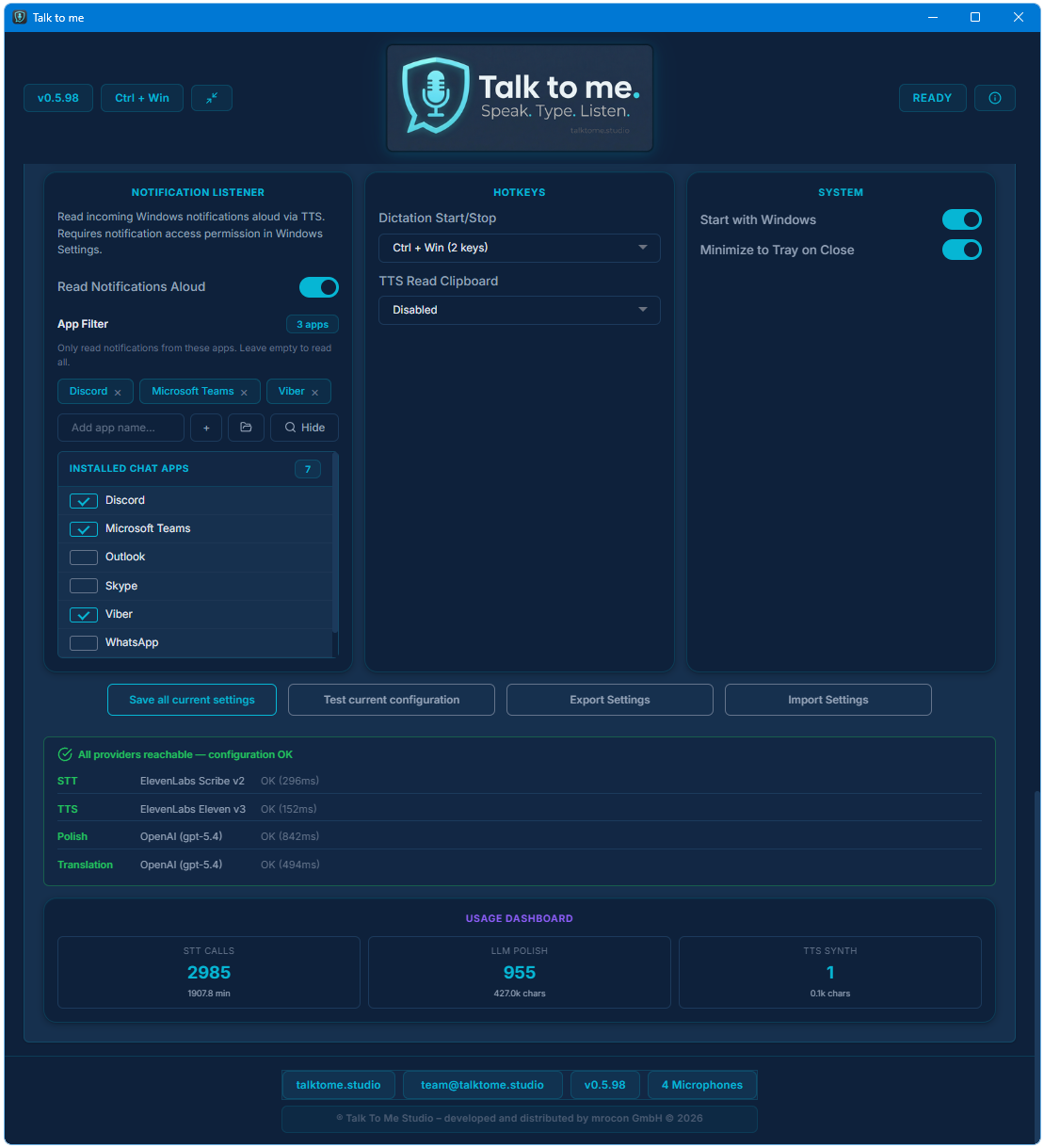
Both editions share the same core features: dictation, AI-Polish, Live Translation, Voice Translate, TTS, and Voice Cloning. The Full Edition (available via direct download, EV code-signed) additionally includes the Notification Listener — a feature that reads incoming Windows notifications aloud via TTS. The Store Edition (available via Microsoft Store) does not include this feature initially but may receive it in a future update.
What is the Notification Listener?
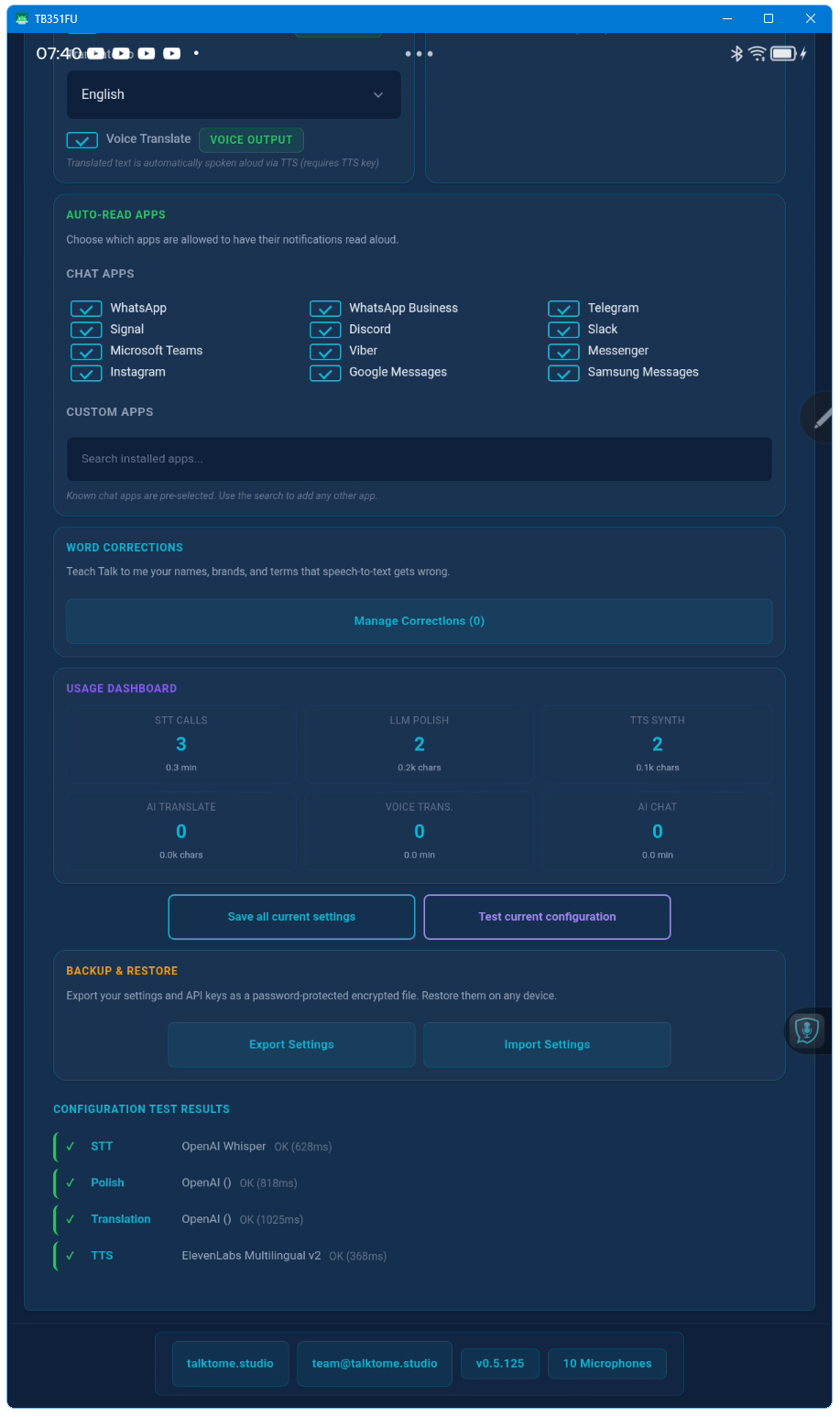
The Notification Listener is a Full Edition exclusive feature that captures incoming Windows toast notifications (e.g. from messaging apps, email, calendar) and reads them aloud via TTS. This is especially useful for hands-free workflows. It requires granting notification access in Windows Settings and is available only on Windows Desktop.
Do I need headphones for AI Voice Chat on Android?
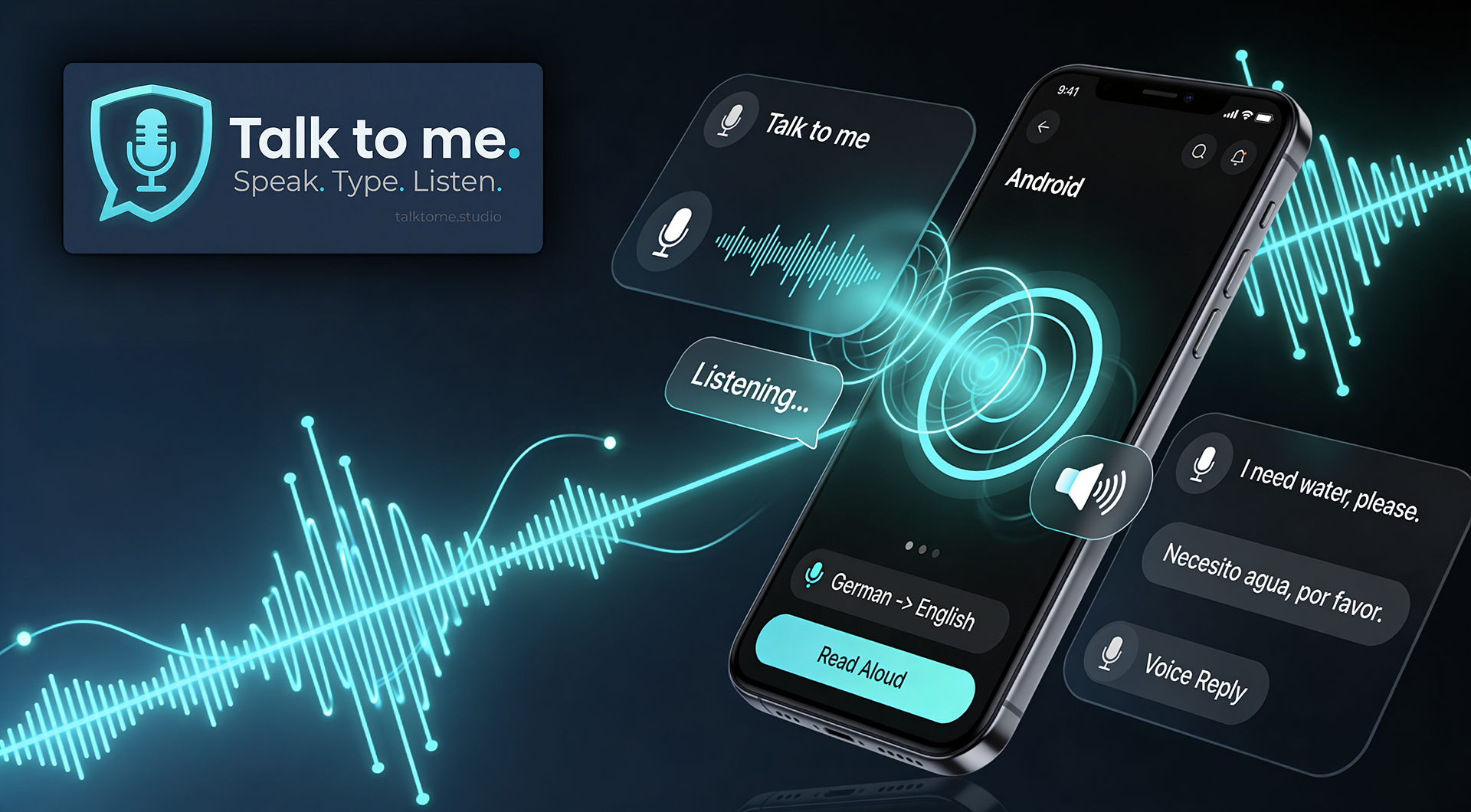
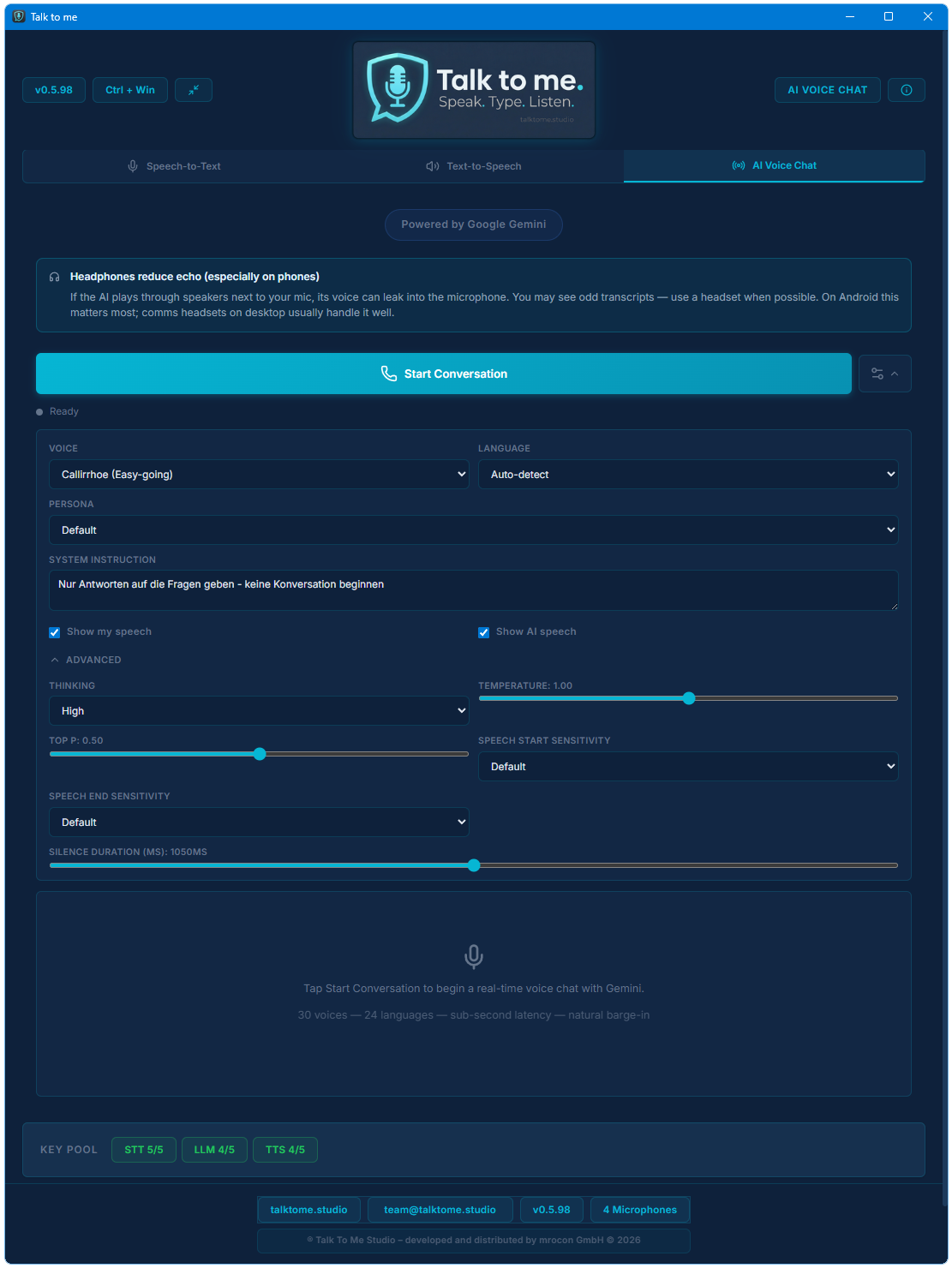
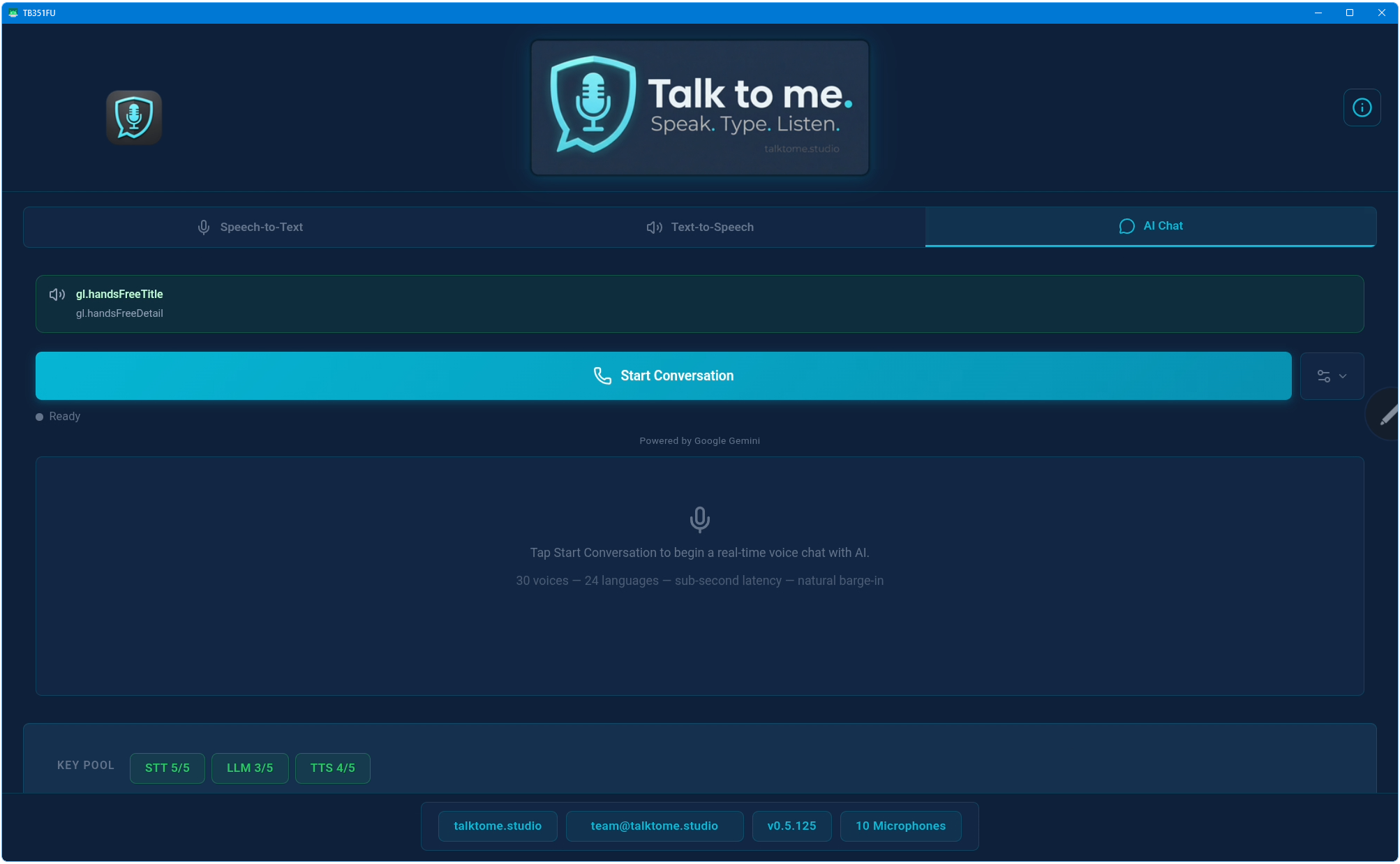
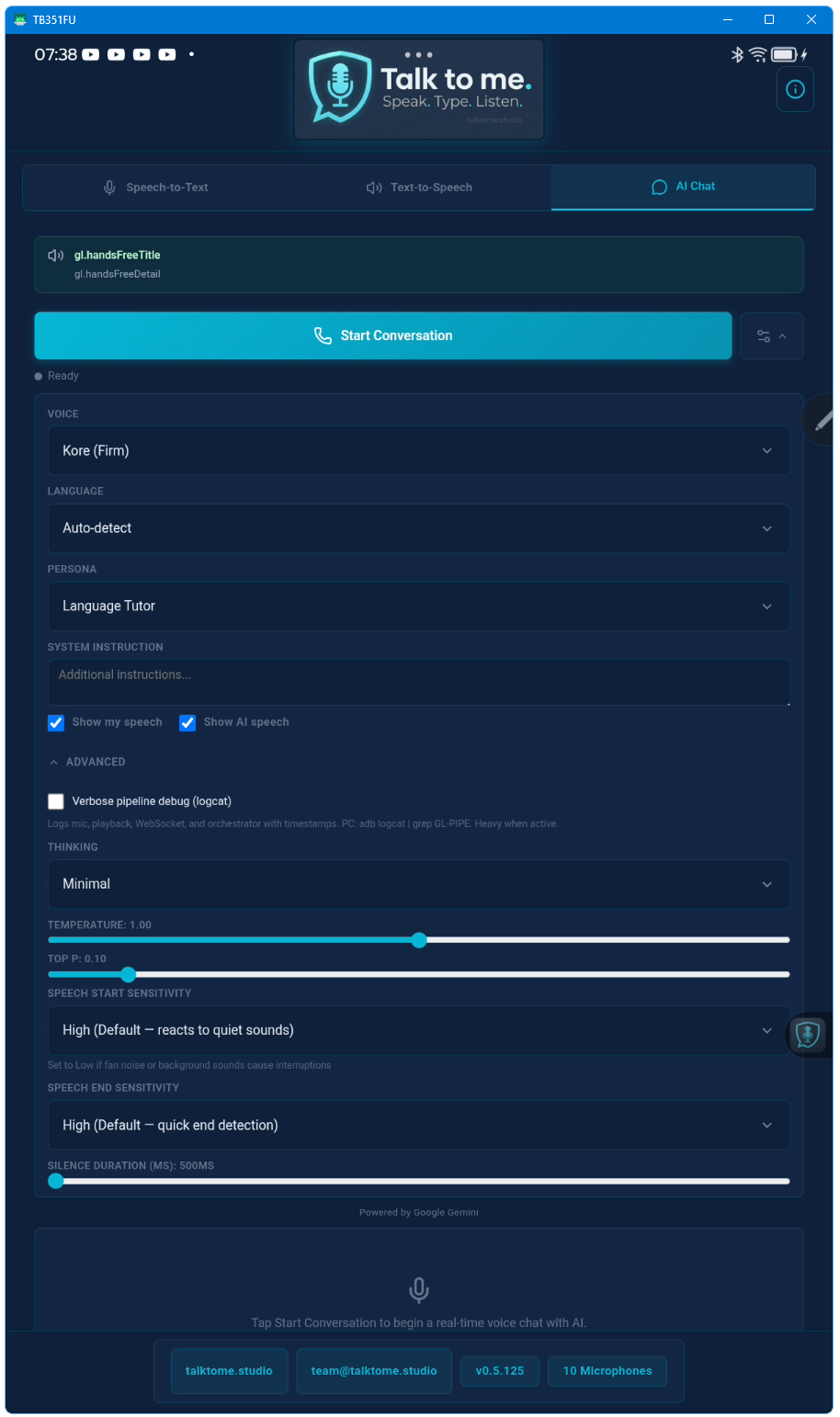
No! Talk to me now features full hands-free speaker mode with native echo cancellation. The AI’s voice is cleanly separated from your microphone input. You can talk naturally through the phone speaker, interrupt the AI at any time, and it stops immediately. No headphones or extra equipment needed.
Why does the Android version need so many permissions?
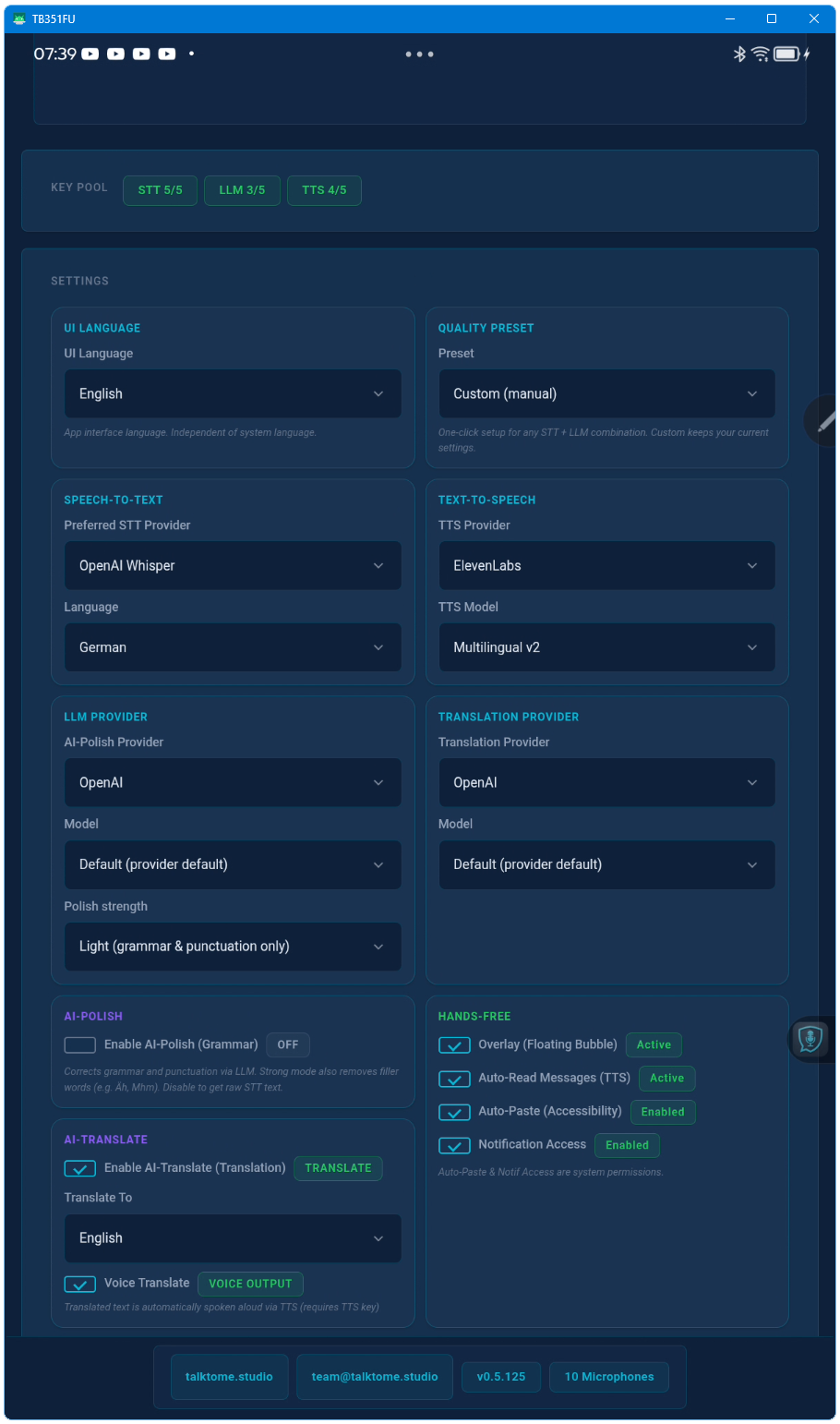
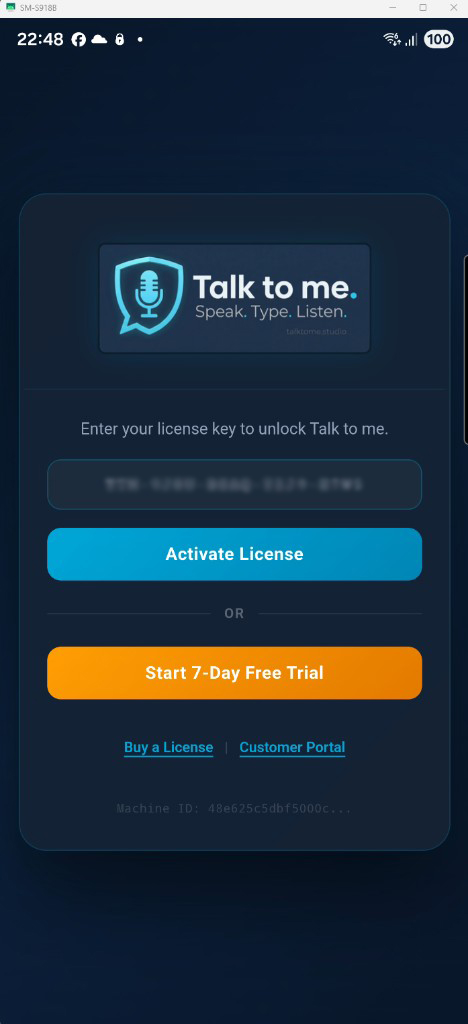
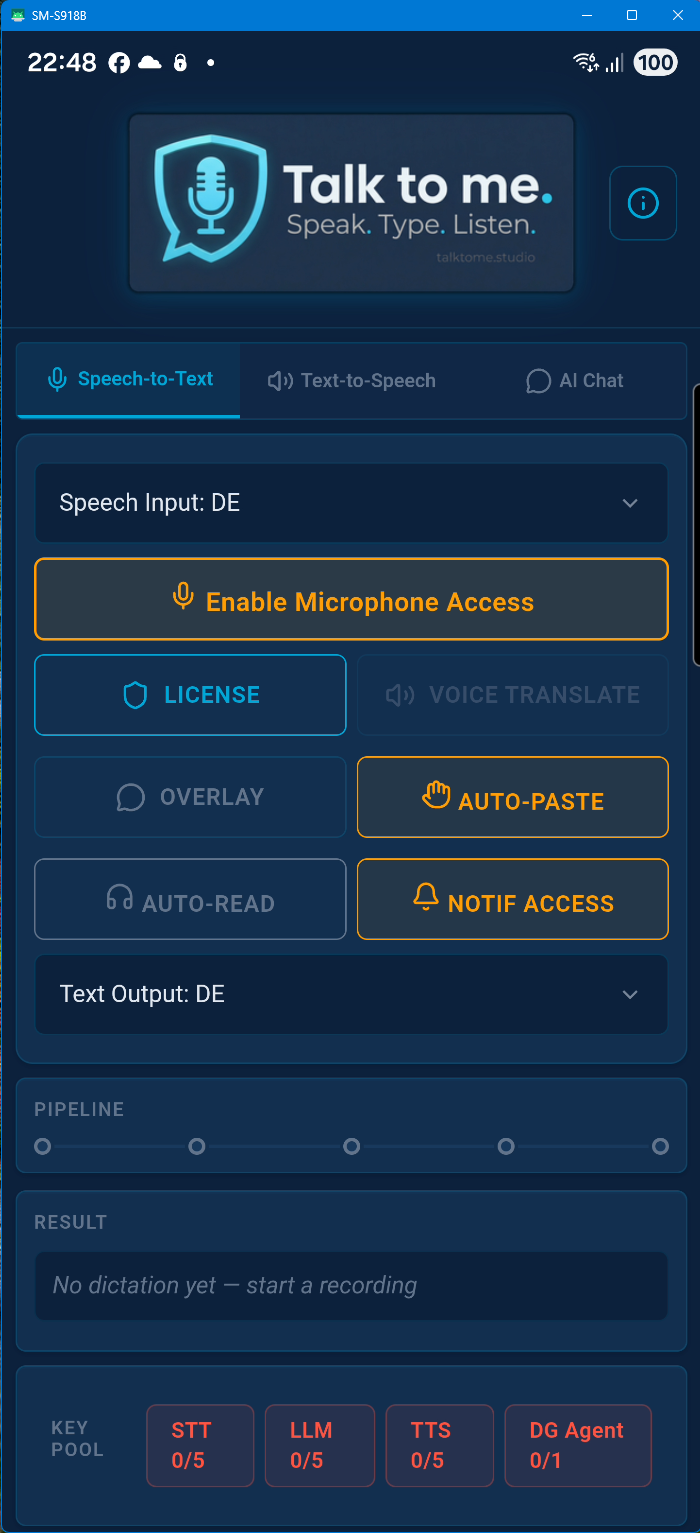
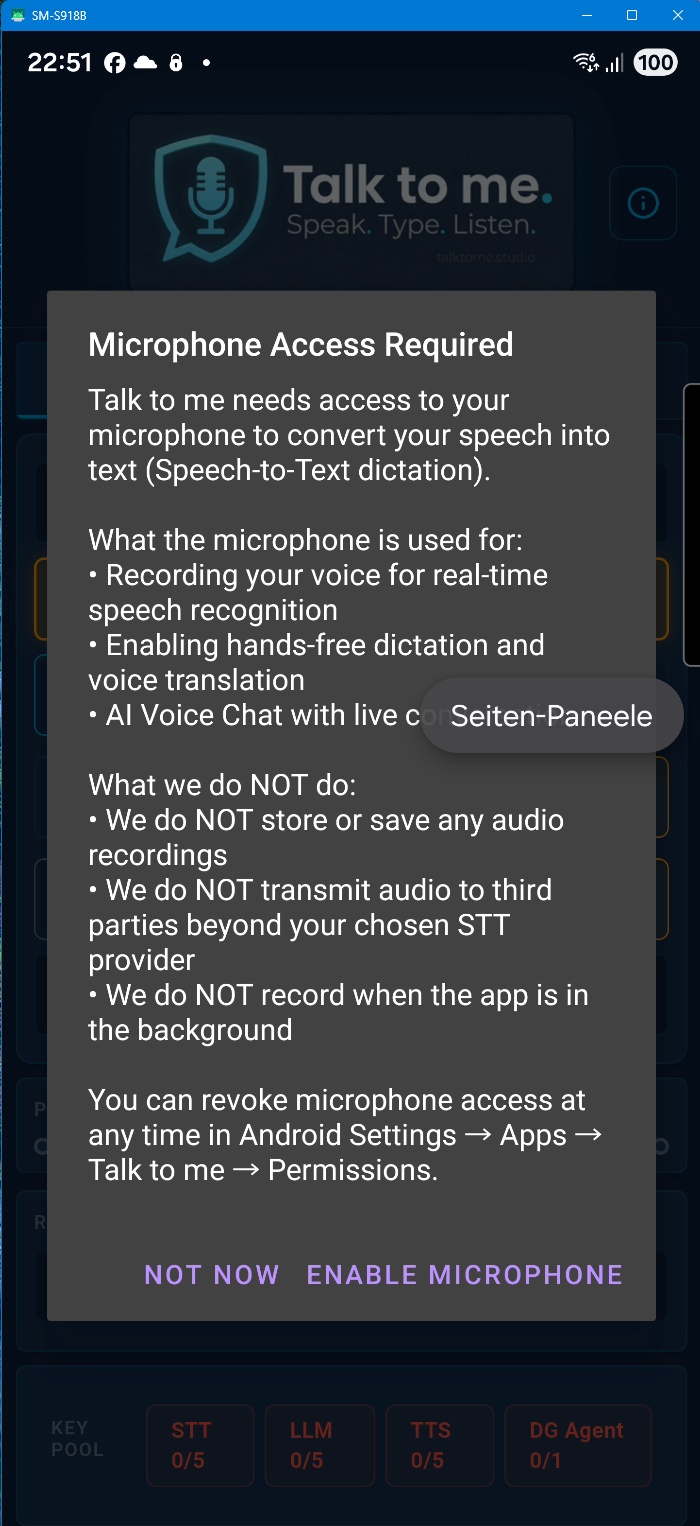
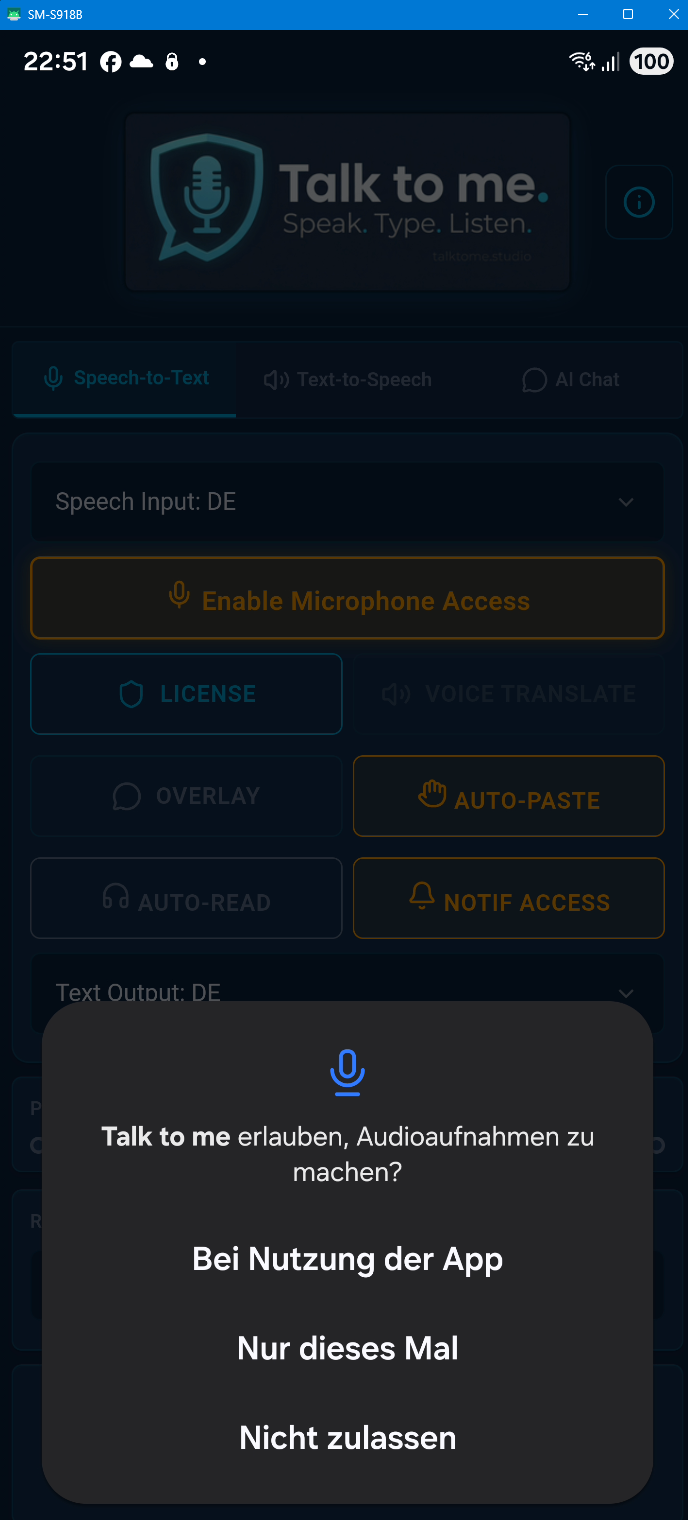
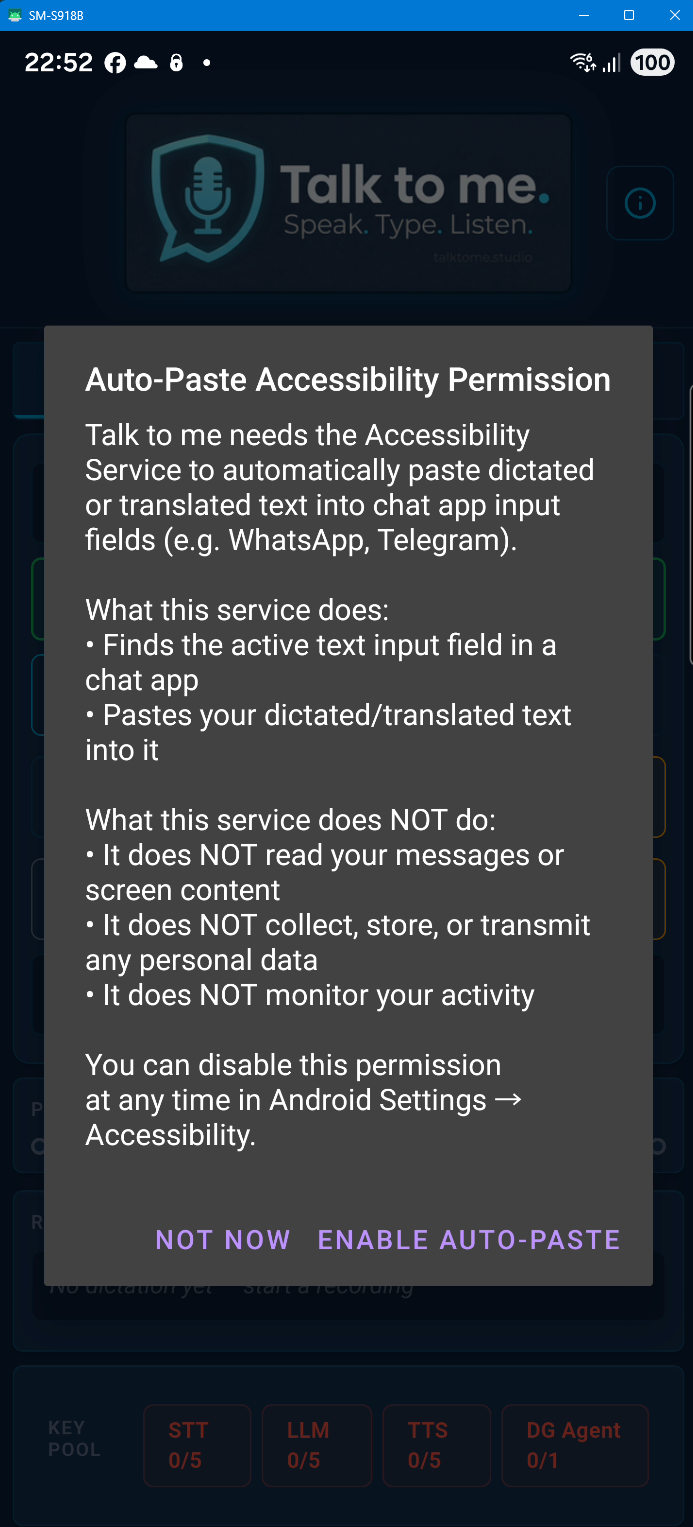
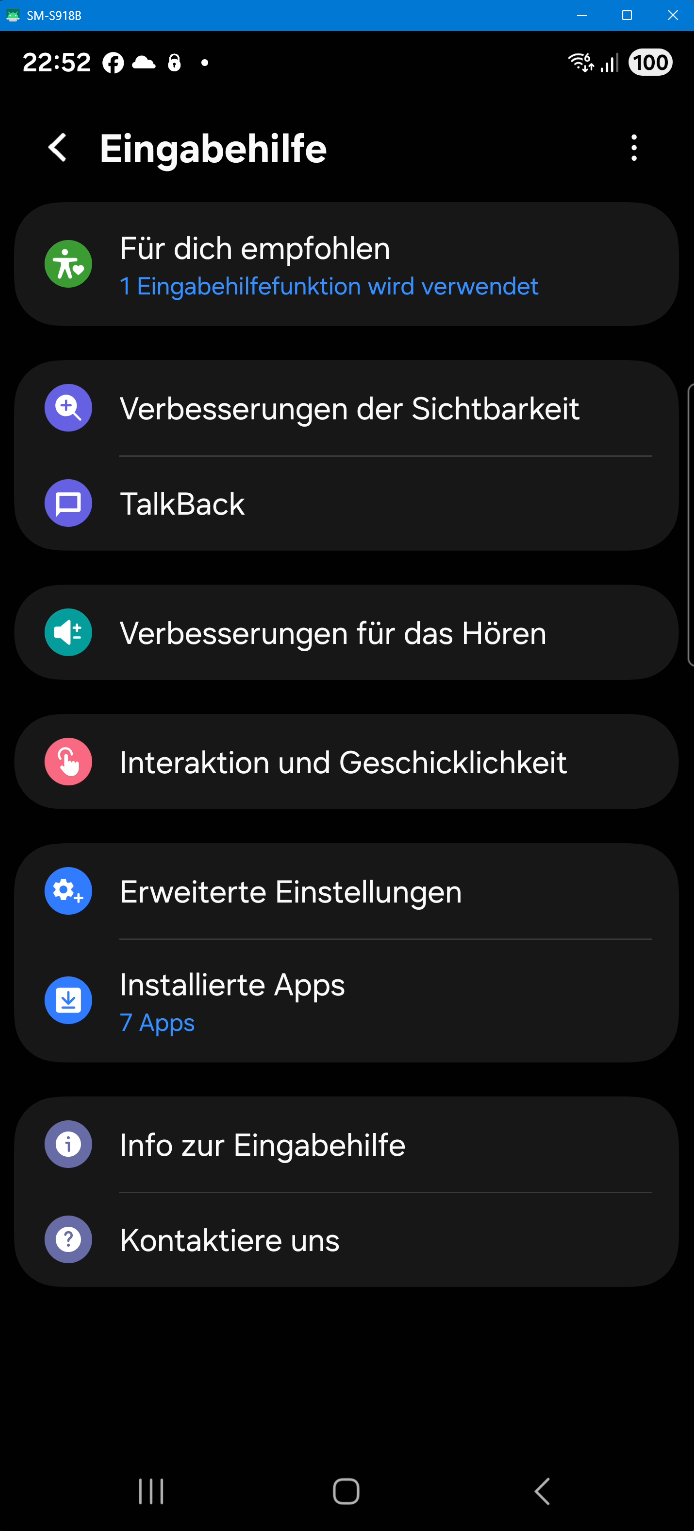
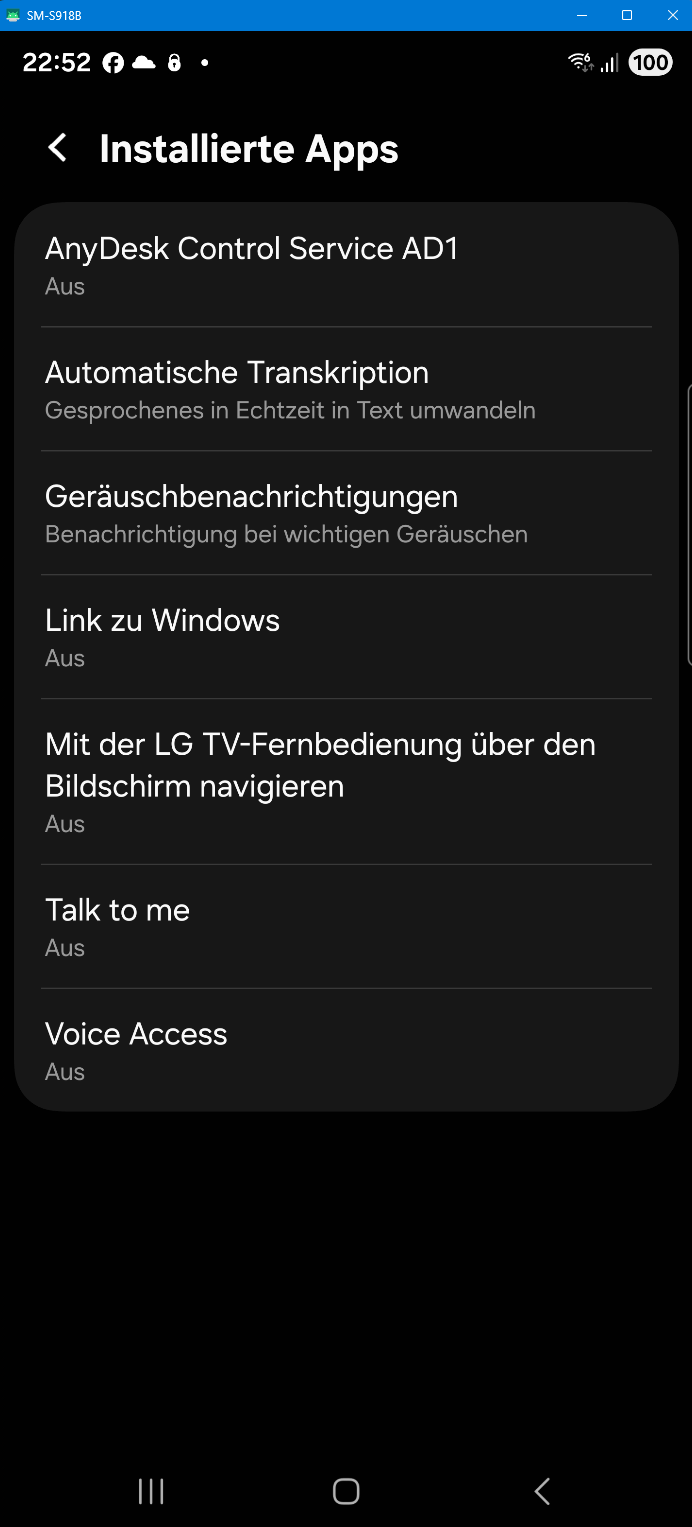
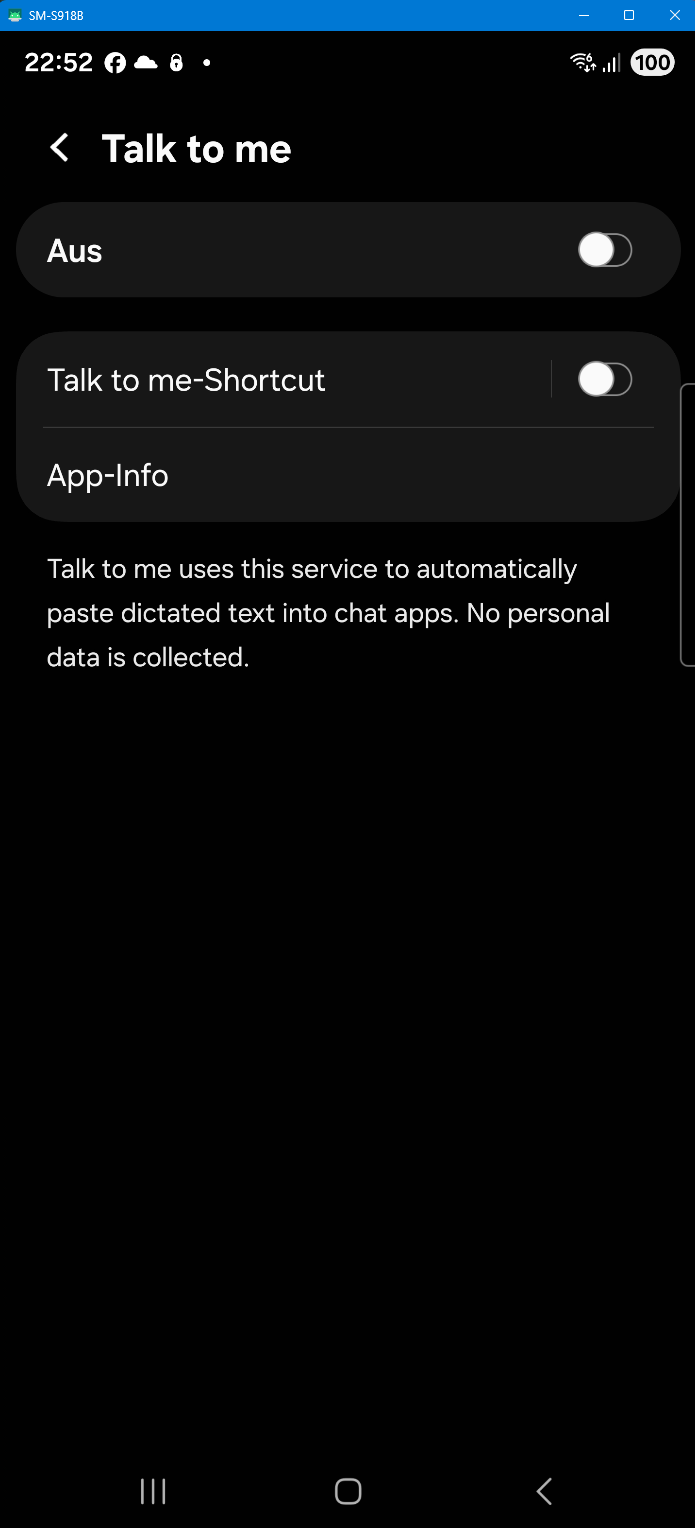
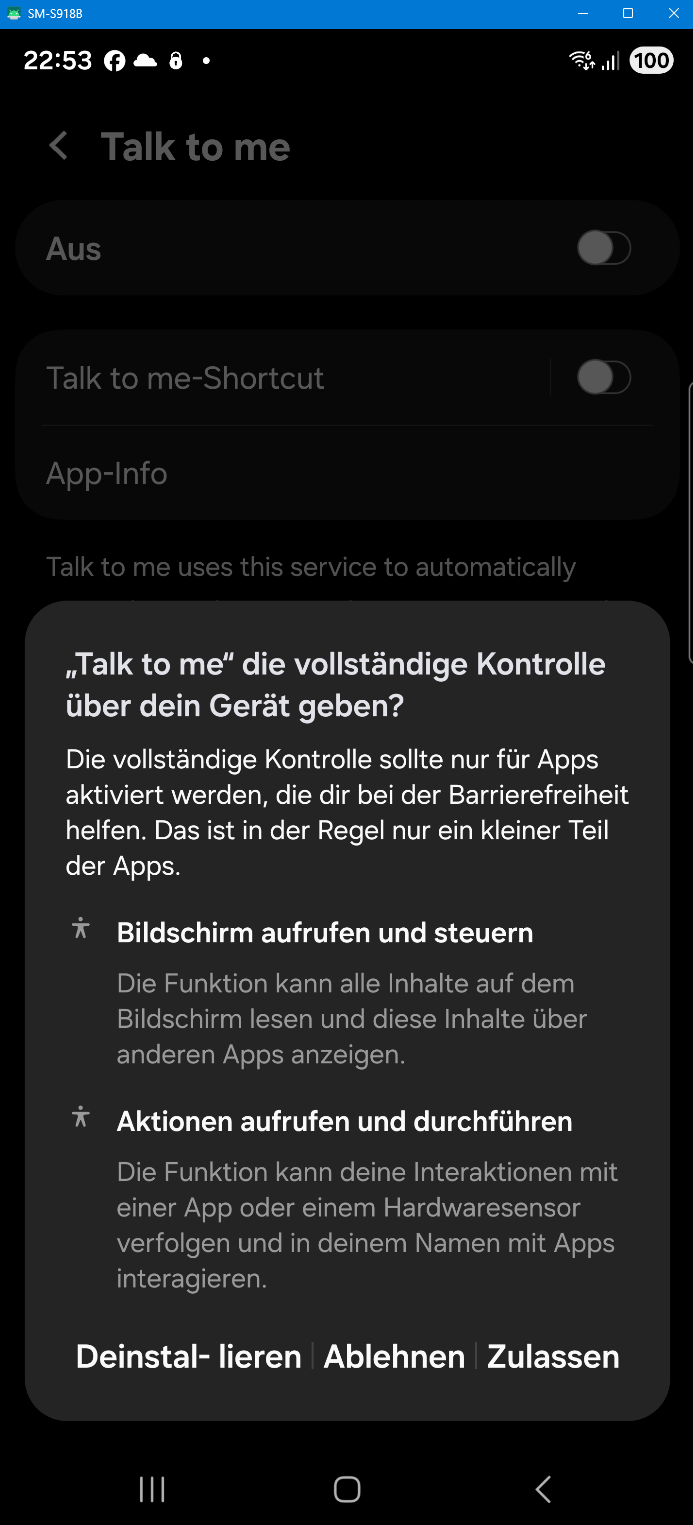
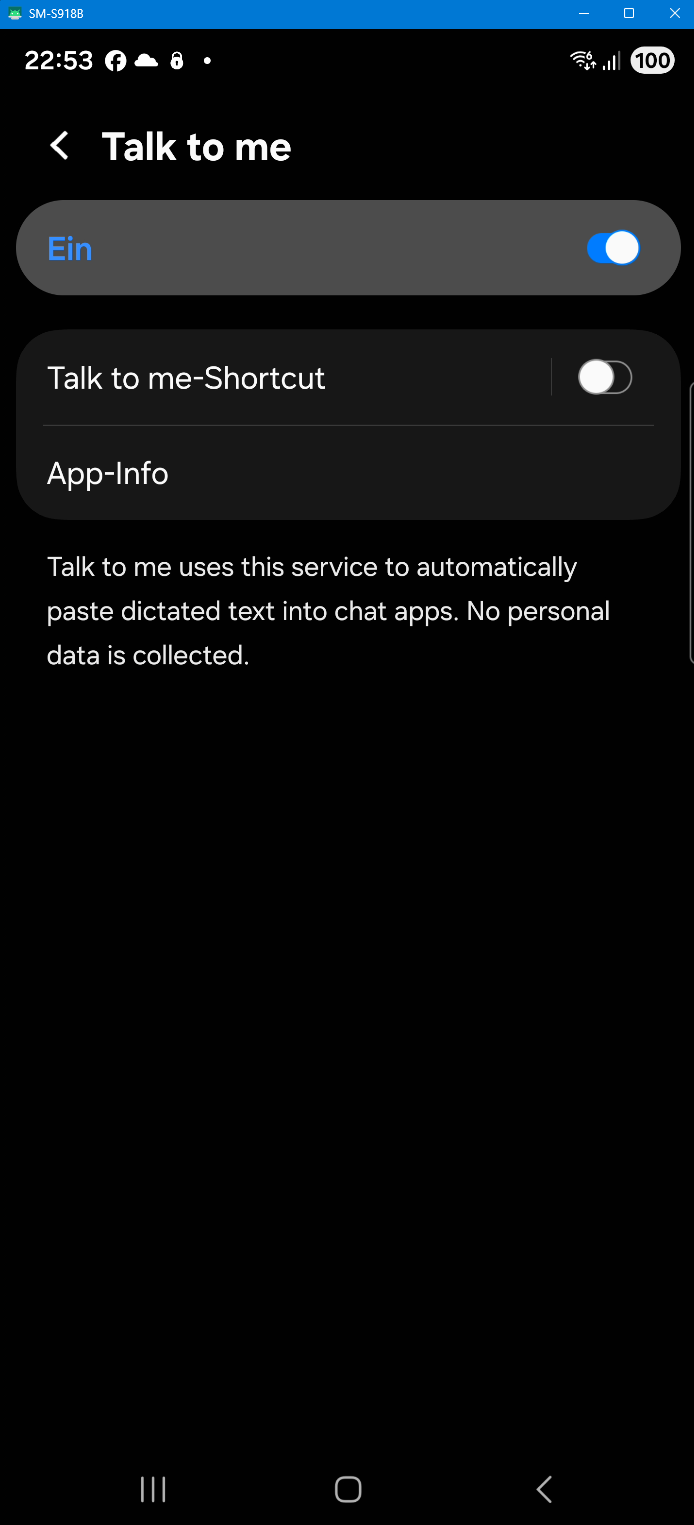
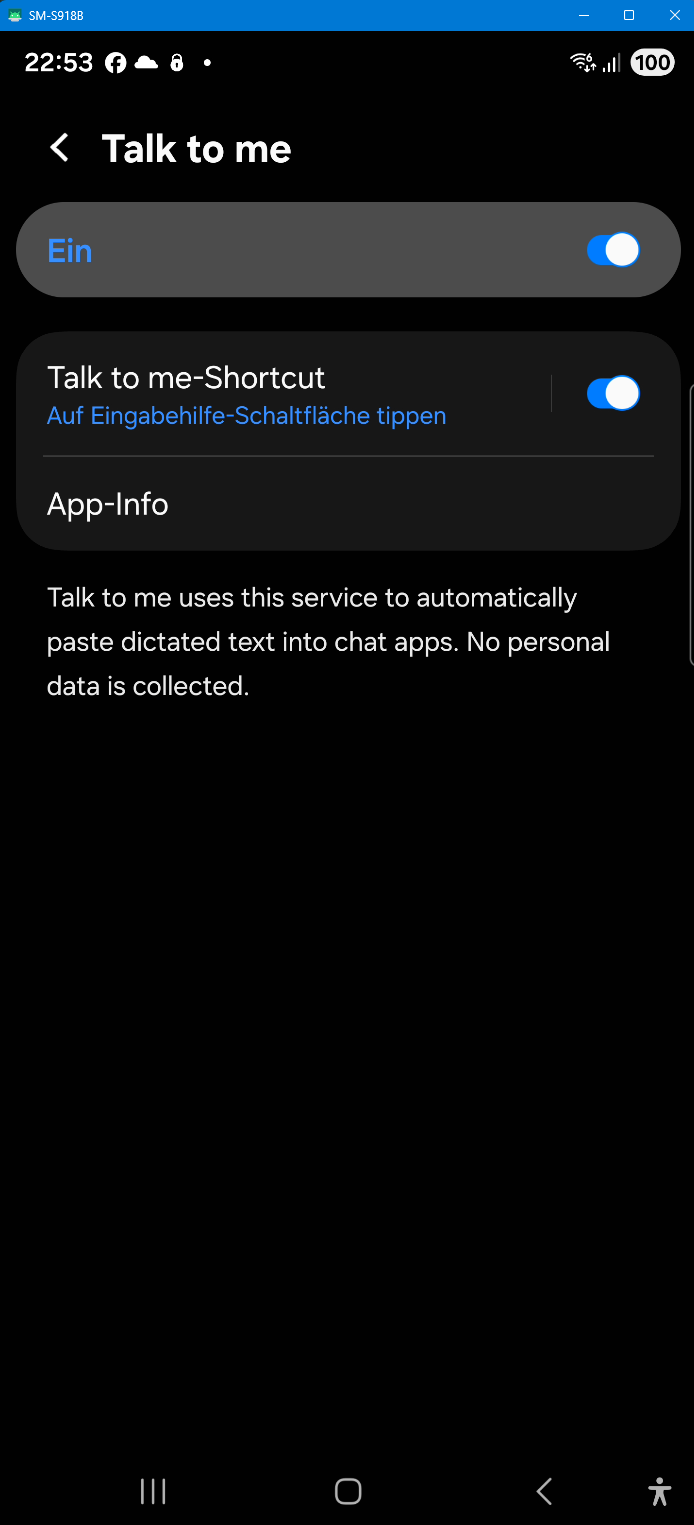
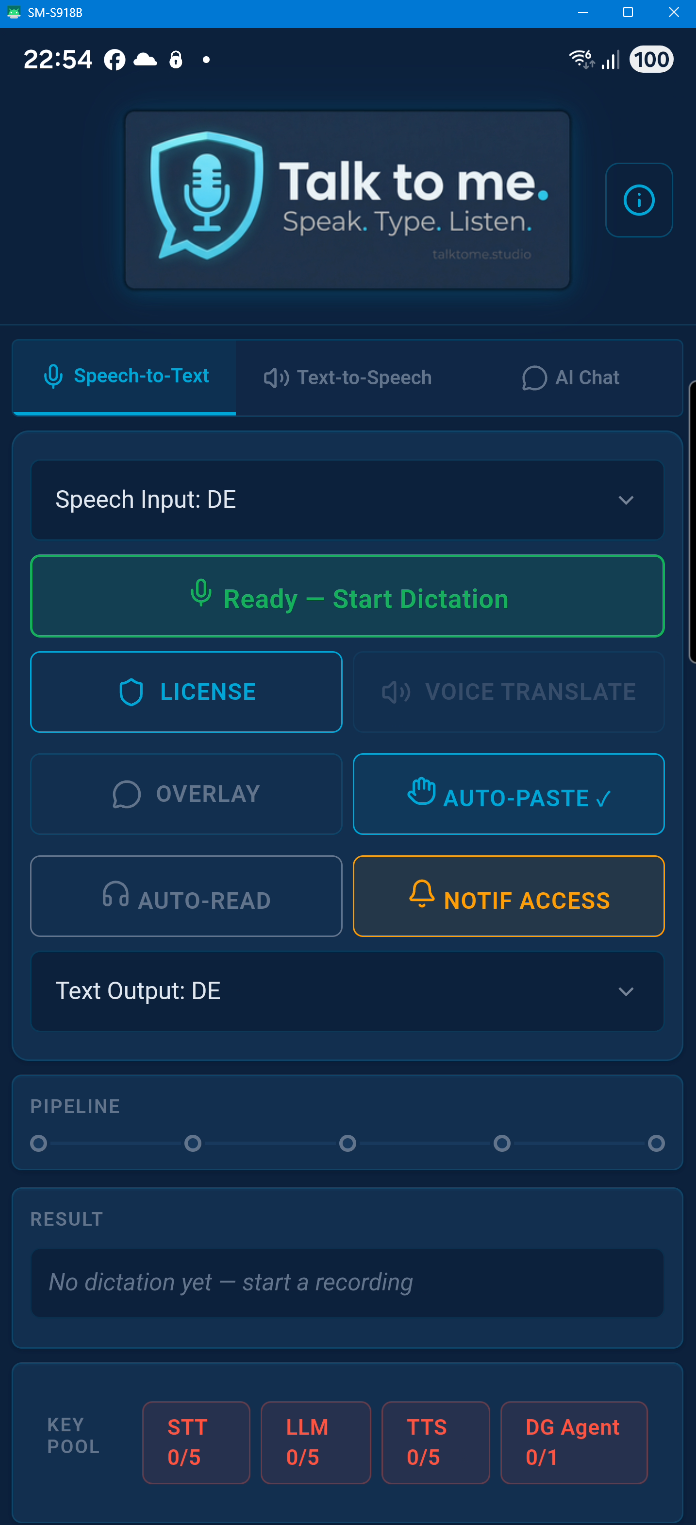
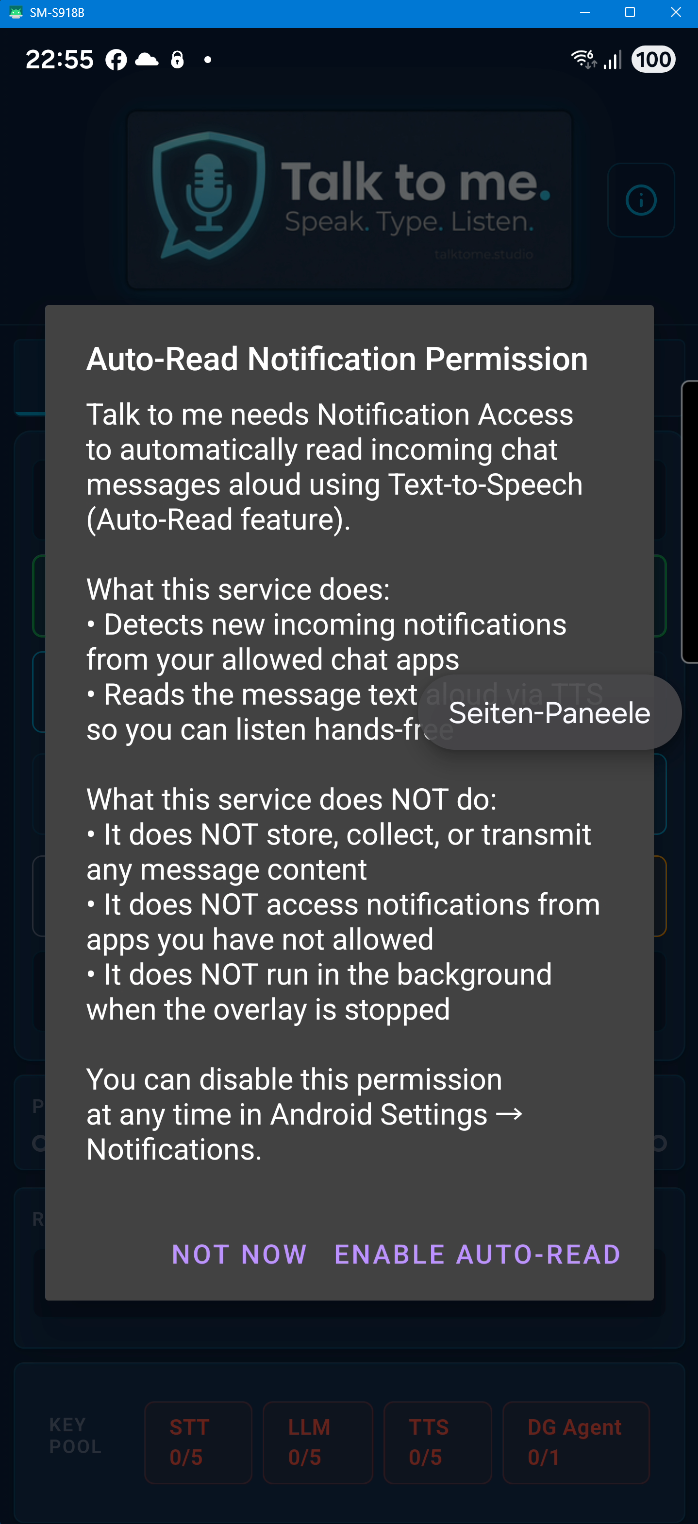
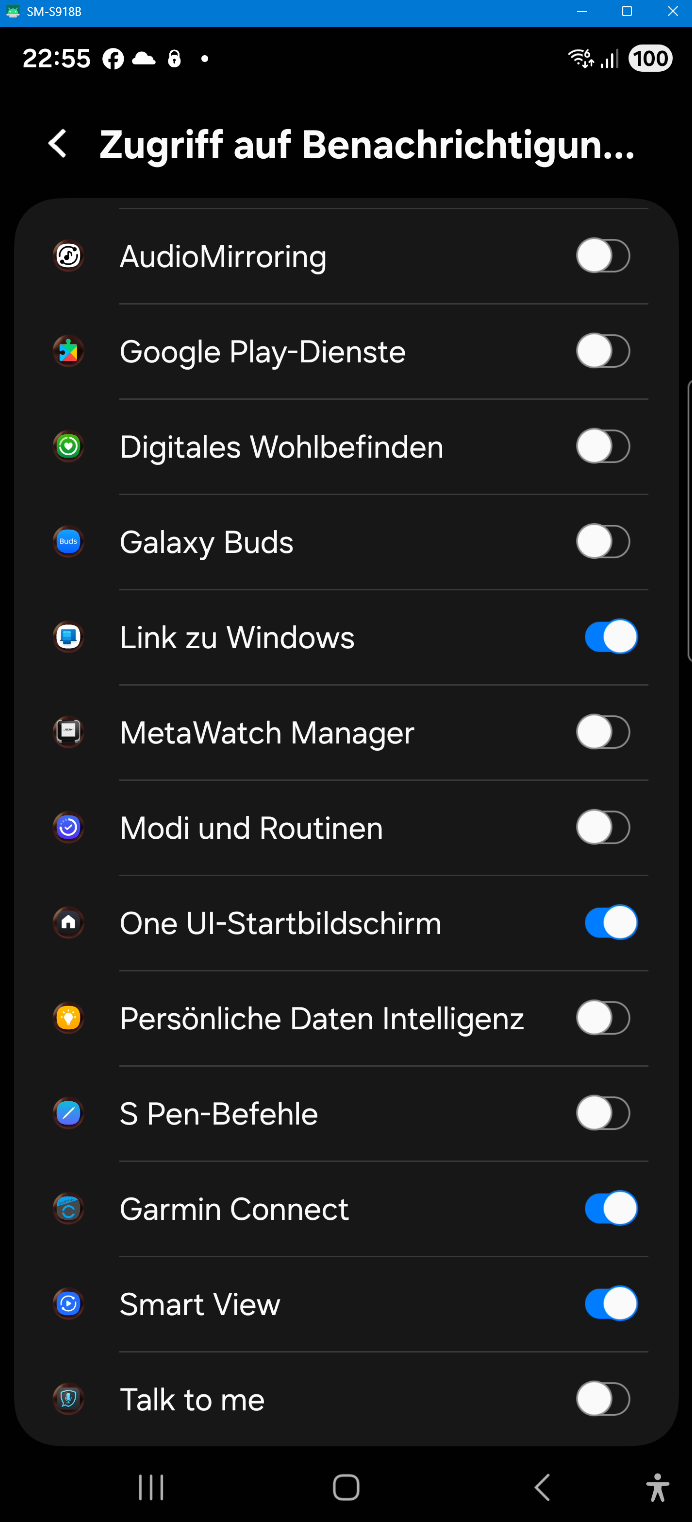
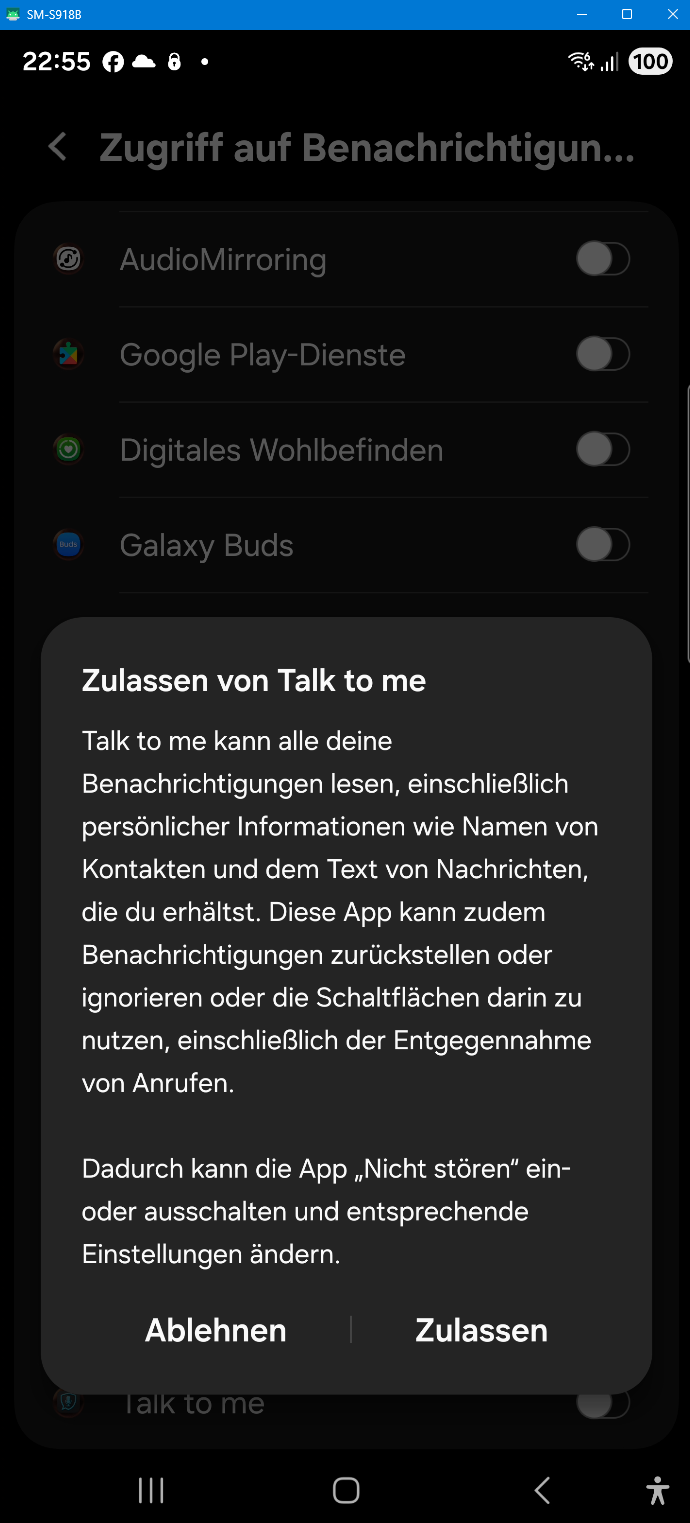
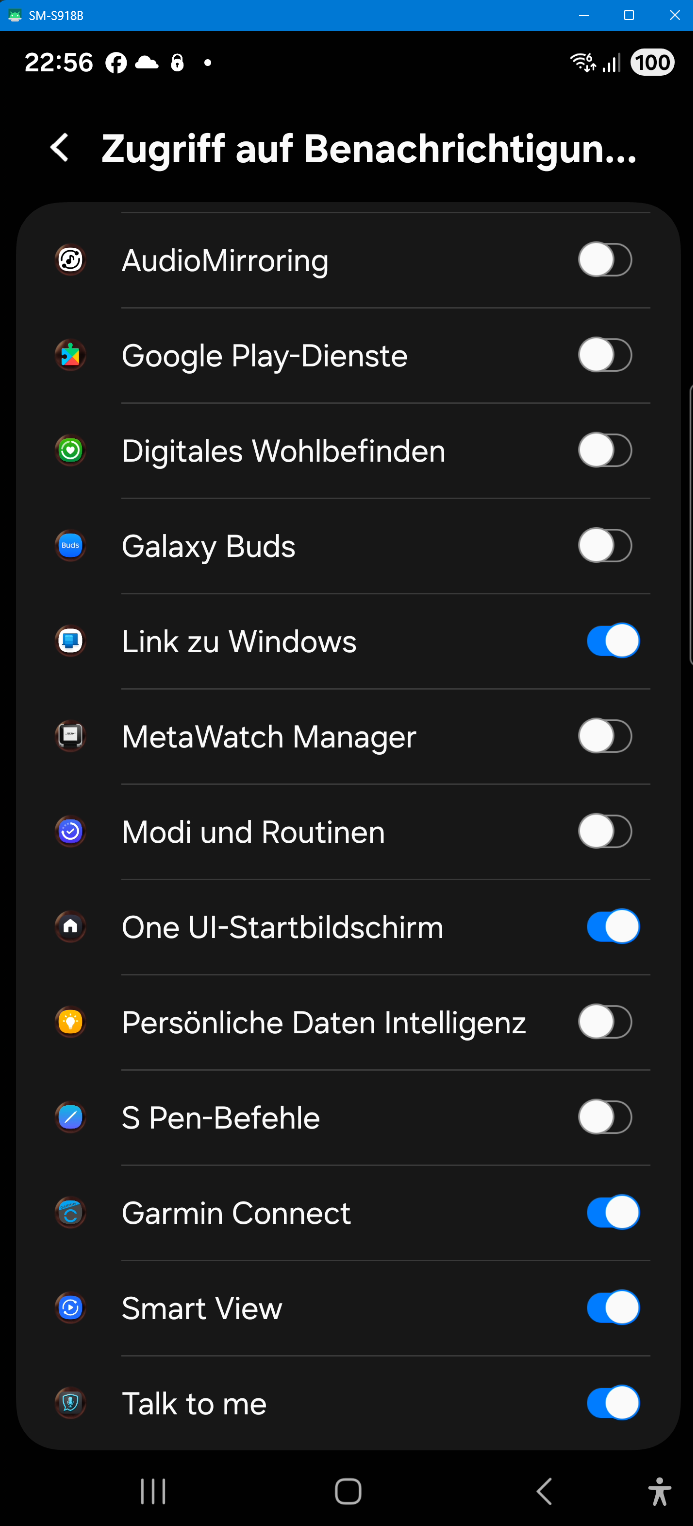
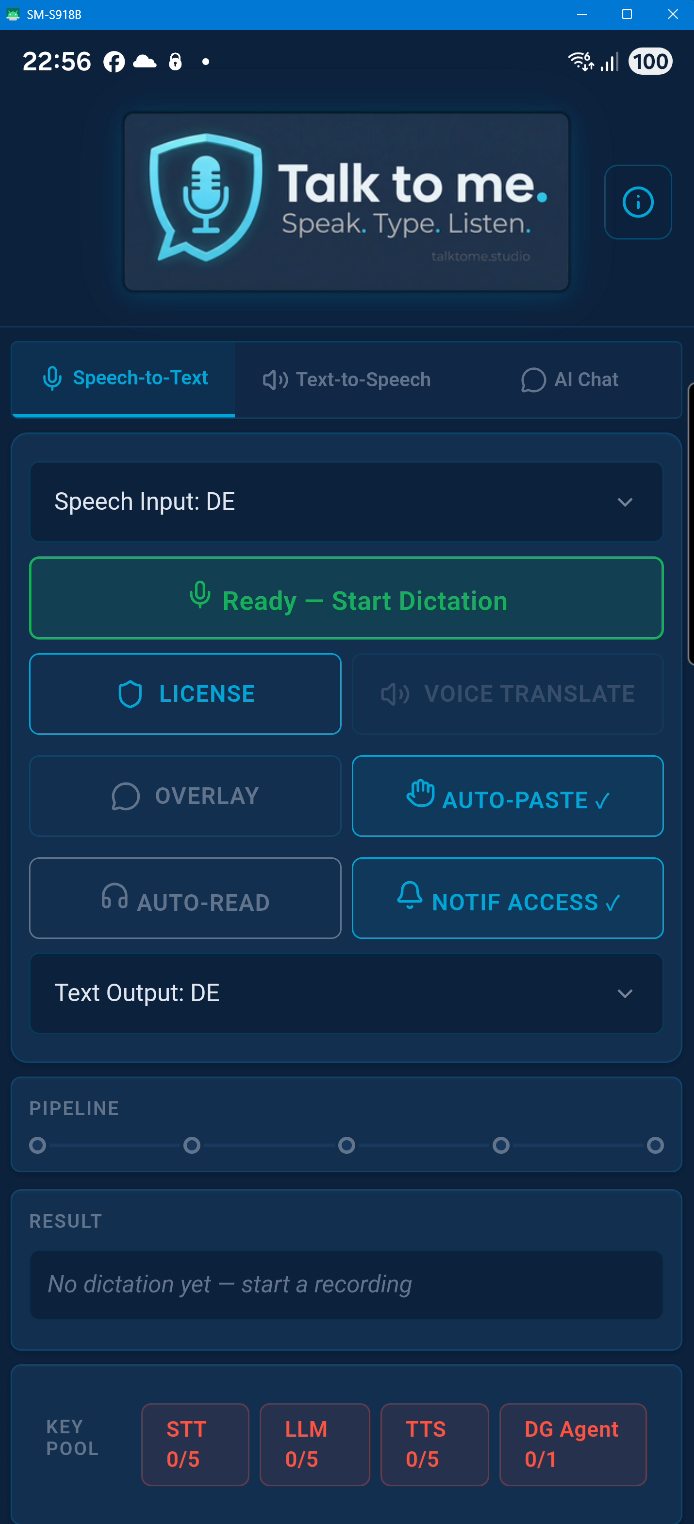
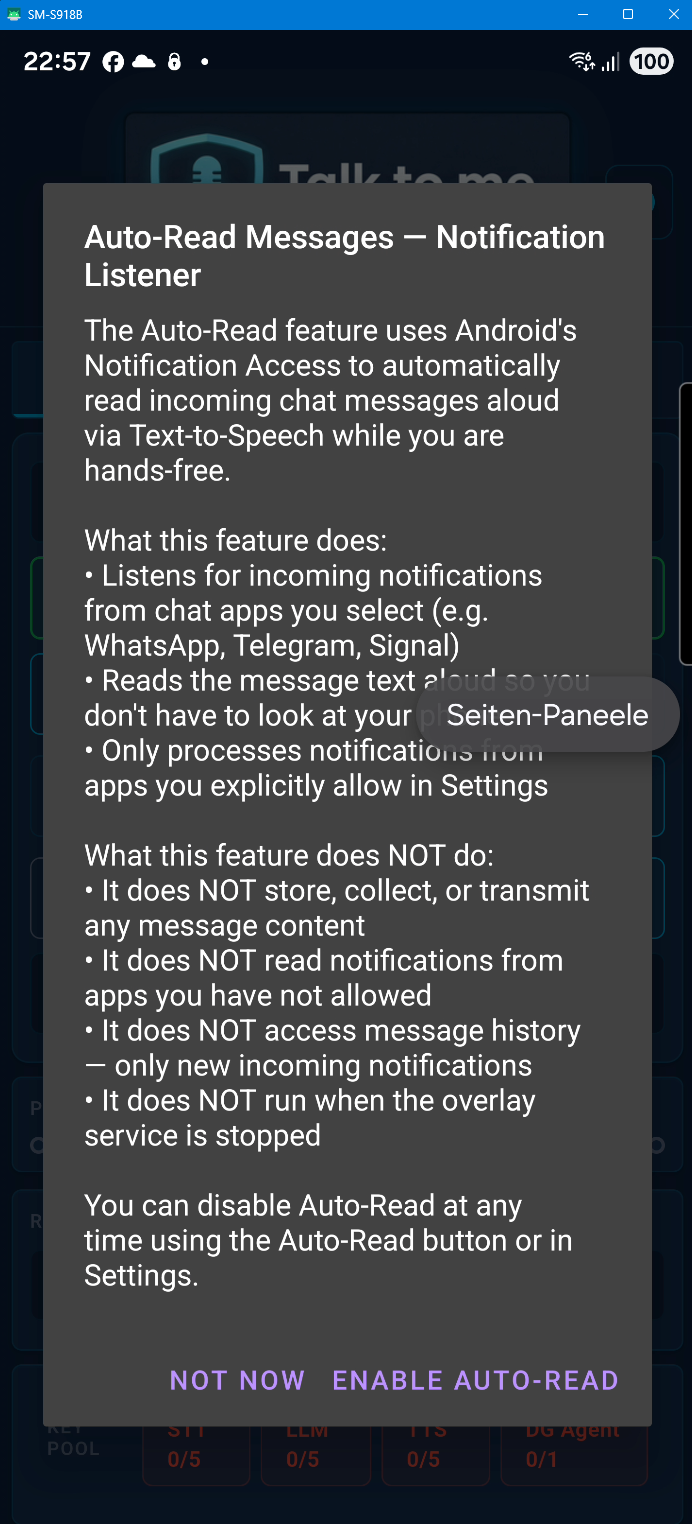
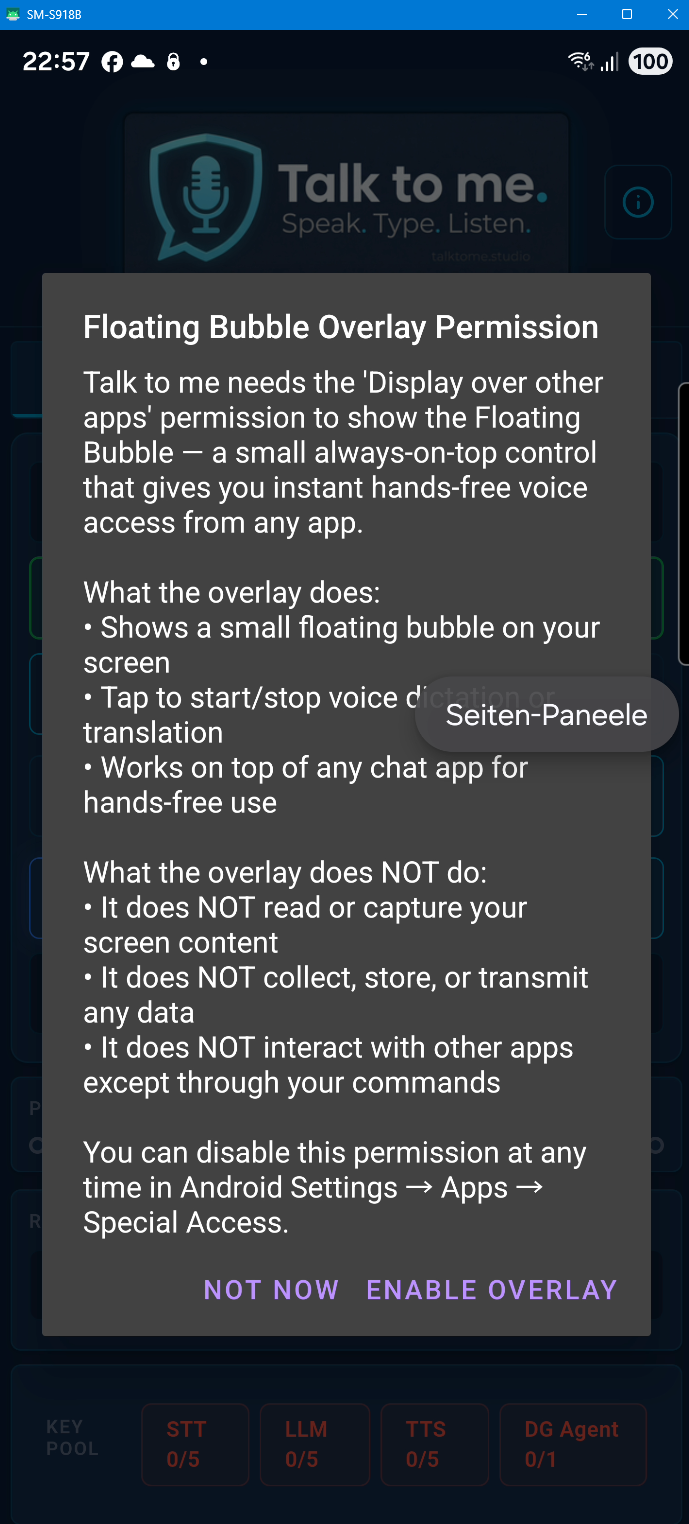
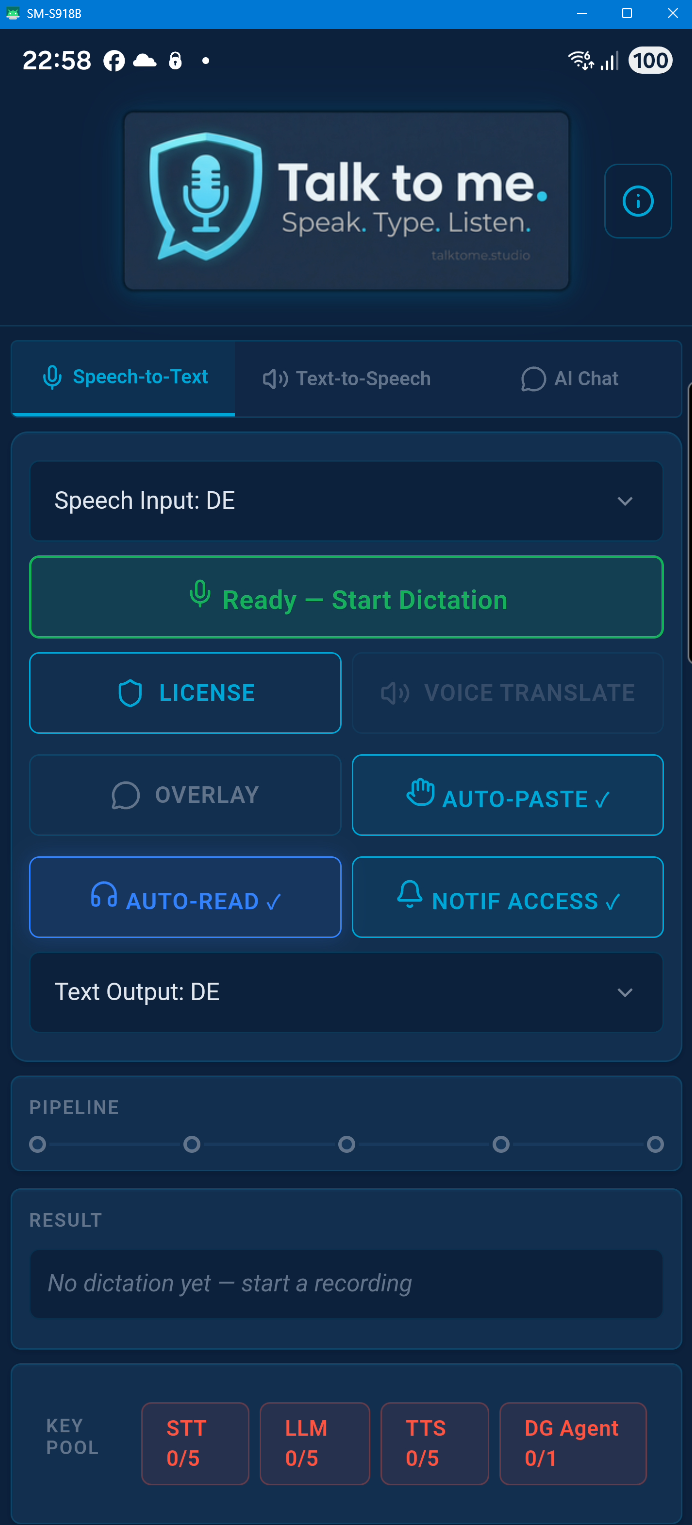
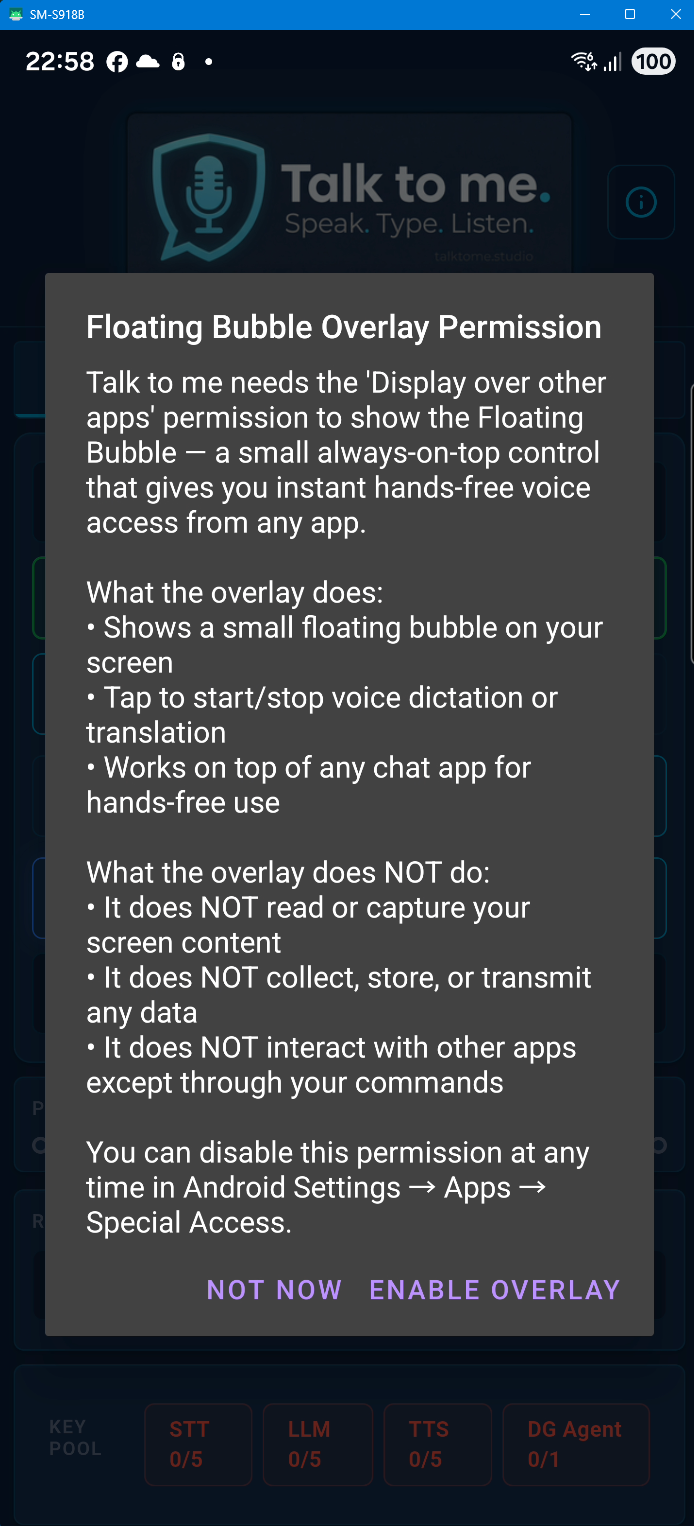
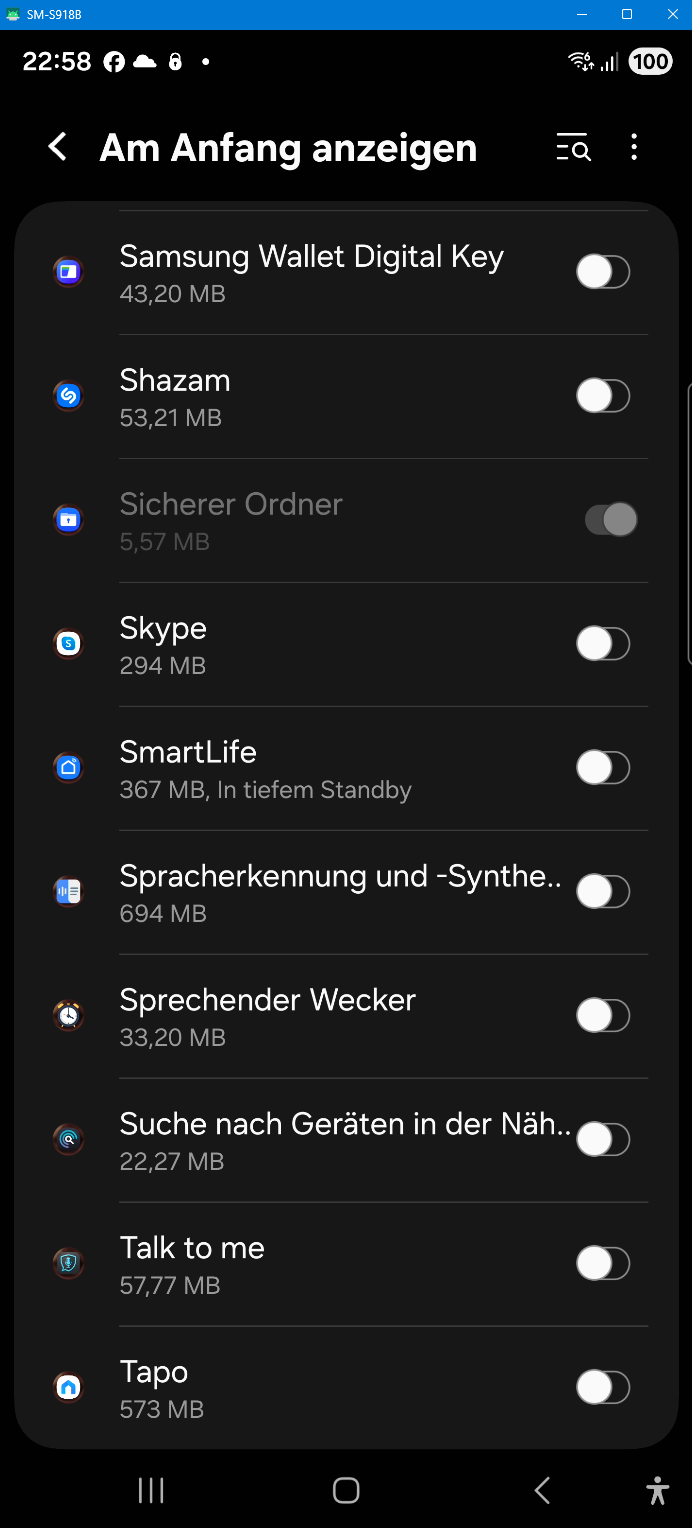
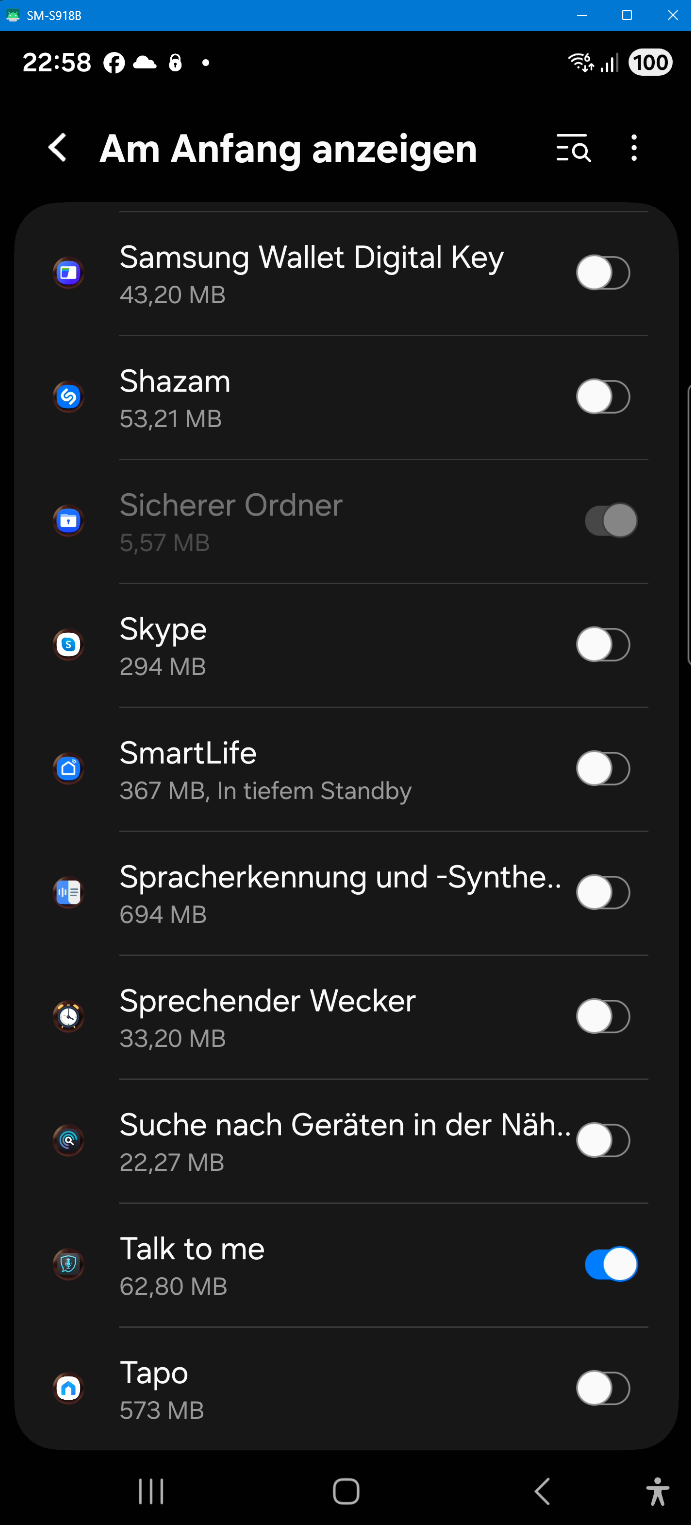
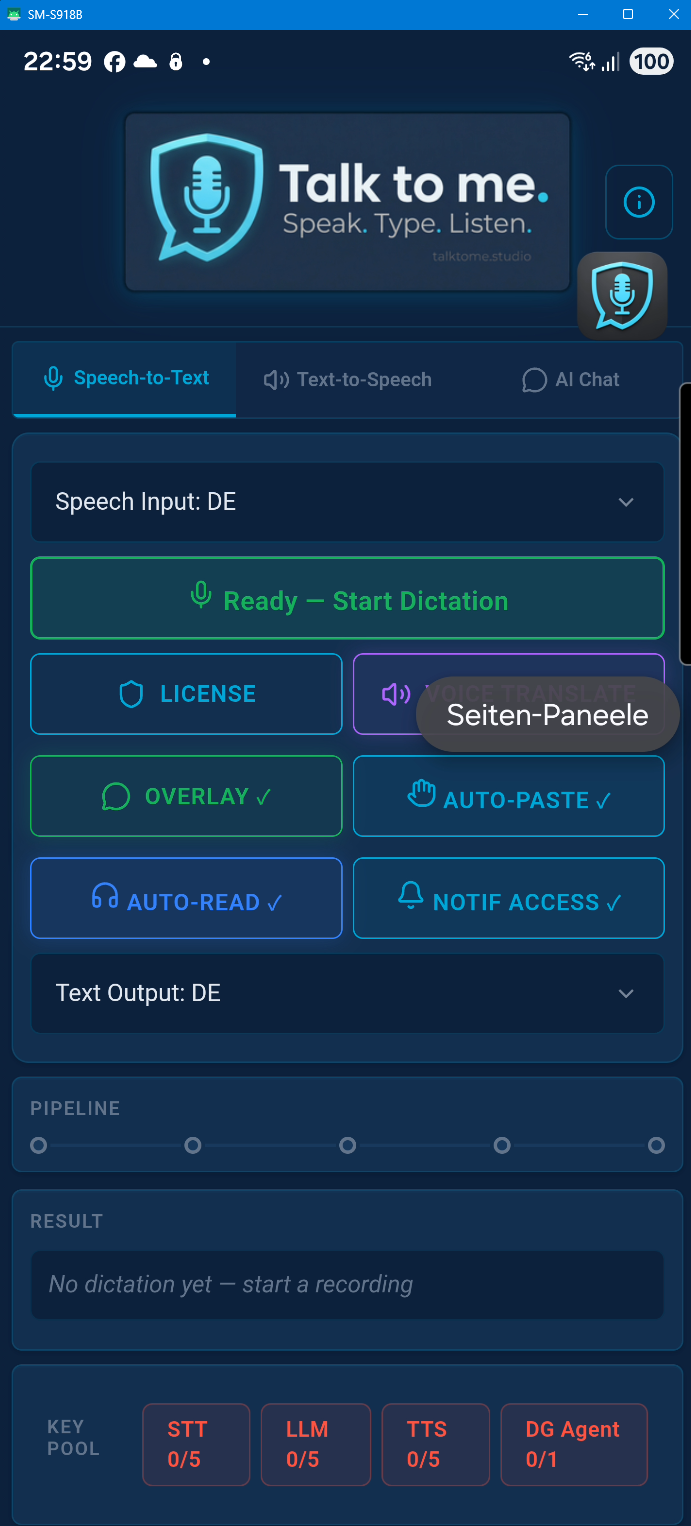
The Android version uses permissions for Microphone (dictation), Overlay (floating bubble), Accessibility Service (auto-paste), and Notification Listener (auto-read messages). We would have preferred a simpler setup — but Google Play Store policies and Android security guidelines require each sensitive permission to be requested individually with a clear disclosure. These multi-step confirmation dialogs are not our design choice; they are mandated by platform compliance requirements. Each permission is only requested when you actually need the feature, and you can revoke any of them at any time in Android Settings. None of these permissions are used to collect, store, or transmit personal data.