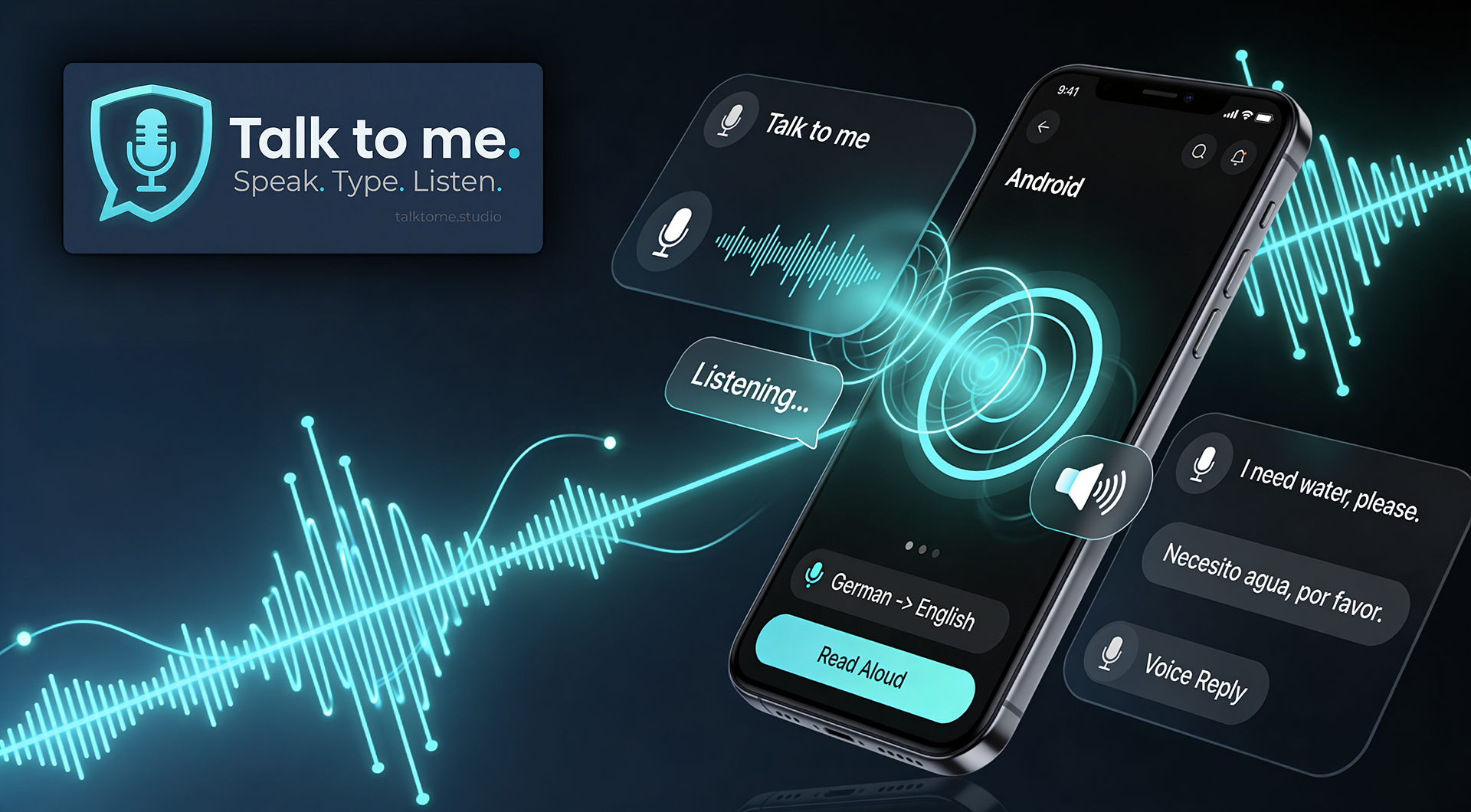
Talk to me — speak, type, listen

The Voice Interaction Studio

Your voice, every language, any AI.

Translate. Speak. Chat with AI — all by voice.

Real-time translation, speech-to-speech, and AI voice chat — in one app.

Get it on Google Play Get it from Microsoft Store Talk to me7-Day Free TrialTalk to me
AI Voice Chat Learn Any Language Real-Time Translation Hands-Free Chat 24 Languages BYOK — Zero Lock-In Encrypted Vault
Talk to me — Voice Interaction Studio

Your pocket AI that actually listens.

Not a chatbot. Not a voice assistant. A real conversation partner that responds in real-time — in your language, in the voice you choose.

The fastest AI conversation on the planet.

Speak. Get answered. Interrupt. Continue. Just like a real conversation — but with an AI that speaks 24 languages.

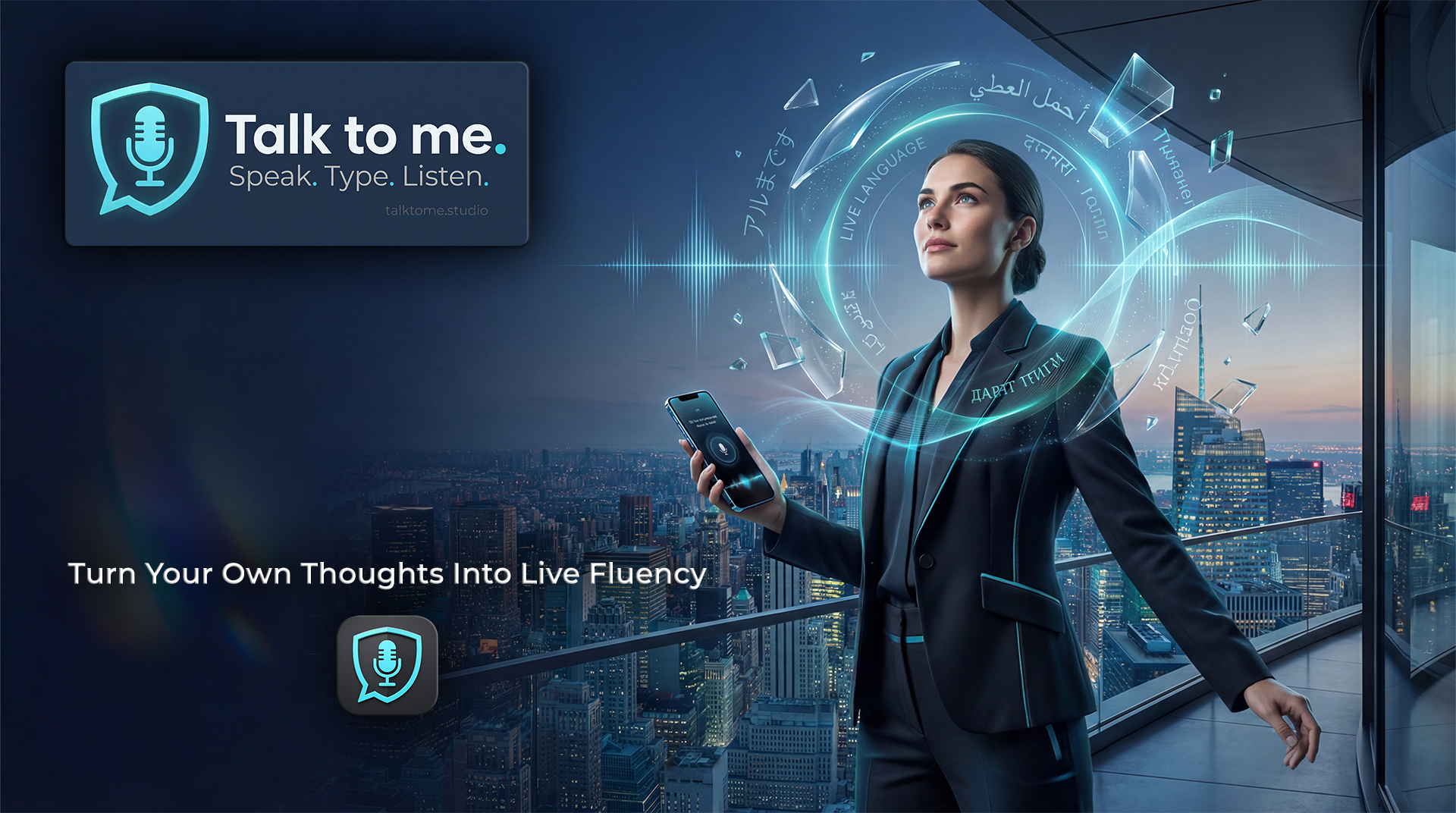
Turn Your Own Thoughts Into Live Fluency

Speak in your native language. Instantly see it, hear it, and absorb it in the language you want to master — at your pace, in your domain, with your vocabulary.

CORE

Voice In. Output Anywhere.

Dictate straight into documents, chats, prompts, emails, notes, and business tools — in your language or theirs.

NEW

Hear What Others Wrote.

Turn incoming text into natural speech and stop staring at your screen when you could simply listen.

FLAGSHIP

Translate While You Work.

Speak one language, produce another, and keep moving. No side tools. No workflow detour. No friction.

NEW

AI Voice Chat.

Talk to Google Gemini in real-time. 30 natural voices, 24 languages, sub-second latency. Interrupt, switch topics, ask anything — just by speaking.

Your voice is now a multilingual operating system.

Answer international clients in their language. Listen to messages instead of reading them. Turn everyday communication into a faster, cleaner, more human workflow. Desktop gives you the studio. Android gives you the field unit. Together, they make language friction feel ancient.

AI Voice Chat — 30 Voices Speech-to-Speech Translation Dictation into Apps — Desktop + Android Auto-Read Messages 24 Languages BYOK — Zero Lock-In

No sign-up required. Your keys never leave your machine. BYOK — Bring Your Own Keys.

Works in Any App — Instantly

Workflow Acceleration

Floating Audio Pill

  • Tiny always-on-top visualizer (168x63px)
  • 24-bar equalizer with voice-reactive animation
  • True per-pixel alpha transparency (DWM API)
  • Multi-monitor: shows where your cursor is

Global Hotkeys

  • 11 dictation hotkey options incl. low-level Ctrl+Win
  • 6 TTS hotkeys (read clipboard aloud)
  • Runtime changes without restart
  • 400ms debounce + zero-swallow behavior

Focus Tracking

  • Captures target window before dictation
  • Restores exact focus after pipeline
  • Detects own window (prevents self-injection)
  • Auto-paste via simulated Ctrl+V

Smart Clipboard + Quick Override

  • Text always placed in clipboard (safety net)
  • Quick-Override: change input/output language in one click
  • Reset to Settings button restores base config
  • Persistent modal when no target detected

Bottom line: Your text goes where you need it — in any language. Your workflow stays uninterrupted. That's the point.

↑ Back to top

Three Core Modes

STT and TTS — Two Core Modes

Mode 1 — Speech-to-Text

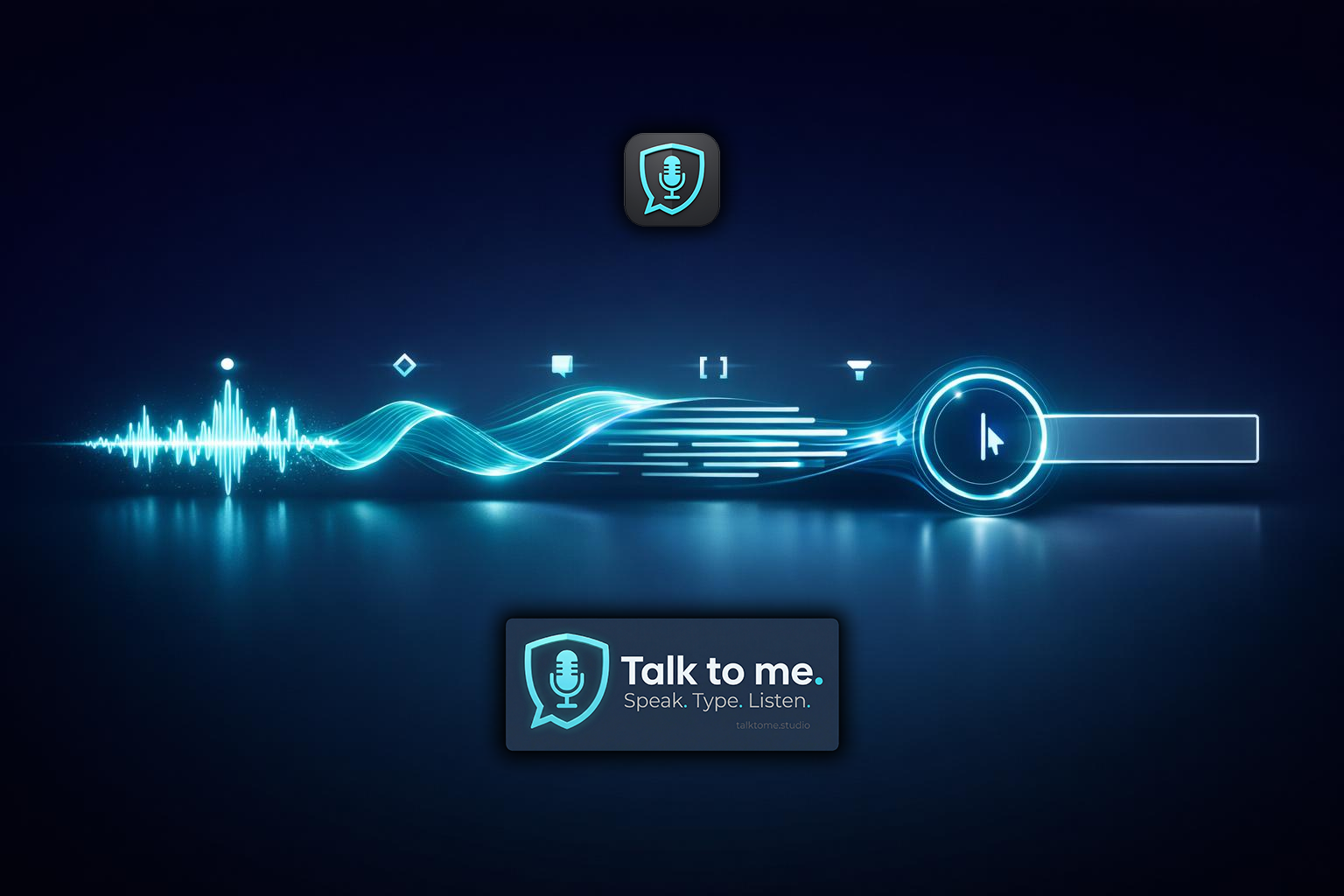
Speak → transcribe → clean → optional AI polish → inject into the active app.

Capture

  • Global hotkey starts from any application
  • WASAPI recording for lowest latency
  • Real-time audio level meter
  • Voice Activity Detection (VAD)

Transcribe & Clean

  • OpenAI Whisper or Deepgram Nova-2
  • 18 languages + auto-detect
  • Smart cleanup: whitespace, caps, punctuation
  • Optional AI-Polish (grammar only, content preserved)

Inject

  • Auto-paste into target via Ctrl+V
  • Focus tracking restores exact window
  • Text always safe in clipboard
  • Persistent modal if no target detected

AI-Polish / Translate

  • Polish mode: grammar only, no rephrasing
  • Translate mode: live translation to 20 languages
  • OpenAI, Groq, Anthropic, Gemini, xAI
  • One toggle — same pipeline, different output

Mode 2 — Text-to-Speech

Select text → synthesize → listen → optionally auto-save audio.

TTS Engine — Voice Workstation

ElevenLabs Models

  • Eleven v3 — Audio Tags (laughter, sigh, etc.)
  • Multilingual v2 — 29 languages, stable
  • Flash v2.5 — ~75ms latency, fastest
  • Turbo v2.5 — quality/speed balance

5 Voice Parameters

  • Stability (0.0-1.0)
  • Similarity Boost (0.0-1.0)
  • Style / Expressiveness (0.0-1.0)
  • Speed (0.7-1.2) + Speaker Boost

Smart Chunking

  • Up to 40,000 chars per request
  • Prefetch queue: next chunk while current plays
  • Paragraph, sentence, word splitting
  • Progress display: Chunk X/Y

Auto-Recording

  • Saves MP3 files sequentially
  • Custom directory via native picker
  • 4 quality presets (32-192 kbps)
  • Code filter removes code blocks

Deepgram Aura TTS

  • 80+ voices across 7 languages
  • Sub-200ms latency, built for real-time
  • Same key for STT and TTS — one key, two powers
  • Fraction of ElevenLabs cost
OpenAI Whisper Deepgram (STT + TTS) ElevenLabs (STT + TTS) Deepgram Aura TTS OpenAI TTS GPT-4o Claude Gemini Groq Grok

Mode 3 — Voice Translate (Voice-to-Voice)

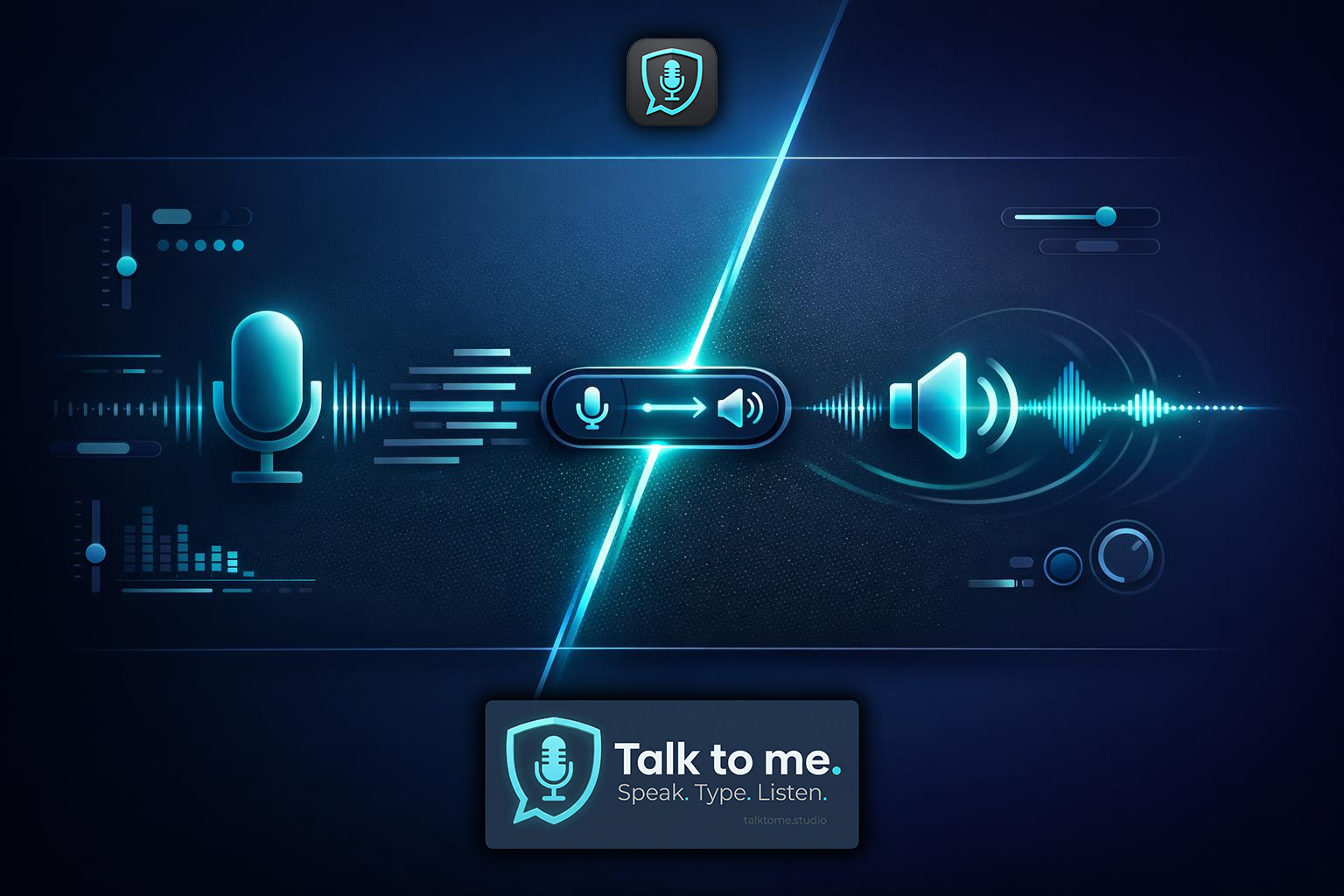
Speak in one language → hear the translation spoken back in another. The ultimate real-time voice translation experience.

How It Works

  • Speak in your native language (e.g., German)
  • STT transcribes, LLM translates in real-time
  • ElevenLabs speaks the translation aloud
  • Text is ALSO pasted into your app (dual output)

Blazing Fast

  • Voice output arrives before text is pasted
  • Entire STT, Translate, TTS chain in seconds
  • Uses your configured TTS voice and settings
  • All your ElevenLabs voices available

One Button

  • "Voice Translate" button right next to "Start Dictation"
  • Toggle on/off with one click
  • Purple accent — unmistakable in the UI
  • Also configurable in Settings

Game-Changing Use Cases

  • Real-time interpreter for meetings and calls
  • Language learning: hear your translation spoken naturally
  • Accessibility: voice output for translated text
  • Content creators: instant multilingual voiceover

Bottom line: Three modes, one studio. STT captures your voice. Voice Translate speaks your translation. TTS reads any text. All powered by your keys.

↑ Back to top

Live Translation — Speak Any Language, Type Another

Live Translation — Speak Any Language, Type Another

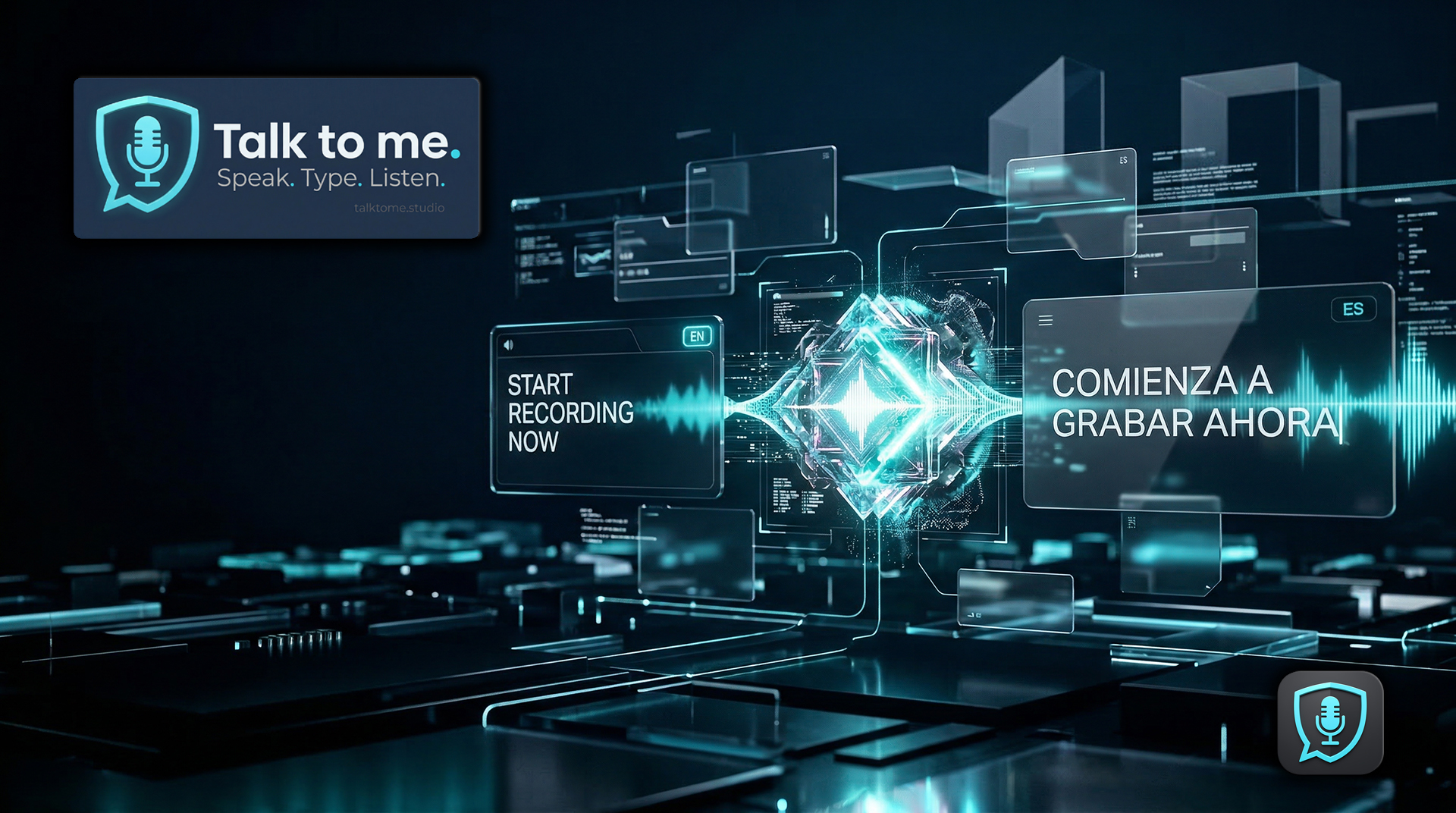
The same pipeline that polishes your grammar can translate your voice in real-time. Speak in your native language — the transcribed text gets translated into your target language and auto-pasted into any app on your desktop. Think about that for a second.

How It Works

  • Speak in any language (Whisper auto-detects)
  • LLM translates to your chosen target language
  • Translated text auto-pastes into the active app
  • Same pipeline, same hotkeys, same reliability

20 Target Languages

  • German, English, French, Spanish, Italian
  • Portuguese, Dutch, Polish, Swedish, Danish
  • Finnish, Norwegian, Turkish, Ukrainian
  • Japanese, Chinese, Korean, Russian, Arabic, Hindi

One-Click Toggle

  • Quick-Override dropdowns right next to the record button
  • Change input + output language without entering settings
  • Reset to Settings button restores your defaults
  • All 5 LLM providers supported

Use Cases That Blow Your Mind

  • Dictate a Word document in a language you don't write
  • Reply to international emails — speak your language, send theirs
  • Create multilingual content without hiring translators
  • Chat in Slack/Teams with colleagues across 20 languages

Take It Further: Voice Translate

Don't just read the translation — hear it. Enable Voice Translate and your translated text is automatically spoken aloud via ElevenLabs in the target language. Speak German, hear English. Voice-to-voice, in real-time. This is the next level.

Bottom line: You speak your language. Your text arrives in theirs — and if you want, you hear it too. No copy-paste, no translator tabs, no delay. This is what AI was built for.

↑ Back to top

Personal Dictionary — Teach Your AI Your Language

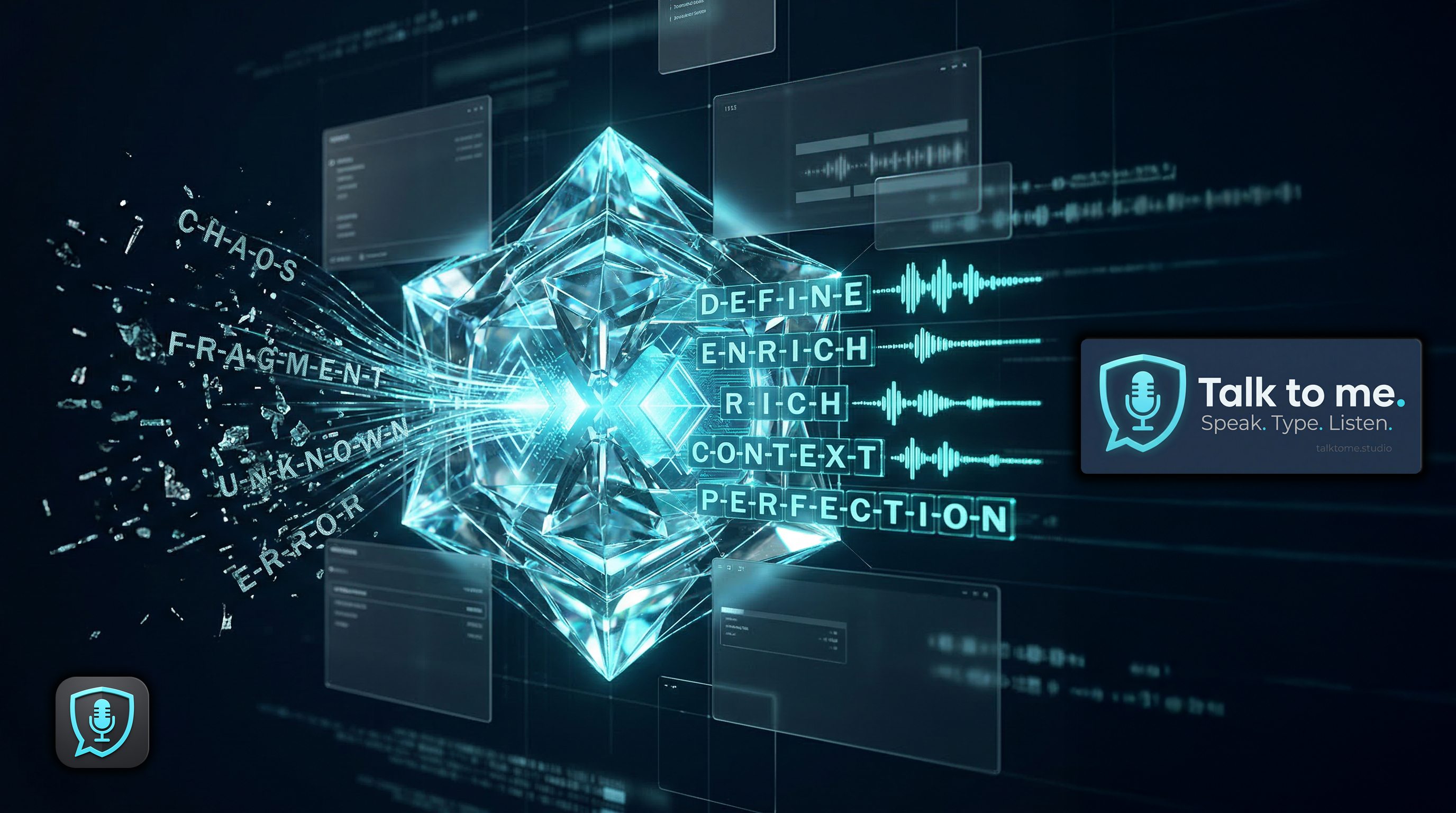
Personal Dictionary — From Chaos to Perfection

No speech recognition is perfect with proper nouns. Your colleague's name, your company brand, technical terms — they get misspelled every single time. Other tools force you to live with it. Talk to me doesn't.

Custom Word Corrections

  • Add "wrong spelling → correct spelling" rules
  • Fix names, brands, jargon, abbreviations
  • Applied automatically before text injection
  • Unlimited entries, instantly active

100% Provider-Agnostic

  • Works with every STT provider (Whisper, Deepgram, Scribe)
  • Works with every LLM (OpenAI, Groq, Claude, Gemini, Grok)
  • Works in every mode (Dictate, Polish, Translate, Voice)
  • No vendor lock-in — switch providers, keep your dictionary

Zero Friction

  • Simple modal in Settings: wrong → correct
  • Add/remove with one click
  • Saved locally in your encrypted settings
  • No cloud, no subscription, no AI training on your data

Real-World Impact

  • Company names that STT always mangles — fixed
  • Colleague names spelled correctly every time
  • Medical, legal, technical terms — your rules
  • The more you use it, the smarter it gets

Why This Matters

Other dictation tools treat misspelled names as "your problem". Talk to me treats it as a feature. Your personal dictionary applies after every AI step in the pipeline — regardless of which provider processed your voice. Switch from Whisper to Deepgram? Your dictionary stays. Change your LLM from GPT to Claude? Your corrections still apply. Zero vendor lock-in. Full control. Your language, your rules.

Bottom line: Speech-to-text will always struggle with your unique vocabulary. With Personal Dictionary, you teach it once — and it remembers forever.

↑ Back to top

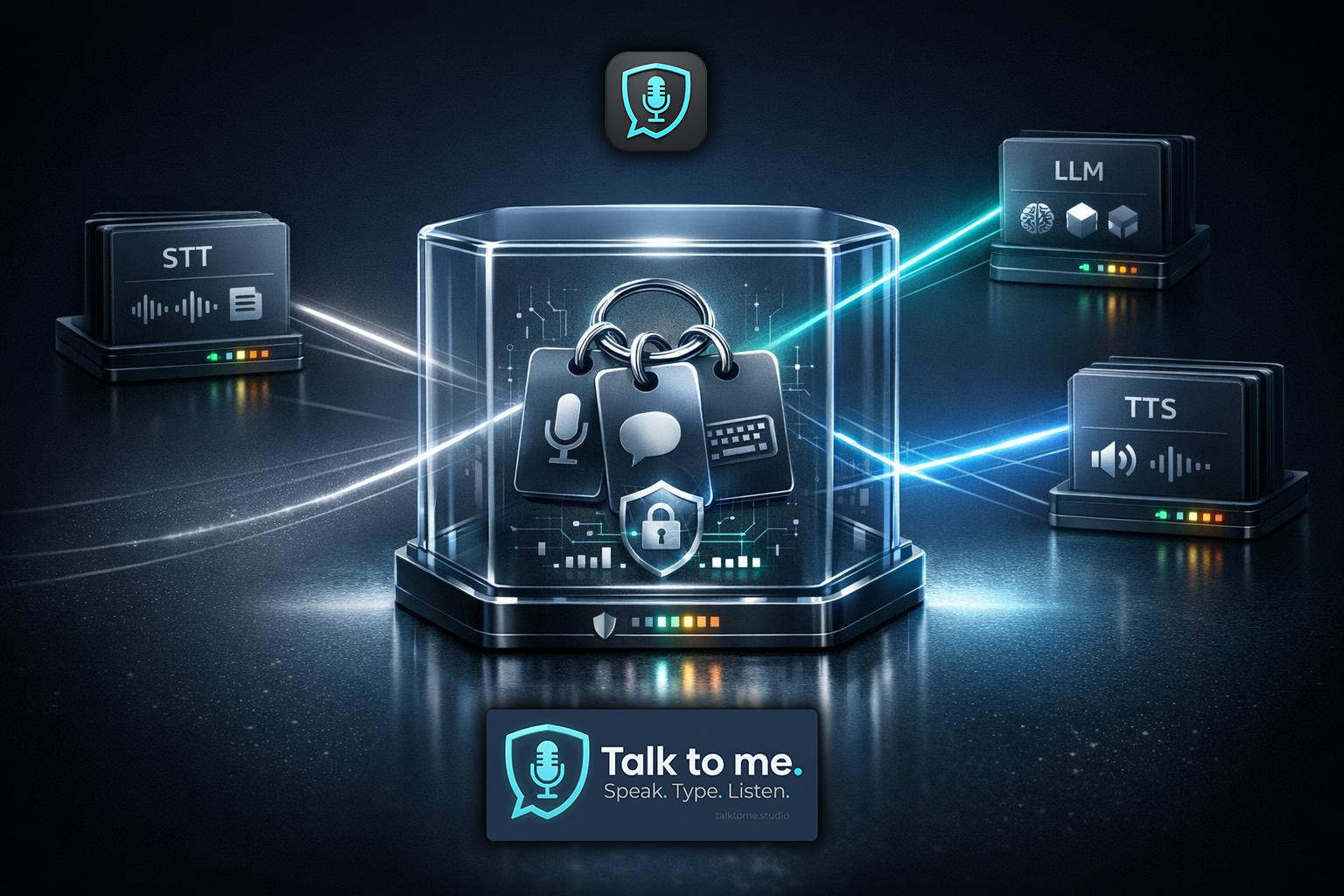
BYOK + Multi-Key Pool Architecture

Multi-Key Pool Architecture

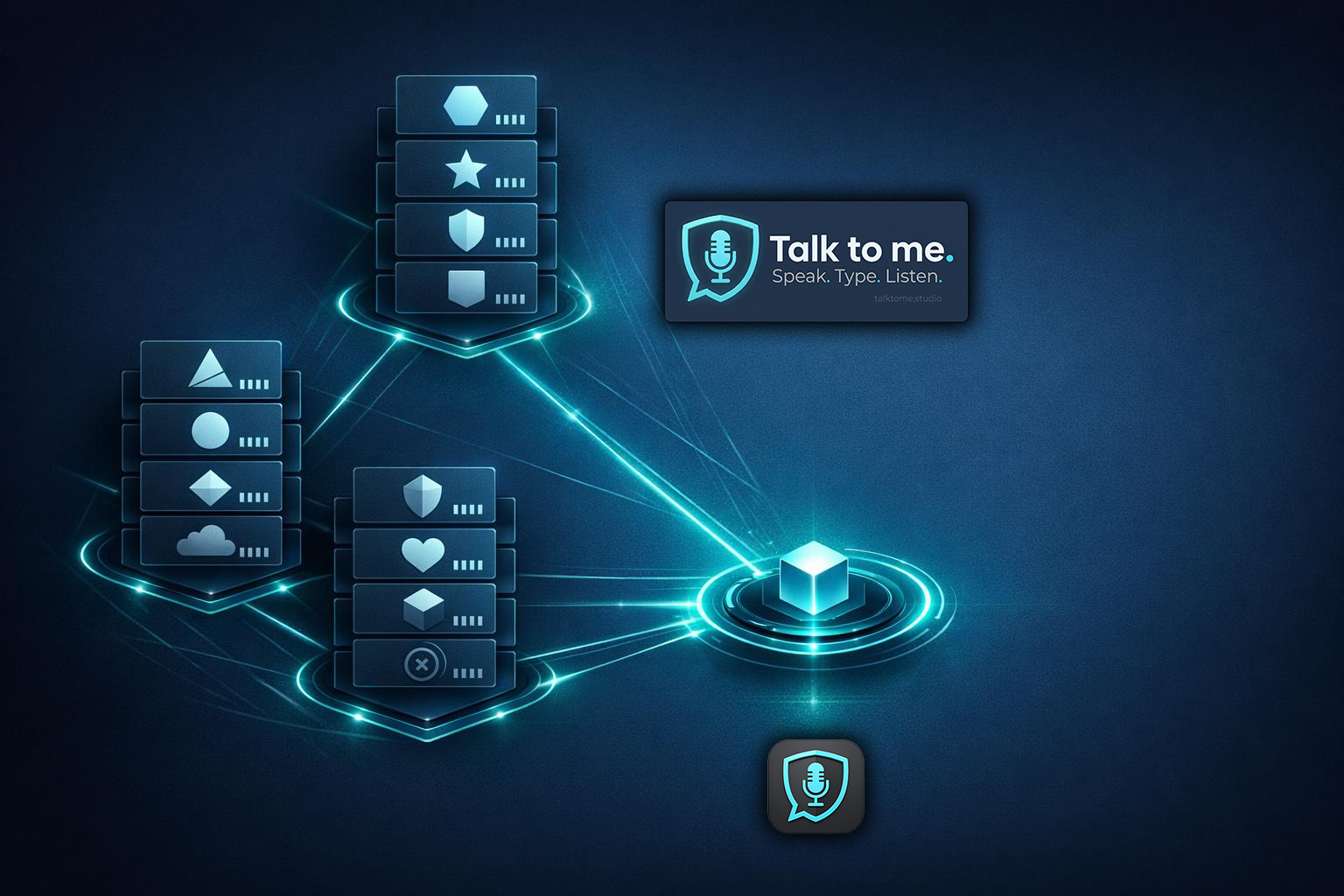
Bring Your Own Keys means you keep control over providers, quotas, and cost. Talk to me is built around a multi-key pool system designed for real-world reliability. Setup takes 60 seconds — paste your key and go.

STT Pool (5 slots)

  • OpenAI Whisper, Deepgram
  • Per-key trust scoring & cooldown
  • Auto-rotation on failure
  • Cross-pool migration (OpenAI)

LLM Pool (5 slots)

  • OpenAI, Groq, Anthropic, Gemini, xAI
  • OpenAI keys auto-shared with STT pool
  • Highest-trust key selected automatically
  • 10+ models across 5 providers

TTS Pool (5 slots)

  • ElevenLabs, OpenAI TTS, Deepgram Aura
  • Test all keys with one click
  • Response time measurement
  • Enable/disable per key

Trust Scoring

  • Keys start at 50% — must earn trust
  • Failures & rate limits reduce score
  • 60s cooldown on rate limit (429)
  • Full metrics: successes, failures, timestamps

Bottom line: You're not buying API usage. You're buying an engine that turns your keys into a self-healing voice pipeline.

↑ Back to top

Zero-Knowledge. Zero-Trust. Zero Drama.

Zero-Knowledge Security
Keys stay on your machine. DPAPI encrypted, Windows user-scoped. Decrypted in memory only.
No account required. No registration, no login, no email needed to use the app.
No telemetry. No tracking. No analytics, no usage data, no hidden network calls. Verify with your firewall.

Zero-Knowledge

  • API keys never leave your machine
  • No cloud storage, no server-side vault
  • No telemetry, no analytics, no tracking
  • No accounts, no registration, no login

DPAPI Encryption

  • Windows Data Protection API (user-scoped)
  • Keys encrypted at rest, decrypted in memory only
  • Bound to your Windows user account
  • Plaintext keys auto-migrated on first load

Zero-Trust

  • Every key independently validated
  • Continuous trust scoring — no implicit trust
  • Auth failures heavily penalized
  • New keys start at 50% — must prove themselves

Verifiable

  • No hidden network calls — check your firewall
  • Settings stored as plain JSON in %APPDATA%
  • Open architecture — nothing obfuscated
  • Your keys are power. Keep them local.

Encrypted Configuration Vault

AES-256-GCM encryption with your password

Export all API keys, models, and settings

Transfer your setup between devices securely

Encrypted backup — your key only

File names (.ttm): On Android, backups are saved under Downloads as TalkToMe-backup.ttm; duplicates may appear as TalkToMe-backup (1).ttm, etc. On Windows, the save dialog suggests talktome-settings.ttm in the folder you choose. All are valid for import.

Import on Android: the app loads the newest matching backup when possible. If the system picker opens, Recent views may default to images — switch to Documents, This week, or open the Download folder to see your .ttm files.

New phone or PC: copy the .ttm via USB, cloud, or email, then use Import Settings and pick the file — no account required.

Bottom line: We built a system where your keys never leave your machine. That's not a promise — that's architecture.

↑ Back to top

Built for Creators Who Mean Business

Built for Creators

Content Creators

  • Produce audio, voiceovers, scripts, podcasts, and video content
  • Voice cloning for consistent brand voice
  • Live Translation: create content in any language
  • Auto-recording saves MP3 files for direct use

Professionals

  • Dictate emails, docs, tickets — in any language, instantly
  • Live Translation: reply to international clients in their language
  • Focus tracking restores exact target window
  • Hotkeys work system-wide, even in fullscreen

Teams & Enterprises

  • Multilingual teams: everyone speaks their language, output matches
  • Multi-key pools with trust scoring and auto-failover
  • Usage dashboard tracks STT/LLM/TTS volume
  • No vendor lock-in — switch providers anytime

Privacy-First Users

  • Voice workflows without handing keys to a random cloud
  • Zero-Knowledge architecture: nothing leaves your machine
  • DPAPI encryption at rest (Windows user-scoped)
  • No accounts, no telemetry, no tracking

Bottom line: If you want a toy, there are hundreds. If you want control and reliability, this is the one.

↑ Back to top

Live Language Immersion

Speak in your native language. Instantly see it, hear it, and absorb it in the language you want to master — at your pace, in your domain, with your vocabulary.

Live Language Immersion — Turn Your Own Thoughts Into Live Fluency

With traditional language tools, somebody else decides what you learn, in what order, at what speed, and with what vocabulary. Talk to me does not lock you into a fixed lesson path. You control the entire learning experience — from daily conversation to business, technical, finance, and industry-specific language.

Move at Your Speed

No rigid modules. No forced progression. Slow it down, speed it up, repeat as often as you want — and build fluency at the exact tempo that works for you.

Train the Words You Actually Need

Train on the words and sentence structures that actually matter to you — from travel and daily life to business, finance, technical communication, and specialized professional language.

See It. Hear It. Own It.

Speak in your language, then instantly read and hear the result in the one you want to master. A powerful live loop for vocabulary, pronunciation, rhythm, and recall.

The first live language immersion experience built entirely around your own thoughts, pace, and vocabulary.

Start Speaking Your Way to Real Fluency
↑ Back to top

Voice Library + Voice Cloning

Voice Library and Cloning

Voice Library

  • Loads your full ElevenLabs library
  • Custom/cloned voices prioritized
  • Preview URLs for auditioning
  • Direct Voice-ID input
  • Cached for fast access

Voice Cloning

  • Clone directly from the app
  • MP3, WAV, M4A, OGG, FLAC supported
  • Custom voice name assignment
  • Instantly available after cloning
  • Auto-selected after creation

Parameter Tuning

  • Stability: emotional vs. monotone
  • Similarity Boost: match original voice
  • Style: expressiveness control
  • Speed: 0.7x - 1.2x
  • Speaker Boost: enhanced clarity

Bottom line: Your voices, your clones, your parameters. Talk to me is a TTS workstation, not a "read aloud" button.

↑ Back to top

Designed Like a Pro Tool

Professional UI Design

Design Language

  • Text-Display-Fields (TDFs) for all status elements
  • Cyan identity accent (#06b6d4)
  • Lucide SVG icon set (no emoji UI)
  • Deep navy background (#0e213b)

Usage Dashboard

  • STT: call count + cumulative minutes
  • LLM: call count + cumulative characters
  • TTS: call count + cumulative characters
  • Persistent across sessions

TTS Status Log

  • Real-time event log with timestamps
  • Synthesis status, playback events, errors
  • Chunk progress for long-text processing
  • Last 50 entries displayed

Auto-Update

  • Automatic check on startup
  • GitHub Releases integration
  • One-click in-app install
  • Signature-verified updates

Bottom line: No accounts, no telemetry, no vendor lock-in. Just a reliable voice studio that plugs into your workflow.

↑ Back to top

Hands-Free on Android

Your phone should not force you to stop, unlock, type, switch apps, paste text, read tiny screens, and babysit every reply. Talk to me for Android turns your device into a live voice layer on top of the apps you already use. Speak into WhatsApp, Teams, Telegram, or almost any other chat. Let incoming messages read themselves to you. And when languages change, the app changes with them — automatically.

Talk to me — Hands-Free on Android

Dictate Into Any Chat

A floating bubble sits above your apps, ready the moment you need it. Tap, speak, release — your text lands where the conversation is already happening.

Hear Incoming Messages Automatically

When messages arrive, Talk to me reads them aloud without you opening the app. Perfect when driving, walking, cooking, training, commuting, or doing literally anything more useful than pecking at a screen.

Real-Time Translation in Motion

Someone writes in French, Spanish, Mandarin, or Arabic? Talk to me translates the message before reading it back. You stay in your language. The world does not have to.

Accessibility-Powered Auto-Paste

No copy. No paste. No manual cleanup. Dictated text is inserted automatically into supported text fields so the workflow feels immediate, not improvised.

App Filter = Full Control

Choose exactly which apps should trigger readback. Business chats on, junk noise off. You decide what deserves your ears.

Start Free, Scale Up Fast

With free presets already built in, the barrier to entry is low. And when you want more speed, higher quality, or premium voices, the path is already there.

This is not "voice input on Android." This is a hands-free multilingual communication layer for real life.

Get Android and Start Talking
↑ Back to top

One Plan. Everything Included.

Early Bird — Limited Time

Yearly

Desktop

Windows — Professional Dictation Studio

69,90 €

one-time payment for 12 months

Regular: 99,90 €

  • All features included
  • Speech-to-Speech Translation
  • TTS Studio + Voice Cloning
  • 20+ languages, 5 STT + 5 LLM providers
  • 2 device activations
  • All updates for 12 months
Get Desktop Yearly

Android

Hands-Free Dictation + Chat Auto-Read

69,90 €

one-time payment for 12 months

Regular: 99,90 €

  • Floating Bubble Overlay — dictate in any app
  • Auto-Paste via Accessibility
  • Auto-Read incoming chat messages
  • Real-time translation of messages
  • 4 completely free quality presets
  • 2 device activations
Get Android Yearly

Lifetime

Desktop

Windows — Pay once, use forever

139,90 €

one-time payment, lifetime access

Regular: 229,90 €

  • Everything in Desktop Yearly, forever
  • All future updates included
  • Speech-to-Speech Translation
  • TTS Studio + Voice Cloning
  • 2 device activations
Get Desktop Lifetime

Android

Hands-Free — Pay once, use forever

139,90 €

one-time payment, lifetime access

Regular: 229,90 €

  • Everything in Android Yearly, forever
  • All future updates included
  • Floating Overlay + Auto-Read
  • Real-time translation
  • 2 device activations
Get Android Lifetime

2 devices per platform · No auto-renewal · No subscription traps · You buy a license key. You own it. Your API keys stay on your machine.

What Happens After Purchase

1 Download & install — Windows installer or Android APK, under 20 MB. Includes a 7-day free trial.
2 Paste your license key — enter the key from your email. Done in 60 seconds.
3 Start talking — press the hotkey (Desktop) or tap the bubble (Android).
↑ Back to top

Frequently Asked Questions

22 answers — click to collapse
Do you store my API keys?
No. Keys are stored locally only and encrypted with Windows DPAPI. They never leave your machine.
Do I need an account to use the app?
No. There is no registration, no login, and no telemetry. You just need a license key and your own API keys.
Which AI providers do you support?
STT: OpenAI Whisper, Deepgram Nova-2, ElevenLabs Scribe v2. LLM Polish & Translation: OpenAI, Groq, Anthropic, Google Gemini, xAI Grok. TTS: ElevenLabs (4 models), OpenAI TTS, and Deepgram Aura (80+ voices, 7 languages).
Can I use multiple API keys?
Yes. Up to 15 keys across three pools (STT, LLM, TTS). Talk to me auto-rotates between them and fails over based on trust scoring and cooldown timers.
What is Voice Translate?
Voice Translate is real-time voice-to-voice translation. You speak in one language, and Talk to me transcribes, translates, and speaks the result back to you in another language — all within seconds. The text also gets pasted into your app simultaneously.
How does Live Translation work?
Speak in your native language. The STT engine transcribes it. The LLM translates it into your chosen target language (20 available). The translated text auto-pastes into whatever app you're using. Same pipeline, same hotkey, zero extra steps.
Is it only dictation?
Not even close. STT with AI-Polish, Live Translation into 20 languages, Voice Translate for real-time speech-to-speech, and TTS as a full production workstation with voice cloning, advanced models, and auto-recording. That's why it's a Voice Interaction Studio.
What about auto-renewal?
There is no auto-renewal. Both Yearly and Lifetime are one-time payments. When your year expires, you decide if you want to renew. No subscription traps.
How many devices can I use?
Each license includes 2 device activations per platform — typically your desktop and laptop. You can deactivate a device and activate a new one anytime.
What does "Bring Your Own Key" (BYOK) mean?
You use your own API keys from providers like OpenAI, ElevenLabs, or Deepgram. Talk to me does not resell AI services — it connects directly to the providers you already have accounts with. This gives you full control over costs, models, and rate limits.
Do the API calls cost extra?
Yes — API usage is billed directly by the providers (OpenAI, ElevenLabs, Deepgram, etc.) according to their pricing. Talk to me itself has no per-call fees. Most users spend a few dollars per month depending on usage. However, every feature on this website can be tested with free-tier API keys: Groq and xAI offer free LLM access (Polish, Translation), Deepgram offers free STT and TTS credits, and ElevenLabs offers free STT and TTS credits. No paid API key is required to experience the full feature set.
Does Talk to me work offline?
No. Speech recognition, translation, and text-to-speech all require cloud API calls. However, no data is stored on any server — audio and text are processed in real time and discarded by the providers. The app itself has no backend; your machine talks directly to the AI providers.
Which platforms are supported?
Talk to me is available for Windows (10/11) as a native desktop application and as an Android app with full hands-free voice input. Get it from the Microsoft Store, Google Play, or download directly from this website.
How do I start dictating?
Press your chosen global hotkey (default: Ctrl + Win). The app records while you hold the key, then transcribes and pastes the text into whatever app you were using. You can choose from 11 different hotkey combinations in Settings.
What is AI-Polish and can I turn it off?
AI-Polish sends your transcribed text through an LLM to fix grammar, spelling, and punctuation — without changing your meaning or style. It's optional and can be toggled off at any time. When disabled, you get the raw transcription with basic post-processing only.
Does it remove filler words like "um" and "uh"?
Yes. Filler words are automatically stripped from the transcription before it reaches AI-Polish. This works across all supported languages — including "äh", "ähm" (German), "euh" (French), and similar patterns.
How many languages are supported?
18 languages for speech input (STT) including auto-detect. 20 target languages for Live Translation. Voice Translate (speech-to-speech) supports any combination of these. TTS supports 17 languages with forced pronunciation.
Can I save the spoken audio as files?
Yes. Auto-Recording saves every TTS output as sequentially numbered MP3 files to a folder of your choice. This works per chunk for long texts too — ideal for creating podcasts, audiobooks, or voice-over content.
Can I clone my own voice?
Yes. Upload an audio sample (MP3, WAV, M4A, OGG, or FLAC) directly from the app. ElevenLabs creates a custom voice clone that's instantly available for all TTS operations — including Voice Translate.
What is the Floating Pill?
A small transparent overlay window that appears during recording. It shows a real-time audio equalizer so you always know the app is listening — without stealing focus from your current application. It follows your mouse across monitors.
What is the Mini-Player?
A compact always-on-top window for quick dictation without the full UI. It shows your Quick-Override language controls, pipeline status, and the last transcription result — all in a slim bar at the bottom of your screen.
Is there a free trial?
Yes. Every new installation includes a 7-day free trial with full access to all features — no credit card required, no sign-up needed. Just download, install, and start using Talk to me immediately. After 7 days, enter a license key to continue. You can also test with free-tier API keys from Groq (LLM), xAI (LLM), Deepgram (STT + TTS), and ElevenLabs (STT + TTS) — no paid API subscription needed.
What is the difference between the Full Edition and the Store Edition?
Both editions share the same core features: dictation, AI-Polish, Live Translation, Voice Translate, TTS, and Voice Cloning. The Full Edition (available via direct download, EV code-signed) additionally includes the Notification Listener — a feature that reads incoming Windows notifications aloud via TTS. The Store Edition (available via Microsoft Store) does not include this feature initially but may receive it in a future update.
What is the Notification Listener?
The Notification Listener is a Full Edition exclusive feature that captures incoming Windows toast notifications (e.g. from messaging apps, email, calendar) and reads them aloud via TTS. This is especially useful for hands-free workflows. It requires granting notification access in Windows Settings and is available only on Windows Desktop.
Why should I use headphones for AI Voice Chat on Android?
AI Voice Chat streams audio both ways. On a phone, the built-in speaker sits next to the microphone. If the volume is not very low, the mic can pick up the model’s own voice (acoustic feedback). That may look like you spoke when you did not, or confuse transcripts — separate from playback bugs. Wired or Bluetooth earphones/headphones break that feedback path and are strongly recommended. We still aim to improve speaker-only use over time.

Speak in your language. Be heard in any language. In real time.

Get Started

No sign-up. No telemetry. Your keys never leave your PC.